




CLX-6250FR
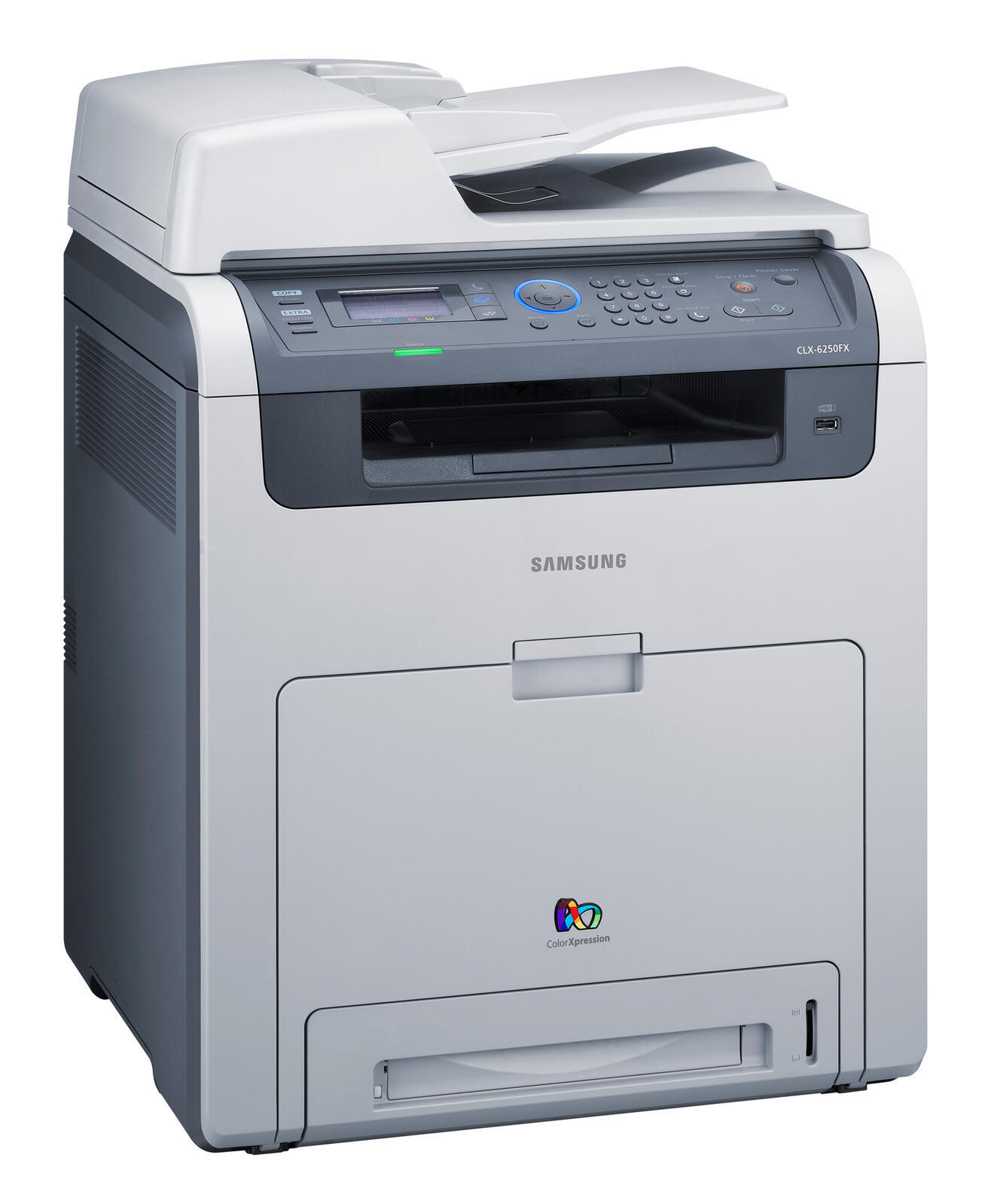
The CLX-6250FR was Samsung's color laser multifunction printer entry in the late 2000s CLP/CLX generation. Under the hood it is the same machine as the CLX-6250, tuned for a particular sales channel. The machine suited workgroups that needed robust color laser performance well.
It runs on Samsung's CLT-K508 toner set, with CLT-K508S handling black and CLT-C508S among the color cartridges. We keep compatible and genuine OEM CLT-K508 cartridges on the shelf, and orders leave our warehouse fast.
Toner Cartridges for CLX-6250FR
This printer works with the following toner cartridges:
- Samsung CLT-K508S
- Samsung CLT-C508S
- Samsung CLT-M508S
- Samsung CLT-Y508S
- Samsung CLT-K508L
- Samsung CLT-C508L
- Samsung CLT-M508L
- Samsung CLT-Y508L
More Samsung Printers
Frequently Asked Questions
How can I resolve the CLX-6250FR not recognizing the new cartridge?
A non-genuine message on the CLX-6250FR signals that the cartridge chip does not match the printer's expectation — it shows up with compatible cartridges or a poorly seated chip. Pull the CLT-K508S out and reinstall it firmly so the contacts meet properly. If the message persists, the chip may be faulty and the seller can usually swap the cartridge.
Why does the CLX-6250FR keep prompting me to update?
When the CLX-6250FR starts rejecting cartridges right after an update, start by reseating the CLT-K508S and cleaning its chip contacts — the timing may be coincidental. If reseating changes nothing, talk to your cartridge supplier, since cartridge chip firmware sometimes lags behind printer firmware. Printer firmware rollback is rarely an option, so treat each update as one-way.
Does a high-yield cartridge change anything about how the CLX-6250FR prints?
The CLX-6250FR accepts two cartridge versions: the standard CLT-K508S and the longer-lasting CLT-K508L. You can even alternate between them at each replacement. Match your choice to print volume — both fit and work exactly the same mechanically.