




CLX-6250
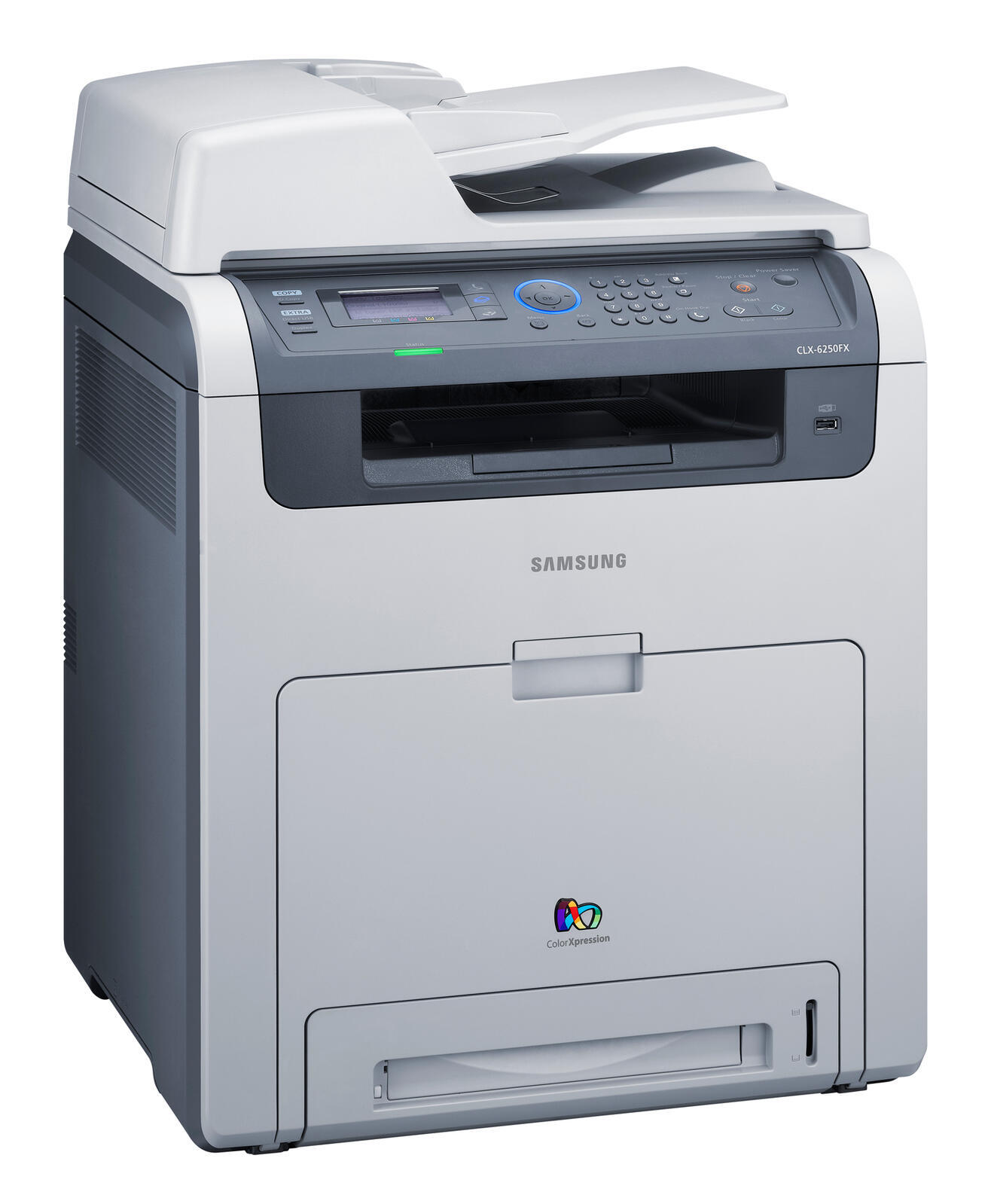
In the late 2000s, Samsung's CLP/CLX lineup included the CLX-6250, a color laser multifunction printer. Samsung sold it as a configuration variant of the CLX-6250 line for specific channel needs. Its natural home was workgroups that needed robust color laser performance.
The specified toner is Samsung's CLT-K508 range: CLT-K508S black alongside CLT-C508S cyan. Compatible CLT-K508 toner and genuine Samsung OEM cartridges are both in stock, with fast Clever Supplies shipping.
Toner Cartridges for CLX-6250
This printer works with the following toner cartridges:
- Samsung CLT-K508S
- Samsung CLT-C508S
- Samsung CLT-M508S
- Samsung CLT-Y508S
- Samsung CLT-K508L
- Samsung CLT-C508L
- Samsung CLT-M508L
- Samsung CLT-Y508L
More Samsung Printers
Frequently Asked Questions
How do I reduce or enlarge a copy on the CLX-6250?
Edges get cut off on CLX-6250 copies when the original sits outside the scan area or the reduce setting is wrong. Align the page to the corner mark on the glass and check the copy size setting. This is a placement issue, unrelated to the CLT-K508S cartridge.
Which toner cartridges fit the CLX-6250?
Match the code on your printer's supply door or the empty cartridge itself - for the CLX-6250 you want the family including black CLT-K508S and colors CLT-C508S, CLT-M508S, and CLT-Y508S. Buying by code rather than by printer model name avoids mix-ups with similarly named printers.
The CLX-6250 started rejecting cartridges after an update - what can I do?
On the CLX-6250, skipping firmware updates is generally fine while everything works — they are optional maintenance, not requirements. Update only for a bug fix or security patch you actually need. After any update, take a moment to confirm the printer still recognizes your CLT-K508S cartridges.