




LaserJet P2015X
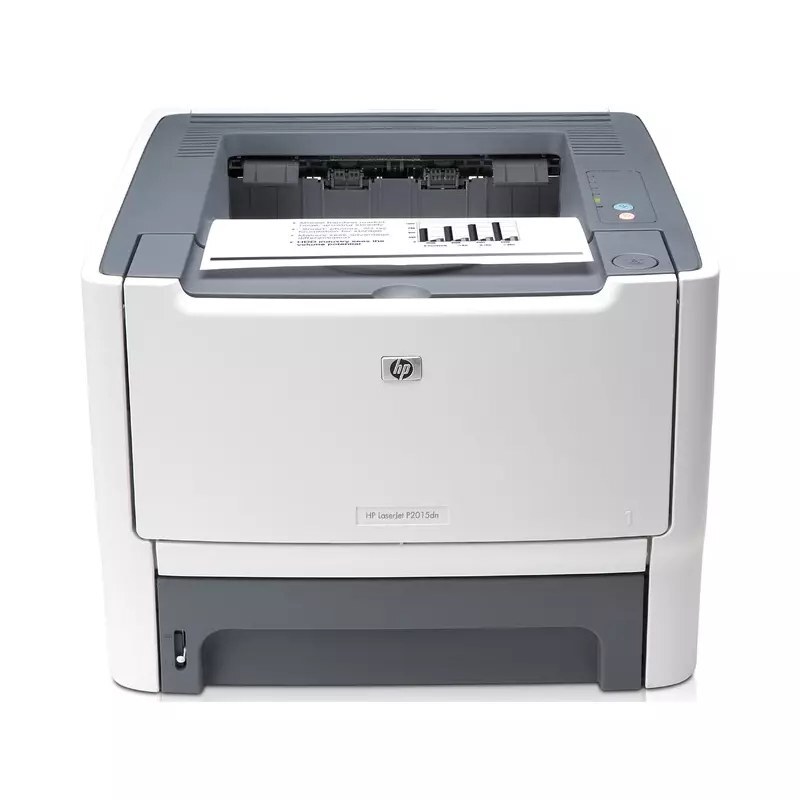
The HP LaserJet P2015X is exactly what its mid-2000s badge suggests: a mono single-function printer made for everyday office document printing. For everyday office document printing, the LaserJet P2015X remains a sensible pick — simple mechanics and consistently clean output.
The LaserJet P2015X uses HP 53A/53X cartridges, anchored by the Q7553A — one of the most widely stocked HP cartridges of its generation. Busy LaserJet P2015X owners often grab the high-yield Q7553X, while the standard Q7553A is plenty for steady everyday office document printing.
Toner Cartridges for LaserJet P2015X
This printer works with the following toner cartridges:
- HP Q7553A
- HP Q7553X
More HP Printers
- LaserJet 2015DN
- LaserJet M2727
- LaserJet M2727NF
- LaserJet M2727NF MFP
- LaserJet M2727NFS
- LaserJet M2727NFS MFP
- LaserJet P2010
- LaserJet P2014
- LaserJet P2014N
- LaserJet P2015
- LaserJet P2015D
- LaserJet P2015DN
- LaserJet P2015N
Frequently Asked Questions
Which toner cartridge does the LaserJet P2015X use?
The LaserJet P2015X uses the Q7553A (standard yield) or the Q7553X (high-yield) toner cartridge. Confirm the code printed on your current cartridge matches before ordering a replacement.
Why is my LaserJet P2015X printing faded or streaky pages?
Faded or streaky output on the LaserJet P2015X usually means the cartridge is running low. Remove the Q7553A or Q7553X and gently rock it side to side to redistribute the toner; if fading persists, the LaserJet P2015X needs a fresh cartridge.
How do I wake the LaserJet P2015X from sleep mode?
Press any button on the LaserJet P2015X's control panel or send a print job — the LaserJet P2015X wakes automatically. If the LaserJet P2015X stays unresponsive, check that it is plugged in and the power switch is on.