




LaserJet P2015D
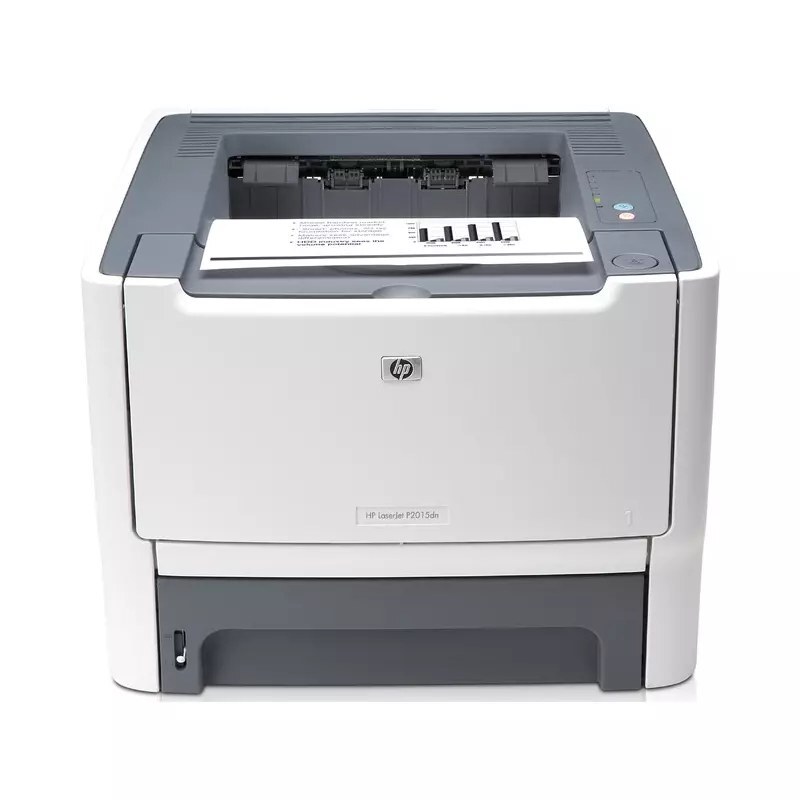
The LaserJet P2015D belongs to HP's mono lineup of the mid-2000s: a single-function printer engineered for everyday office document printing. Offices that still run a LaserJet P2015D usually do so for one reason: it keeps handling everyday office document printing without complaint.
The LaserJet P2015D's cartridge story is refreshingly simple: the HP 53A/53X family, starting with the Q7553A, shared across 13 models. For the LaserJet P2015D, we carry genuine HP Q7553A cartridges alongside compatible HP 53A/53X options that cost less to run.
Toner Cartridges for LaserJet P2015D
This printer works with the following toner cartridges:
- HP Q7553A
- HP Q7553X
More HP Printers
- LaserJet 2015DN
- LaserJet M2727
- LaserJet M2727NF
- LaserJet M2727NF MFP
- LaserJet M2727NFS
- LaserJet M2727NFS MFP
- LaserJet P2010
- LaserJet P2014
- LaserJet P2014N
- LaserJet P2015
- LaserJet P2015DN
- LaserJet P2015N
- LaserJet P2015X
Frequently Asked Questions
Which toner cartridge does the LaserJet P2015D use?
The LaserJet P2015D uses the Q7553A (standard yield) or the Q7553X (high-yield) toner cartridge. Confirm the code printed on your current cartridge matches before ordering a replacement.
When should I replace the toner cartridge in the LaserJet P2015D?
Replace the cartridge in the LaserJet P2015D when prints stay faded after redistributing the toner, or when the printer reports it empty. Running the LaserJet P2015D on a fully depleted cartridge risks blank pages mid-job.
Why is my LaserJet P2015D printing faded or streaky pages?
Faded or streaky output on the LaserJet P2015D usually means the cartridge is running low. Remove the Q7553A or Q7553X and gently rock it side to side to redistribute the toner; if fading persists, the LaserJet P2015D needs a fresh cartridge.