




LaserJet P2014
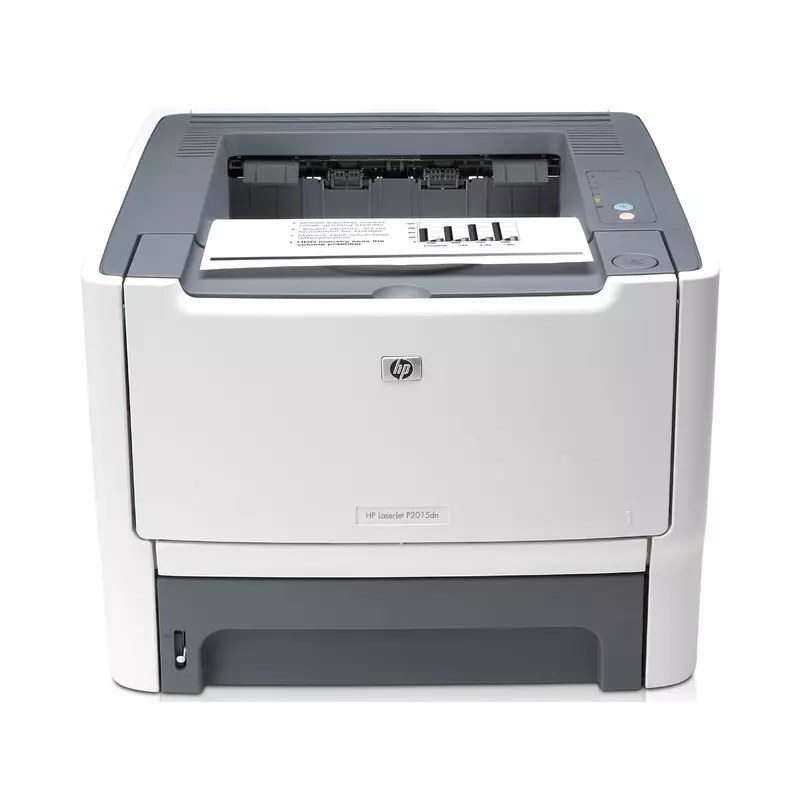
HP's LaserJet P2014 stepped up the 2007 P-series with more speed for busier desks. This compact monochrome printer gave small offices workgroup-adjacent performance in a personal-printer footprint.
Toner is the HP 53A (Q7553A); the HP 53X (Q7553X) high-yield is the economical choice. Compatible and genuine OEM cartridges in stock.
Toner Cartridges for LaserJet P2014
This printer works with the following toner cartridges:
- HP Q7553A
- HP Q7553X
More HP Printers
- LaserJet 2015DN
- LaserJet M2727
- LaserJet M2727NF
- LaserJet M2727NF MFP
- LaserJet M2727NFS
- LaserJet M2727NFS MFP
- LaserJet P2010
- LaserJet P2014N
- LaserJet P2015
- LaserJet P2015D
- LaserJet P2015DN
- LaserJet P2015N
- LaserJet P2015X
Frequently Asked Questions
Which toner cartridge does the LaserJet P2014 use?
The LaserJet P2014 uses the Q7553A (standard yield) or the Q7553X (high-yield) toner cartridge. Confirm the code printed on your current cartridge matches before ordering a replacement.
Should I shake the toner cartridge when print quality drops on the LaserJet P2014?
Gently rocking the Q7553A or Q7553X side to side can buy the LaserJet P2014 extra pages by redistributing settled toner. It is only a temporary fix — replace the cartridge once fading returns on the LaserJet P2014.
Why is my LaserJet P2014 printing faded or streaky pages?
Faded or streaky output on the LaserJet P2014 usually means the cartridge is running low. Remove the Q7553A or Q7553X and gently rock it side to side to redistribute the toner; if fading persists, the LaserJet P2014 needs a fresh cartridge.