




LaserJet P2014N
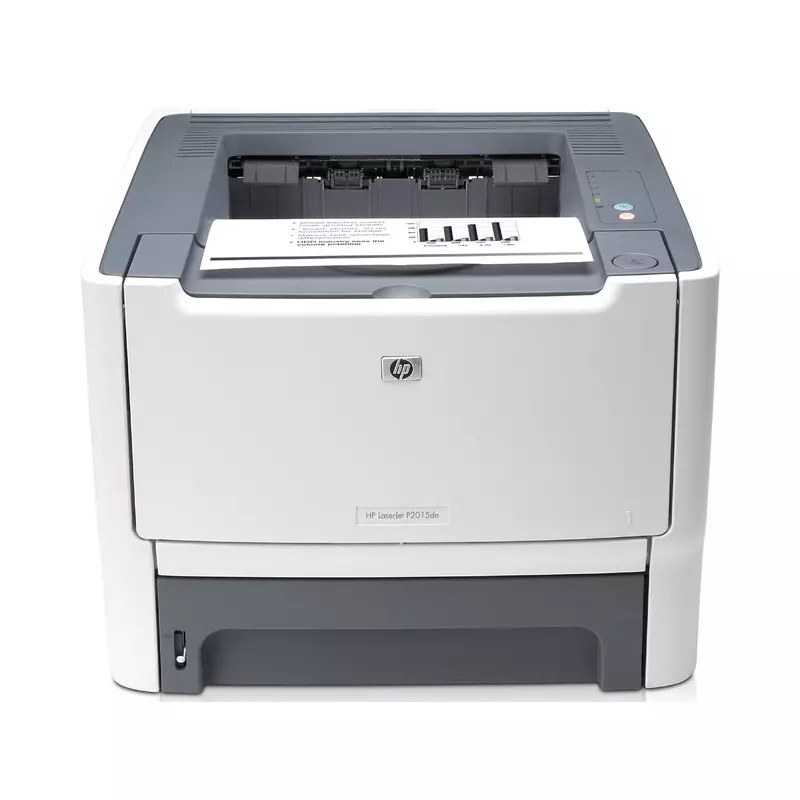
For anyone running a LaserJet P2014N, the appeal is clear: a mid-2000s mono single-function printer with none of the fragility of newer machines. So many LaserJet P2014N units are still in service because everyday office document printing is exactly what this printer was designed for.
The LaserJet P2014N runs on the HP 53A/53X family — the Q7553A cartridge — shared with 13 other HP models, so supplies stay easy to find. Pair the LaserJet P2014N with genuine OEM Q7553A cartridges for maximum peace of mind, or stretch your budget with compatible HP 53A/53X cartridges that print just as sharp. Heavier-use P2014N owners can swap in the high-yield Q7553X instead, which carries more toner per cartridge than the standard fill.
Toner Cartridges for LaserJet P2014N
This printer works with the following toner cartridges:
- HP Q7553A
- HP Q7553X
More HP Printers
- LaserJet 2015DN
- LaserJet M2727
- LaserJet M2727NF
- LaserJet M2727NF MFP
- LaserJet M2727NFS
- LaserJet M2727NFS MFP
- LaserJet P2010
- LaserJet P2014
- LaserJet P2015
- LaserJet P2015D
- LaserJet P2015DN
- LaserJet P2015N
- LaserJet P2015X
Frequently Asked Questions
Which toner cartridge does the LaserJet P2014N use?
The LaserJet P2014N uses the Q7553A (standard yield) or the Q7553X (high-yield) toner cartridge. Confirm the code printed on your current cartridge matches before ordering a replacement.
Can the LaserJet P2014N be shared on an office network?
Yes — the LaserJet P2014N has Ethernet connectivity, so plug it into your network and install the driver on each workstation. Every computer can then send jobs directly to the LaserJet P2014N.
How do I replace the toner cartridge in the LaserJet P2014N?
Open the toner-access door on the LaserJet P2014N, pull the spent cartridge out by its handle, and slide the new Q7553A or Q7553X straight in until it clicks. The LaserJet P2014N recognizes the new cartridge automatically — print a test page to confirm clean output.