




LaserJet M2727
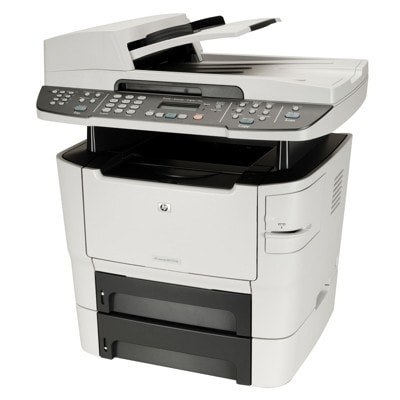
HP's LaserJet M2727, launched in 2008, brought the MFP into the modern era with a sleek design and a tilting control panel. This monochrome all-in-one handled printing, scanning, copying, and fax for style-conscious small offices.
The cartridge family is HP 53A/53X: Q7553A standard, Q7553X high-yield. Compatible and genuine OEM cartridges both fit the M2727.
Toner Cartridges for LaserJet M2727
This printer works with the following toner cartridges:
- HP Q7553A
- HP Q7553X
More HP Printers
- LaserJet 2015DN
- LaserJet M2727NF
- LaserJet M2727NF MFP
- LaserJet M2727NFS
- LaserJet M2727NFS MFP
- LaserJet P2010
- LaserJet P2014
- LaserJet P2014N
- LaserJet P2015
- LaserJet P2015D
- LaserJet P2015DN
- LaserJet P2015N
- LaserJet P2015X
Frequently Asked Questions
Which toner cartridge does the LaserJet M2727 use?
The LaserJet M2727 uses the Q7553A (standard yield) or the Q7553X (high-yield) toner cartridge. Confirm the code printed on your current cartridge matches before ordering a replacement.
When should I replace the toner cartridge in the LaserJet M2727?
Replace the cartridge in the LaserJet M2727 when prints stay faded after redistributing the toner, or when the printer reports it empty. Running the LaserJet M2727 on a fully depleted cartridge risks blank pages mid-job.
Where do I get drivers for the LaserJet M2727?
Download the latest driver for the LaserJet M2727 from HP's official support site, choosing your operating system version. The full driver package for the LaserJet M2727 unlocks features like supply-level monitoring.