




Color LaserJet 2605DTN
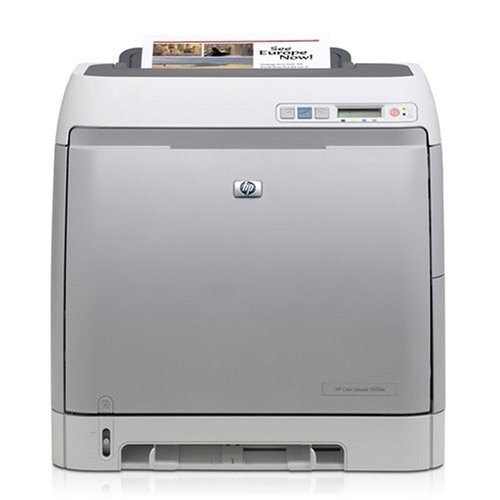
Duplex, an extra tray, and networking — the Color LaserJet 2605DTN is the maximum-configuration 2605, built for departments with the heaviest color workloads.
More paper capacity, same toner bay: HP 124A (Q6000A through Q6003A). For this much volume, high-capacity ordering makes sense — compatible or genuine OEM, stocked for the 2605DTN here.
Toner Cartridges for Color LaserJet 2605DTN
This printer works with the following toner cartridges:
- HP Q6000A
- HP Q6001A
- HP Q6002A
- HP Q6003A
More HP Printers
- Color LaserJet 1600
- Color LaserJet 2600
- Color LaserJet 2600DN
- Color LaserJet 2600N
- Color LaserJet 2605
- Color LaserJet 2605DN
- Color LaserJet CM1015
- Color LaserJet CM1015MFP
- Color LaserJet CM1017
- Color LaserJet CM1017MFP
Frequently Asked Questions
Which toner cartridges are compatible with the Color LaserJet 2605DTN?
Use Q6000A, Q6001A, Q6002A, Q6003A in the Color LaserJet 2605DTN — that is the full HP 124A set. Compatible replacements work fine as long as they are made for HP 124A; the Color LaserJet 2605DTN will not accept cartridges from other HP families.
Where can I download drivers for the Color LaserJet 2605DTN?
Download the latest driver for the Color LaserJet 2605DTN from HP's official support site, choosing your exact operating system. Install it with the printer connected or on the same network, then print a test page.
The Color LaserJet 2605DTN displays 'toner low' but the page still looks fine — what's going on?
A toner-low message on the Color LaserJet 2605DTN is an early warning, not a hard stop — you can typically keep printing while a replacement is on the way. When output starts looking faded, remove the cartridge, rock it gently side to side, and reinstall it to squeeze out extra pages.