




Color LaserJet CM1312 MFP
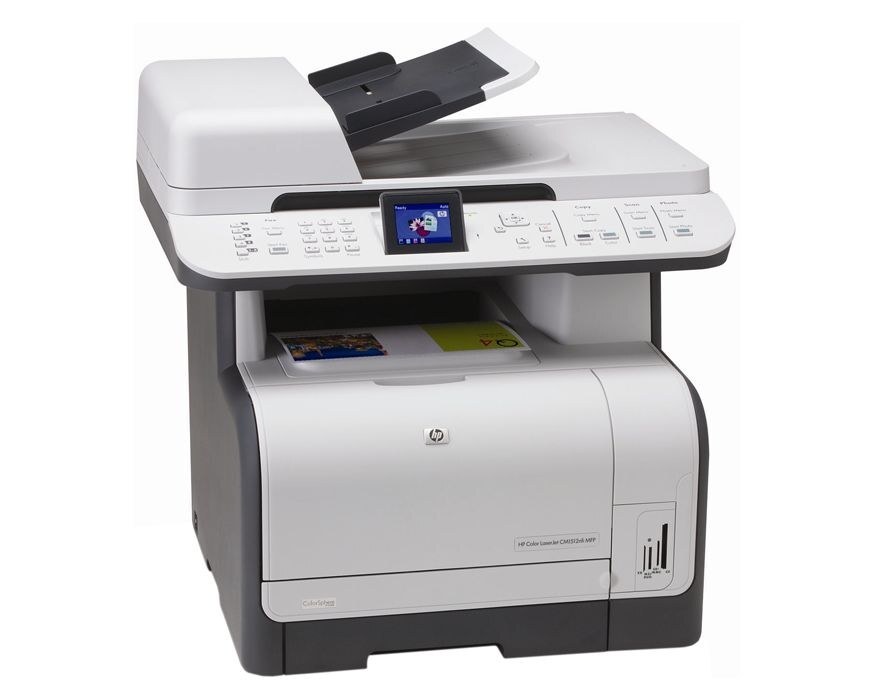
Print, scan, copy — the Color LaserJet CM1312 MFP wears its multifunction badge in the name, and it is the all-in-one the late-2000s small office was built around.
Toner is the HP 125A family (CB540A through CB543A), compatible or genuine OEM. Three functions, one cartridge line — restocking the CM1312 MFP stays simple.
Toner Cartridges for Color LaserJet CM1312 MFP
This printer works with the following toner cartridges:
- HP CB540A
- HP CB541A
- HP CB542A
- HP CB543A
More HP Printers
- Color LaserJet CM1300
- Color LaserJet CM1312
- Color LaserJet CM1312NFI
- Color LaserJet CP1210
- Color LaserJet CP1215
- Color LaserJet CP1215N
- Color LaserJet CP1217
- Color LaserJet CP1312
- Color LaserJet CP1312MFP
- Color LaserJet CP1510
- Color LaserJet CP1515
- Color LaserJet CP1515N
- Color LaserJet CP1515NI
- Color LaserJet CP1518
- Color LaserJet CP1518NI
Frequently Asked Questions
Does the Color LaserJet CM1312 MFP accept only genuine HP cartridges, or do compatibles work too?
The Color LaserJet CM1312 MFP takes HP 125A cartridges (CB540A, CB541A, CB542A, CB543A), and both genuine HP and quality-compatible versions fit the same way. Match the number printed on your current cartridge to CB540A, CB541A, CB542A, CB543A before ordering.
How do I fix streaks and banding on the Color LaserJet CM1312 MFP?
Faded or streaky output on the Color LaserJet CM1312 MFP usually means a cartridge is running low or toner has settled unevenly. Remove the affected cartridge, rock it gently to redistribute the toner, then reinstall and print a cleaning page from the printer's menu.
My Color LaserJet CM1312 MFP says the toner is low — can I keep printing?
Order a replacement when the Color LaserJet CM1312 MFP first warns you, but don't toss the old cartridge — it often prints many more pages. If quality fades, redistribute the toner with a gentle shake and keep going until the Color LaserJet CM1312 MFP actually stops.