




Color LaserJet 1600
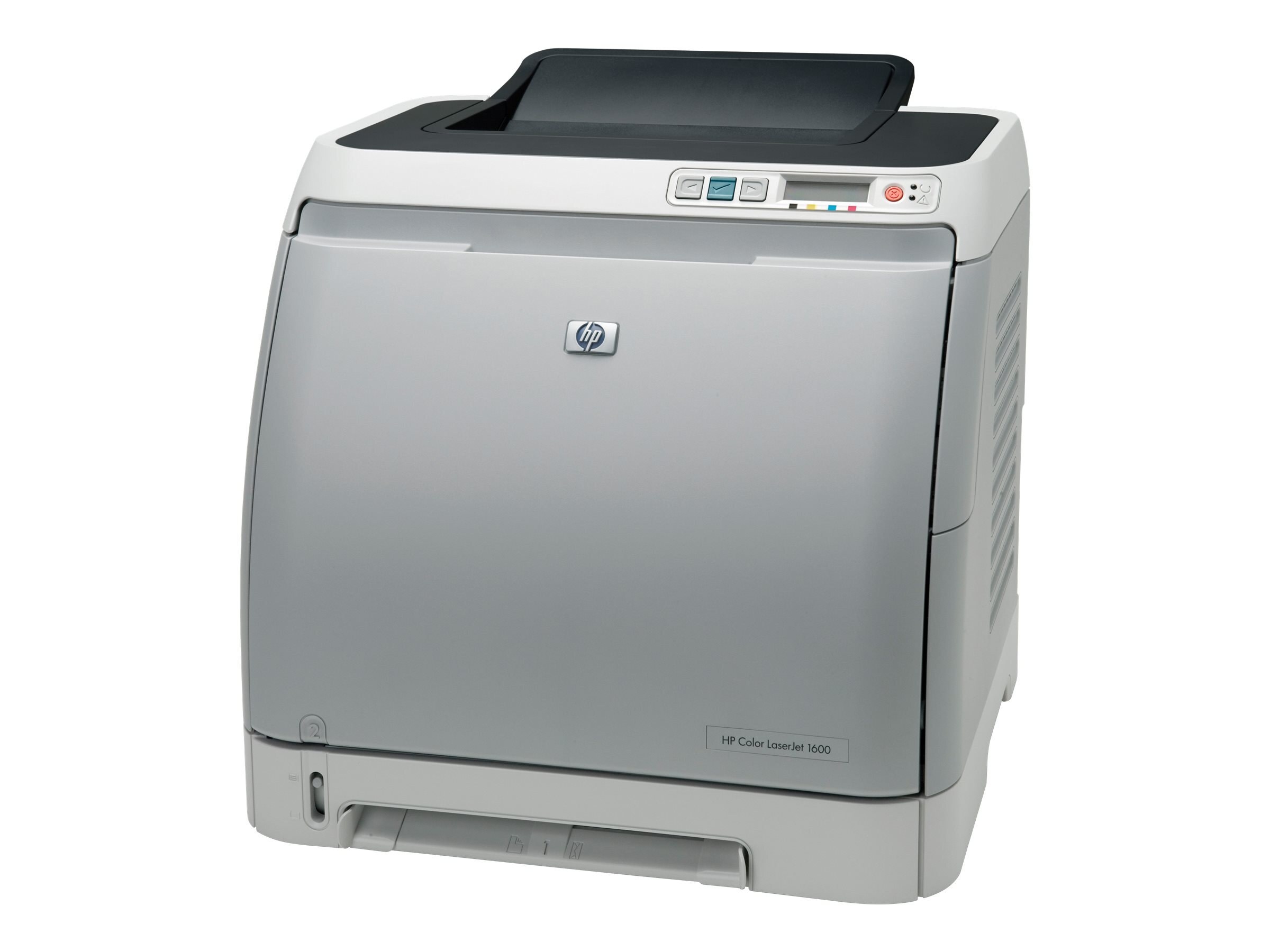
A compact follow-up to the 2600-series generation, the Color LaserJet 1600 brought color laser into tighter spaces — a mid-2000s printer for small offices that did not have room for a departmental machine.
It feeds on the HP 124A family: Q6000A black, Q6001A cyan, Q6002A magenta, Q6003A yellow. Compatible sets keep the cost per page friendly; genuine OEM is here for factory-original color.
Toner Cartridges for Color LaserJet 1600
This printer works with the following toner cartridges:
- HP Q6000A
- HP Q6001A
- HP Q6002A
- HP Q6003A
More HP Printers
- Color LaserJet 2600
- Color LaserJet 2600DN
- Color LaserJet 2600N
- Color LaserJet 2605
- Color LaserJet 2605DN
- Color LaserJet 2605DTN
- Color LaserJet CM1015
- Color LaserJet CM1015MFP
- Color LaserJet CM1017
- Color LaserJet CM1017MFP
Frequently Asked Questions
What toner does the Color LaserJet 1600 use?
Use Q6000A, Q6001A, Q6002A, Q6003A in the Color LaserJet 1600 — that is the full HP 124A set. Compatible replacements work fine as long as they are made for HP 124A; the Color LaserJet 1600 will not accept cartridges from other HP families.
Do I need any tools to change the toner in the Color LaserJet 1600?
To install a new cartridge in the Color LaserJet 1600, open the front door, take out the old cartridge, remove all packing material from the replacement, and push it in until it seats. Close the door and the Color LaserJet 1600 finishes the rest automatically.
How should I store a spare HP 124A cartridge for my Color LaserJet 1600?
Keep spare cartridges for the Color LaserJet 1600 in their sealed packaging, stored upright in a cool, dry place away from sunlight. Open a cartridge only when the Color LaserJet 1600 actually needs it.