




Color LaserJet CM1017MFP
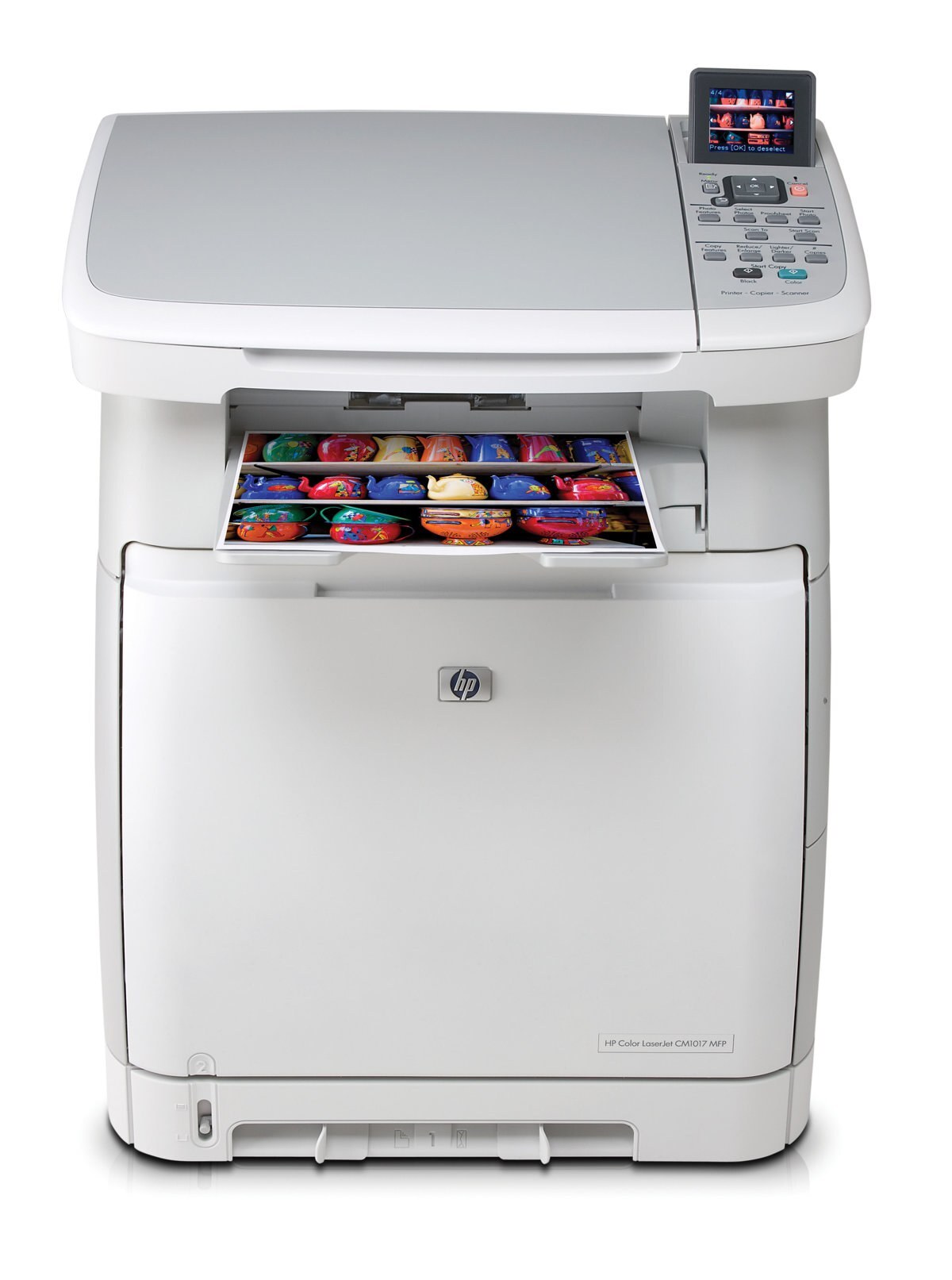
The Color LaserJet CM1017MFP is the retail-bundle twin of the CM1015 all-in-one — the same print, scan and copy chassis, sold through stores with a different package of extras in the box. What goes inside never changed: it takes HP 124A toner, with Q6000A black, Q6001A cyan, Q6002A yellow and Q6003A magenta. If you are restocking a CM1017MFP, you are shopping for exactly the cartridges its CM1015 sibling uses.
That shared hardware is the useful fact about this model. Owners comparing notes with the Color LaserJet CM1015MFP will find the supply shelf identical, because the bundle difference was about what sat beside the printer in the carton, not what sits inside it. For a small office that bought the store version, restocking stays boring in the best way: four codes, bought one at a time, with black doing the heavy lifting for copies and documents while the colors cover reports and handouts.
Toner Cartridges for Color LaserJet CM1017MFP
- Q6000A — Black — See product page
- Q6001A — Cyan — See product page
- Q6002A — Yellow — See product page
- Q6003A — Magenta — See product page
The same cartridges are also listed under this model's own name:
- CM1017MFP black cartridge (Q6000A)
- CM1017MFP cyan cartridge (Q6001A)
- CM1017MFP yellow cartridge (Q6002A)
- CM1017MFP 4-color set — every code in one box
- CM1017MFP 4-color set, second listing
Family packs on this page:
- Q6000AD — black in a two-pack
- 124A 4-color set — the full Q6000A–Q6003A range
- 124A 4-color set, alternate listing
- Tri-color pack — the three colors without black
Also stocked here, for a different machine family: the 125A range — CB540A black, CB541A cyan, CB542A yellow, CB543A magenta — which feeds the CM1312 and CP1215 lines. It is a separate family and does not fit the CM1017MFP, so keep the Q-codes in view when you order.
Which cartridge should you buy?
Because the CM1017MFP shares its insides with the CM1015MFP, the buying logic is the same and simple. Buy the single whose color faded; the four slots are independent and there is no high-yield upgrade hiding in this family. Desks that copy paperwork all week will empty black first — the Q6000AD two-pack exists for exactly that pattern, holding a second black ready. When a machine has run long enough that several channels warn within weeks of each other, a 4-color set clears the whole row in one order. Listings under this model's own name and the plain 124A listings are the same cartridges, so choose whichever listing you prefer.
Chip, toner and everyday use
A cartridge change on this machine is a short job: the chip identifies the code as soon as the cartridge seats, and the panel updates the level it reports. If a new cartridge is not recognized at first, slide it out and back in with a firm push rather than forcing anything else. Paper habits matter as much as toner habits here — dry, flat paper loaded neatly, without overfilling the tray, prevents most jams, and clearing any jam means removing every torn scrap before the next job. Store spare cartridges sealed, upright and out of sunlight, and keep the next black closest to the machine.
Frequently Asked Questions
Is CM1017MFP toner the same as CM1015MFP toner?
Yes. The two models share the same chassis and the same HP 124A family — Q6000A, Q6001A, Q6002A and Q6003A. The CM1017 was a different retail bundle, not a different printer inside.
Which 124A cartridge is the yellow one?
Q6002A is yellow; Q6003A is magenta, Q6001A is cyan and Q6000A is black. Older notes sometimes swap the yellow and magenta codes, so trust the code-and-color pairing printed on the cartridge listings on this page.
How do I reduce paper jams in the CM1017MFP?
Most frequent jams trace back to the paper, not the printer: use dry, flat sheets, fan the stack, and do not overfill the tray. After any jam, remove every scrap of torn paper and restart the machine before printing again.
My computer stopped seeing the CM1017MFP — what should I try first?
Reinstall the driver from HP's support page and check the USB or network connection. A fresh driver install resolves most recognition problems on this model; a loose cable is the other usual suspect.
More printers that use the same cartridges
The extended family around this machine, listed in reverse: HP 125A, HP 124A, Color LaserJet CP1518NI, Color LaserJet CP1518, Color LaserJet CP1515NI, Color LaserJet CP1515N, Color LaserJet CP1515, Color LaserJet CP1512MFP, Color LaserJet CP1512, Color LaserJet CP1510, Color LaserJet CP1312MFP, Color LaserJet CP1312, Color LaserJet CP1217, Color LaserJet CP1215N, Color LaserJet CP1215, Color LaserJet CP1210, Color LaserJet CM1312NFI, Color LaserJet CM1312 MFP, Color LaserJet CM1312, Color LaserJet CM1300, Color LaserJet CM1017, Color LaserJet CM1015MFP, Color LaserJet CM1015, Color LaserJet 2605DTN, Color LaserJet 2605DN, Color LaserJet 2605, Color LaserJet 2600N, Color LaserJet 2600DN, Color LaserJet 2600, Color LaserJet 1600.