




Color Laser 2150CDN
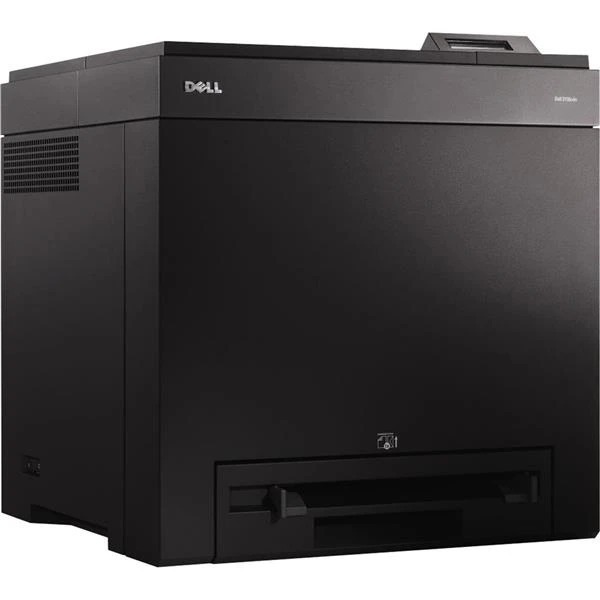
The Dell 2150CDN is the fully loaded 2150: automatic duplex printing plus Gigabit networking on top of the 23-ppm color engine. Two-sided color documents come out without manual flipping, and the faster network interface keeps large graphics files moving. For offices producing double-sided brochures, handouts, and reports, it is the configuration that makes sense.
Duplex printing saves paper; high-yield cartridges save toner money. The 2150CDN's cartridge family spans standard 1,200-page cartridges up to 3,000-page black and 2,500-page color high-yields — and compatible versions of each bring professional color output down to a very comfortable cost per page.
Toner Cartridges for Dell 2150CDN
This printer works with the following toner cartridges:
- Dell 331-0719
- Dell 331-0716
- Dell 331-0717
- Dell 331-0718
Frequently Asked Questions
What cartridges does the Dell 2150CDN use?
Cartridges such as 331-0718 and 331-0717 are made for the Dell 2150CDN. If you are ever unsure, open the printer's front cover and copy the code off the old cartridge before ordering a replacement.
Can the Dell 2150CDN be shared on an office network?
Yes — the Dell 2150CDN includes a wired network port (the 'n' in its name), so you can plug it into your router or switch and share it with every computer on the network.
My Dell 2150CDN's prints look faded — what should I try first?
First check the toner level, then try the printer's cleaning cycle. On the Dell 2150CDN, faded output with a nearly-empty cartridge (331-0718, 331-0717) is simply a low-toner warning — replace that cartridge and prints should sharpen up.