




Color Laser 2150
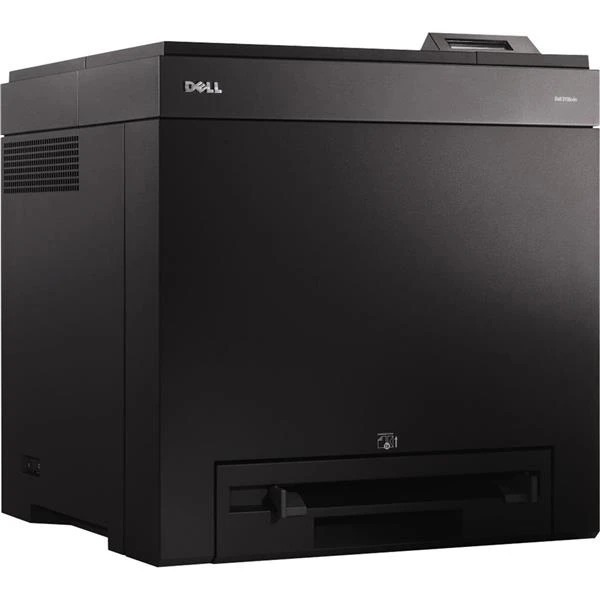
The Dell 2150 brings color laser printing down to small-office size and budget: up to 23 pages per minute in both black and color, with sharp 600-dpi output that makes proposals and presentations look professionally produced. It is the entry point to Dell's 2150/2155 color family.
Color printing means four cartridges to manage instead of one, so yield choice matters more here. High-yield cartridges — about 3,000 pages in black and 2,500 in each color — keep the cost per color page reasonable, and compatible sets cut that cost further without dulling the output.
Toner Cartridges for Dell 2150
This printer works with the following toner cartridges:
- Dell 331-0719
- Dell 331-0716
- Dell 331-0717
- Dell 331-0718
Frequently Asked Questions
How do I find the right cartridge for the Dell 2150?
Look for cartridge codes 331-0716 and 331-0719 when shopping for the Dell 2150; the full list of compatible options is shown in the cartridges section of this page.
Why do photos look washed out on the Dell 2150?
Washed-out prints on the Dell 2150 are often a low-toner warning rather than a fault. Check each color's level; cartridges like 331-0716 and 331-0719 are replaced one at a time, so only the empty one needs swapping.
Prints from the Dell 2150 have a grey background — what's wrong?
A grey wash over prints from the Dell 2150 often appears when a cartridge is nearly empty or the drum is worn. Replace the low cartridge first (331-0716, 331-0719); if the background stays grey with a fresh one, the drum is likely due.