




Color Laser 2150CN
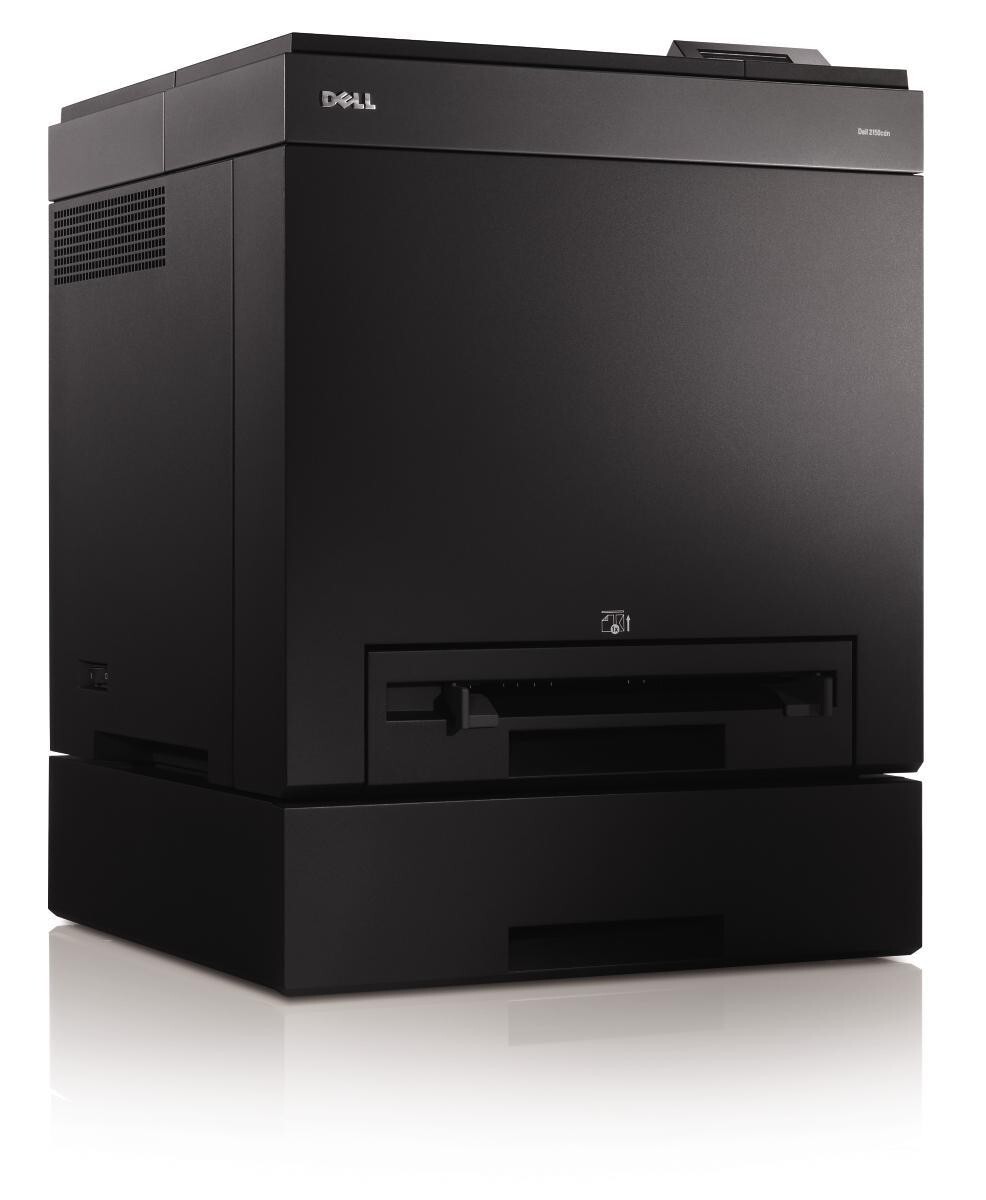
The Dell 2150CN adds wired Ethernet to the 2150's 23-ppm color engine, turning a personal color printer into a shared office resource. Everyone on the network gets the same fast, vivid color output for client-facing documents, and IT gets a single device to manage instead of several desktop printers.
Shared color printing consumes toner quickly, so this is a printer that rewards high-yield cartridges: roughly 3,000 pages of black and 2,500 of each color per install. Compatible cartridges keep the shared-printing math friendly for the office budget.
Toner Cartridges for Dell 2150CN
This printer works with the following toner cartridges:
- Dell 331-0719
- Dell 331-0716
- Dell 331-0717
- Dell 331-0718
Frequently Asked Questions
Which replacement toner should I buy for my Dell 2150CN?
Dell cartridges like 331-0717 and 331-0716 fit the Dell 2150CN. Stick with cartridges built for this exact model — a wrong cartridge may fit physically, but the printer can refuse to recognise it.
Can I replace just the black cartridge in the Dell 2150CN?
Yes. The Dell 2150CN uses one cartridge per color, so when black runs low you can replace just that one — look for the black cartridge among options like 331-0717 and 331-0716 — and leave the color cartridges alone.
Why is my Dell 2150CN printing vertical streaks?
Vertical streaks on the Dell 2150CN usually mean the toner is low or the drum is dirty. Remove the cartridge (331-0717 range), gently rock it side to side to redistribute the toner, and reseat it — if the streaks stay after the cartridge is replaced, the imaging drum is the next suspect.