




Color Laser 2155
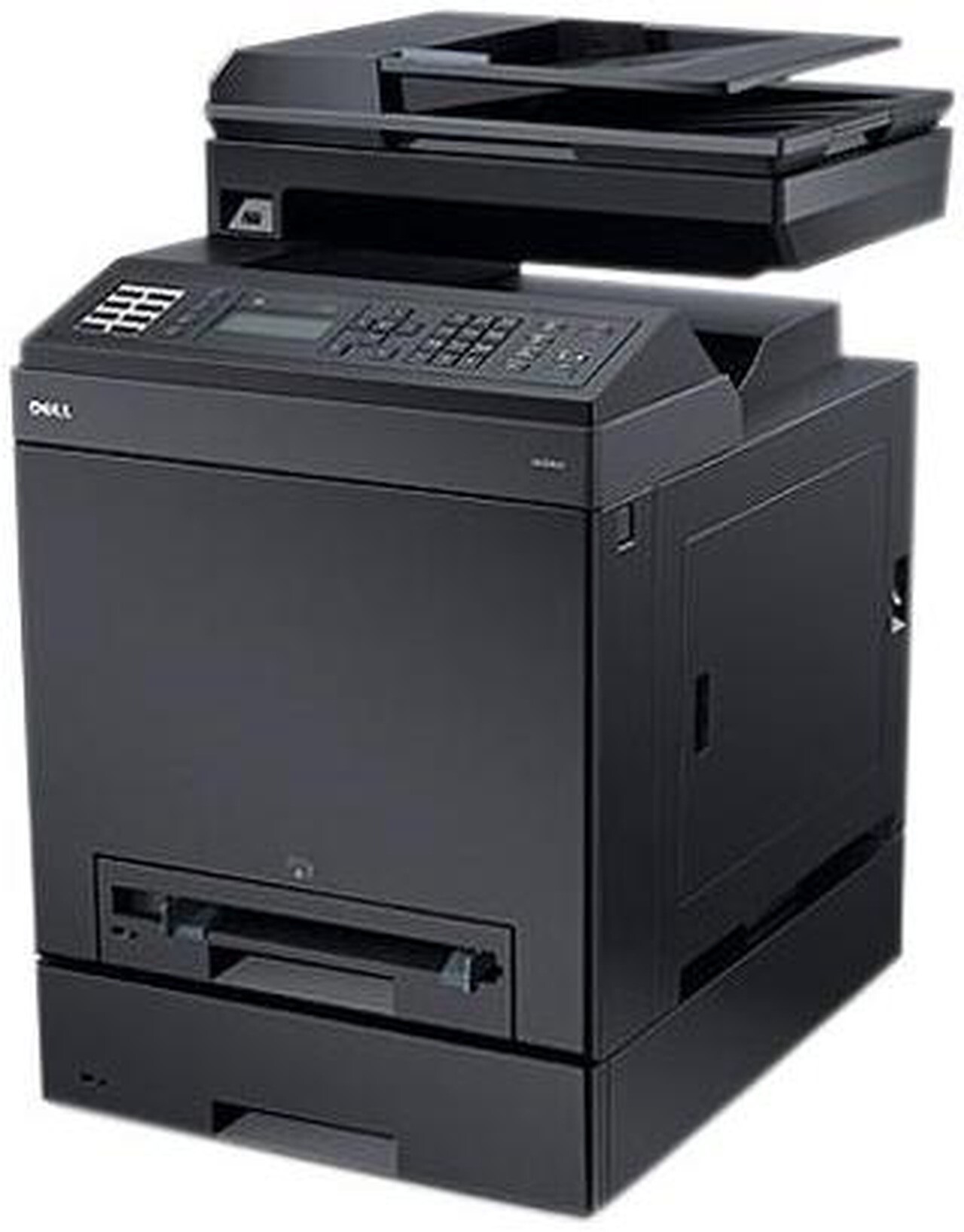
The Dell 2155 takes the 2150's color laser engine and wraps it in a full multifunction chassis: print, scan, copy, and fax from one device. Small offices that still handle paper — signed contracts, received faxes, copied IDs — get all four functions without dedicating a corner of the room to separate machines.
Because copies and faxes draw from the same four cartridges as printing, the 2155 rewards the high-yield sizes: about 3,000 pages black and 2,500 per color. Compatible cartridges deliver the same yields for less, which keeps the convenience of an all-in-one from becoming expensive.
Toner Cartridges for Dell 2155
This printer works with the following toner cartridges:
- Dell 331-0719
- Dell 331-0716
- Dell 331-0717
- Dell 331-0718
Frequently Asked Questions
Which toner cartridges does the Dell 2155 take?
The Dell 2155 uses the Dell cartridge family that includes 331-0719, 331-0716, 331-0717, 331-0718. Match the part number on your old cartridge to be sure you get the right color.
Why is my Dell 2155 printing faded streaks?
Faded streaks on the 2155 usually mean a color cartridge is running low or toner has settled — try removing and gently rocking the cartridge from its set (331-0719, 331-0716, 331-0717, 331-0718) to redistribute toner. If the streaks persist, that color is likely due for replacement.
Does shaking a low toner cartridge help the Dell 2155?
Yes — gently rocking a low 2155 cartridge side to side redistributes the remaining toner and can buy dozens more pages. It works because toner settles; just keep the cartridge level and don't shake it violently.