




Canon FX-4
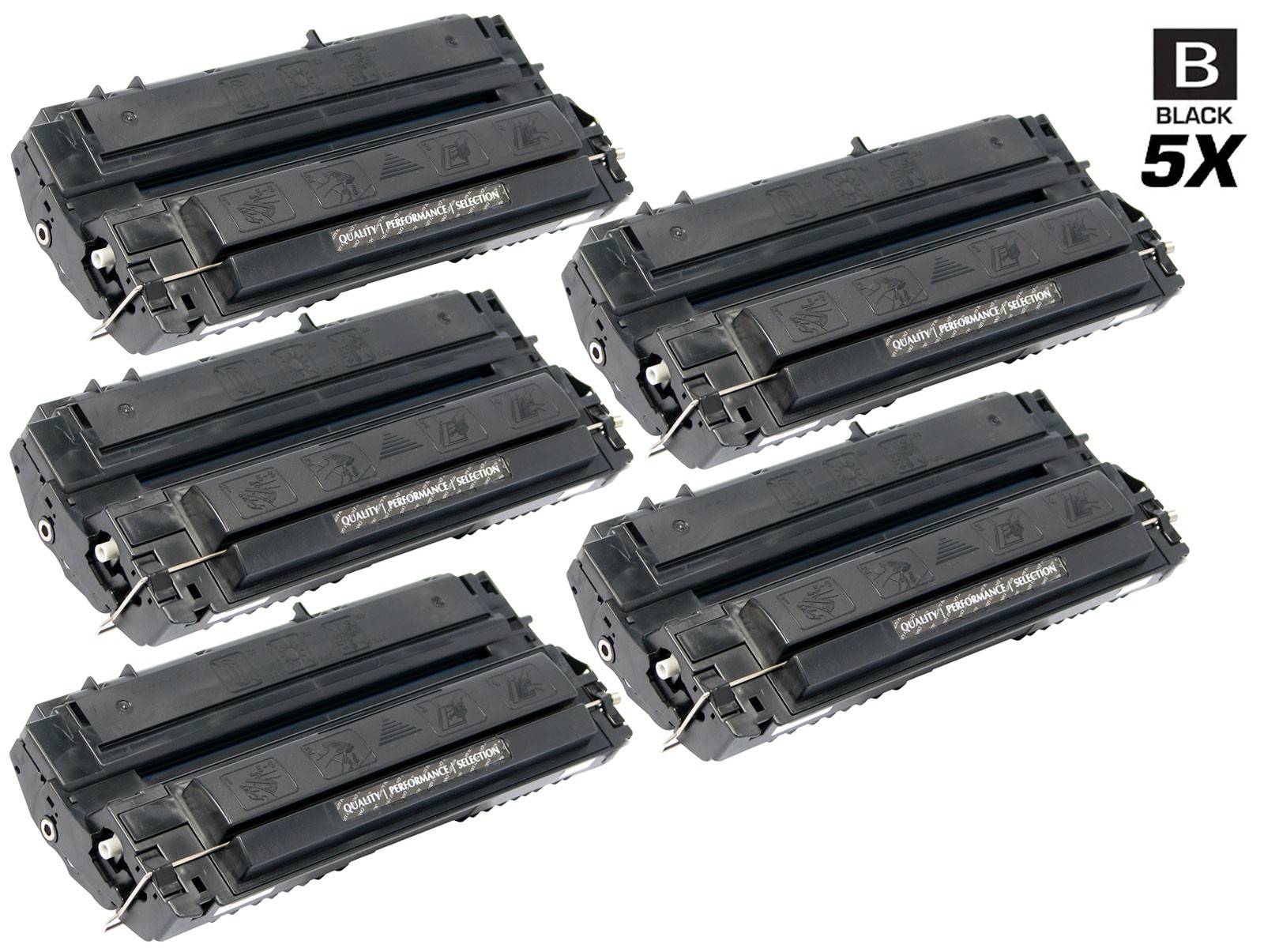
At the top of Canon's fax range, the machines get bigger and so does the cartridge. The Canon FX-4 (1558A002AA) is the black toner for the LaserClass 8500 and 9000-series fax systems — the high-volume machines that anchor a department's fax traffic — along with the FAX L800 and L900. The shelf here is deliberately short: a single cartridge and two different 5 packs, because almost nobody feeds these machines one cartridge at a time.
Eighteen models make up the family, and they read like a roll call of Canon's flagship fax line: LaserClass 9000, 9000L, 9000S, 9000MS, 9000MFP, 9500 and 9800, plus their L800 and L900 fax siblings. These systems live in records departments, hospital offices and law firms where fax volume never really went away, and where a toner outage is a workflow problem rather than an inconvenience.
Canon FX-4 Toner Cartridges
| Cartridge | Color | Page Yield |
|---|---|---|
| Compatible Canon FX-4 (1558A002AA) Toner Cartridge Black | Black | See product page |
| Compatible Canon FX-4 (1558A002AA) Toner Cartridges Black 5 Pack | Black | See product page |
| Compatible Canon FX-4 (1558A002AA) Premium Quality Toner Cartridges Black 5 Pack | Black | See product page |
Why This Cartridge Sells in Fives
The buying pattern follows the machines. A LaserClass 9500 in a records department can burn through toner at a pace that makes single-cartridge ordering a weekly chore, so the 5 pack is the working default and the single exists mainly for a first trial or a machine nearing retirement. Between the two 5 packs, the difference is the build: standard compatible or Premium Quality, both covering the same 1558A002AA fit, both backed by a 1-year warranty and 1-year returns on the compatible side. If your fax fleet runs on a different FX code, those cartridges live elsewhere: FX-3, FX-6, FX-7, FX8 and FX-11 each have their own code page, and they are not interchangeable with the FX-4.
Chip, Toner and Everyday Use
Big fax systems announce a tired cartridge in a familiar way: incoming pages with washed-out gray patches and thinning text. Before you condemn the machine, swap in a fresh cartridge or rock the installed one gently to redistribute its toner — on high-mileage units that alone can restore even output for a while. Fit replacement cartridges with the machine idle rather than mid-reception, remove the seal in one clean pull, and keep the on-hand stock sealed and flat; these cartridges are bulky, and storing them standing on end for months can settle the toner unevenly.
Frequently Asked Questions
Which machines take the FX-4?
Canon's LaserClass 8500, the 9000 family in its L, S, MS and MFP variants, the 9500 and 9800 systems, the LaserClass L900 and L1000 categories listed below, and the FAX L800, L900 and B800 models. The full eighteen-model list is printed under this section.
Is the FX-4 interchangeable with the FX-3?
No. They belong to different machine generations: the FX-3 (1557A002BA) feeds the classic FAX L and LaserClass fleet, while the FX-4 fits the 8500/9000-series systems on this page. Match the code on your current cartridge before ordering.
What separates the Premium Quality 5 Pack from the regular 5 pack?
Build grade. Both boxes hold five compatible FX-4 cartridges with the same fit and the same warranty terms; the Premium Quality version is the higher-grade build for buyers who standardize on it across a fleet.
Can I still buy a single FX-4 cartridge?
Yes — the single is the first row of the table above. It suits a low-volume machine, a spare kept beside a retiring unit, or a first order before committing to a 5 pack.
Printers That Use the FX-4
Every model in this cartridge's family: FAX L800, LaserClass L900, LaserClass 8500, LaserClass 9000, LaserClass 9000MFP, LaserClass 9000MS, LaserClass 9000S, LaserClass 9500, LaserClass 9500MFP, LaserClass 9500MS, LaserClass 9500S, LaserClass 9800, LaserClass 9000L, FAX L900, L800, FAX B800, LaserClass L1000, L900