




Canon FX-6
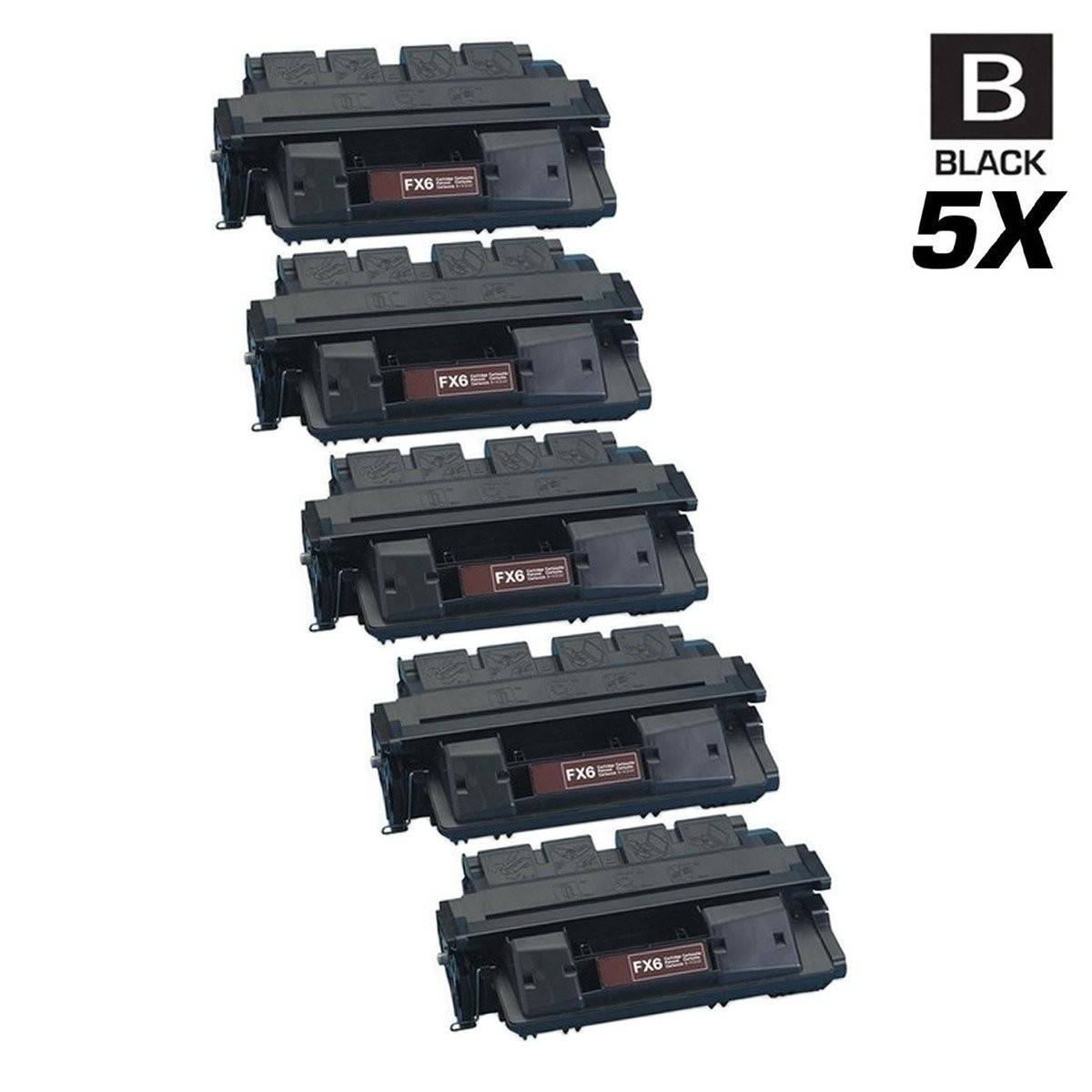
Some cartridge families sprawl across dozens of machines; this one does the opposite. The Canon FX-6 (1559A002AA) serves a tight little group — the LaserClass 3170 and 3175 fax systems, their MS variants, and the FAX L1000 — which makes buying for it refreshingly simple. If your machine is one of those six models, this is its cartridge, in a single, a 3 pack and two 5 pack builds.
Narrow families like this one tend to belong to long-serving machines in specific roles: a LaserClass 3175MS in a shipping office, an L1000 that has handled a practice's incoming faxes for years. The owners are rarely shopping around for alternatives — they need the exact cartridge, reliably stocked, and ideally in a pack size that means they think about it twice a year instead of every month.
Canon FX-6 Toner Cartridges
| Cartridge | Color | Page Yield |
|---|---|---|
| Compatible Canon FX-6 (1559A002AA) Toner Cartridge Black | Black | See product page |
| Compatible Canon FX-6 (1559A002AA) Toner Cartridges Black 3 Pack | Black | See product page |
| Compatible Canon FX-6 (1559A002AA) Toner Cartridges Black 5 Pack | Black | See product page |
| Compatible Canon FX-6 (1559A002AA) Premium Quality Toner Cartridges Black 5 Pack | Black | See product page |
Sizing the Order for a Six-Machine Family
With only a handful of machines in the family, most buyers are stocking for exactly one fax system, and the math is straightforward. The single covers a quiet line; the 3 pack is the set-and-forget choice for a machine in daily use; and the 5 packs — standard build or Premium Quality — serve the busiest lines or buyers who keep one central stock for a 3170 and an L1000 side by side. Every compatible cartridge on this page comes with a 1-year warranty and 1-year returns. Do not confuse this code with its FX neighbors: FX-3, FX-4, FX-7, FX8 and FX-11 fit different Canon machines and have their own pages.
Chip, Toner and Everyday Use
A fax system that has been in place for years deserves a tidy swap routine. Power the machine down if your office practice calls for it, slide the spent cartridge out by its handle, and rock the replacement gently from end to end before it goes in — toner settles during shipping and storage, and an unleveled cartridge prints light down one side. Peel the sealing strip away fully; a half-removed seal is the classic cause of a brand-new cartridge printing nothing at all. Keep the spare stock in a cool drawer near the machine, still sealed, and note the install date on the box so rotation stays honest.
Frequently Asked Questions
Exactly which machines use the FX-6?
Six of them: the LaserClass 3170, 3170MS, 3175 and 3175MS, the FAX L1000 and the L1000 category page listed with them below. If your Canon fax is not one of those names, it takes a different cartridge.
What is the FX-6 part number?
1559A002AA. The code and the part number name the same cartridge, and the number on your old cartridge's label is the fastest confirmation before you order.
Should I choose the standard or Premium Quality 5 pack?
Both deliver five compatible cartridges with identical fit and the same 1-year warranty and returns. The Premium Quality build is the higher-grade option; the standard 5 pack is the value route to the same shelf stock.
Will an FX-6 work in a LaserClass 3170MS?
Yes — the MS variants are part of this family, not a separate one. The 3170MS and 3175MS appear in the compatibility list below alongside the standard models.
Printers That Use the FX-6
The complete family — all six models: FAX L1000, LaserClass 3170, LaserClass 3170MS, LaserClass 3175, LaserClass 3175MS, L1000