




Canon FX-7
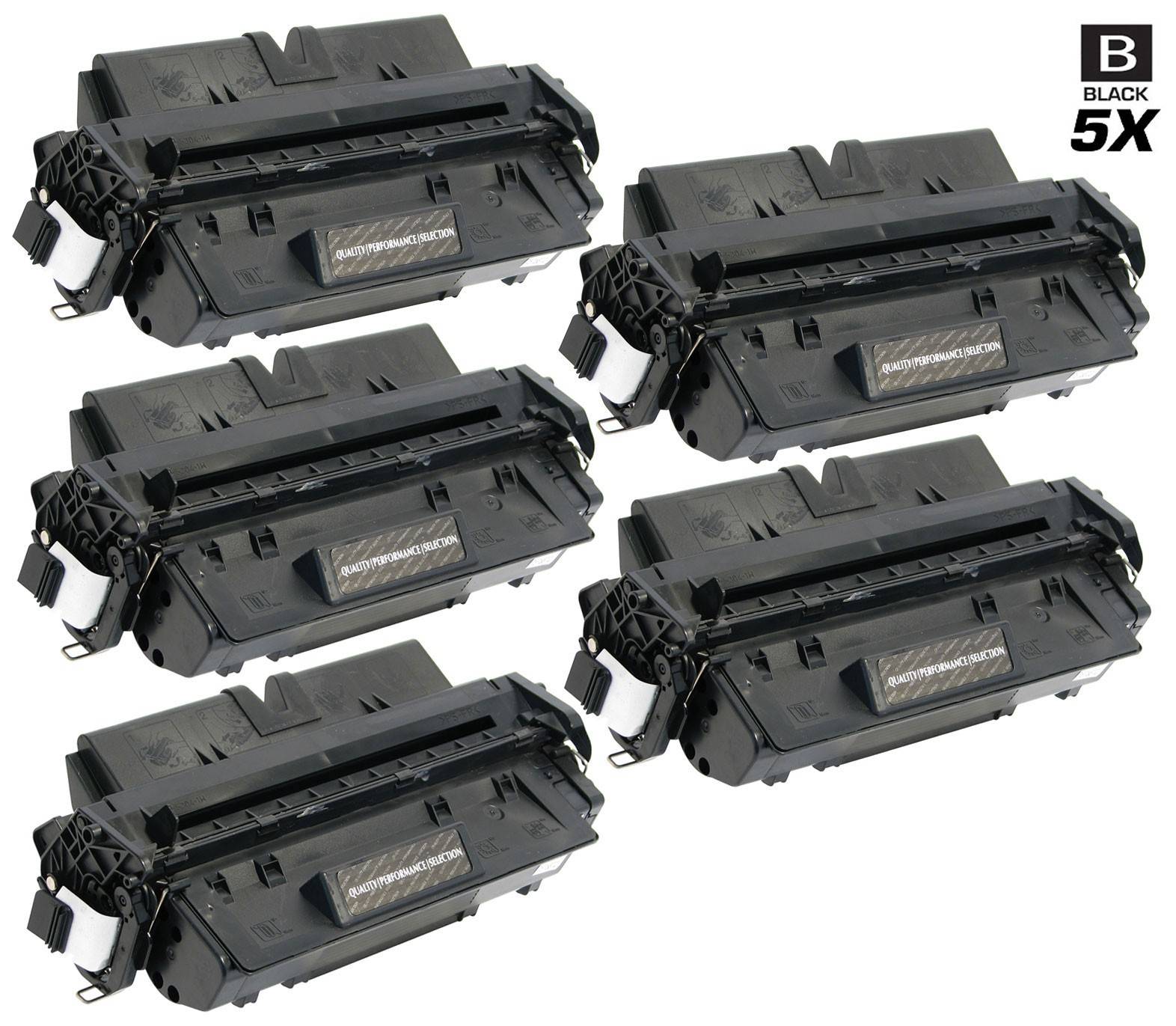
Mid-range Canon fax systems have their own cartridge, and this is it: the Canon FX-7 (7621A001AA). It feeds the LaserClass 710, 720 and 730 fax machines and their close relatives, and it is stocked here as a single cartridge, a 3 pack and two 5 packs. The family is small enough to hold in your head — eight models — which makes this one of the easier Canon codes to buy for with confidence.
One detail in the table rewards a second look: the standard 5 pack carries the internal stock name LASERCLASS-301-TONER, after the LaserClass 301 in this cartridge's own family list. The rest of the roster — the LaserClass 720I and 730I network variants and the FAX L2000 pair — shares the same cartridge, so a single shelf stock can cover a mixed row of these fax systems without anyone sorting boxes by model.
Canon FX-7 Toner Cartridges
| Cartridge | Color | Page Yield |
|---|---|---|
| Compatible Canon FX-7 (7621A001AA) Toner Cartridge Black | Black | See product page |
| Compatible Canon FX-7 (7621A001AA) Toner Cartridges Black 3 Pack | Black | See product page |
| Compatible Canon FX-7 (7621A001AA) Toner Cartridges Black 5 Pack | Black | See product page |
| Compatible Canon FX-7 (7621A001AA) Premium Quality Toner Cartridges Black 5 Pack | Black | See product page |
Single, 3 Pack or 5 Pack?
Fax volume decides. A 710 on a quiet line gets by happily on singles bought as needed; a 730I handling a department's inbound traffic argues for the 3 pack so the swap never waits on a delivery; and the 5 packs — the standard build or the Premium Quality build — fit offices standardizing stock across more than one of these machines. All of the compatible FX-7 cartridges here include a 1-year warranty with 1-year returns. Keep this code separate from the rest of the FX shelf: FX-3, FX-4, FX-6, FX8 and FX-11 are different cartridges with pages of their own.
Chip, Toner and Everyday Use
These fax systems telegraph a dying cartridge through the incoming pages: gray backgrounds, thinning strokes, then whole lines dropping away. Rocking the installed cartridge gently side to side redistributes what toner remains and can carry the machine through a busy day, but treat it as a bridge, not a fix — order the replacement when the rocking starts. When the new cartridge goes in, remove its seal completely, seat it until it settles with a click, and send a test fax to your own second line or a colleague to confirm the machine is back to full density before real traffic resumes.
Frequently Asked Questions
Which machines take the FX-7?
The LaserClass 301, 710, 720, 720I, 730 and 730I, plus the FAX L2000 and L2000ip — eight models in total, each listed and linked below.
What does 7621A001AA mean?
It is Canon's part number for the FX-7 cartridge. The code and the number refer to the same black toner, so matching either one against the cartridge you removed confirms the order.
Why is the 5 pack named after the LaserClass 301?
Its internal stock name, LASERCLASS-301-TONER, follows the LaserClass 301, one of the models in this cartridge's family. The listing is a standard 5 pack of FX-7 cartridges and serves every model in the list below, not only the 301.
What is the Premium Quality 5 Pack?
Five FX-7 cartridges in the premium build rather than the standard compatible build. Fit, warranty and returns match the standard pack; the choice is about build grade and per-cartridge cost at volume.
Printers That Use the FX-7
The full family for this cartridge: LaserClass 710, LaserClass 720I, LaserClass 730I, FAX L2000, FAX L2000ip, LaserCLASS 301, LaserClass 720, LaserClass 730