




LaserClass 730I
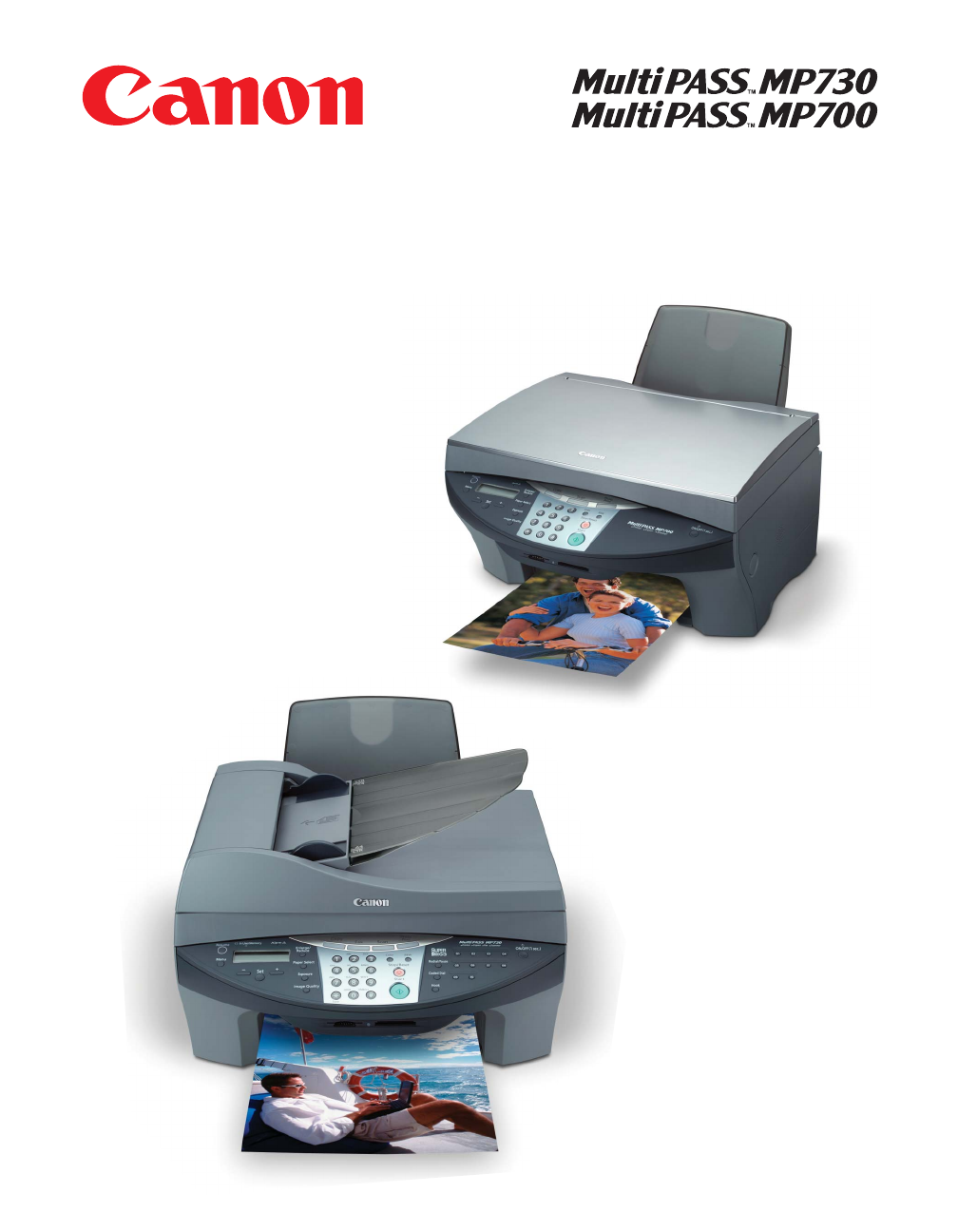
The Canon LaserClass 730I tops the 700 series. Its signature is a 50-sheet duplex automatic document feeder — it scans both sides of an original for faxing in a single pass — backed by Internet fax as standard and 1,500 pages of memory, on the 19-page-per-minute platform. The most capable fax in the line runs the same FX-7 cartridge as its siblings, rated for 4,500 pages.
Two-sided originals are the 730I's home turf: contracts, application forms and ledger sheets that arrive printed on both faces. A duplex feeder halves the handling on exactly the documents a busy office faxes most, which is why this model anchored the top of the range. Its supply story is deliberately ordinary by contrast — Canon kept the whole series on one small cartridge, so the flagship's running costs stay in line with the base model's.
Toner Cartridges for LaserClass 730I
| Cartridge | Color | Page Yield |
|---|---|---|
| Three-pack of FX-7 cartridges | Black | See product page |
| Single FX-7 cartridge | Black | 4,500 pages |
| Five-pack of FX-7 cartridges | Black | See product page |
| Premium five-pack of FX-7 cartridges | Black | See product page |
Which cartridge should you buy?
A single cartridge choice, again — the FX-7 at 4,500 pages — leaving quantity as the only real question. Top-of-series machines usually sit in the busiest spot in the office, and a fax flagship that runs dry embarrasses the whole department, so hold at least one sealed spare as a rule. The 3 Pack fits a single hard-working 730I; the 5 Packs, standard or premium quality, suit a shelf shared with other 700-series machines. Because every model in the family below takes the same cartridge, deep stock is never wasted on the wrong model.
Chip, toner and everyday use
Remember which side of the machine the cartridge serves: the duplex feeder and the scanner use no toner at all, however impressive their workload — toner belongs to the printed page alone. The 4,500-page figure assumes roughly 5% coverage, a fair match for fax and document pages. Received faxes that print faintly are the usual first symptom of a tiring cartridge; rock it gently to redistribute the toner and buy time, then fit the spare and reorder. Keep spares sealed, flat and out of sunlight, and the 730I's supply routine stays as simple as its feeding routine is not.
Frequently Asked Questions
Does the duplex feeder change how much toner the 730I uses?
No. The duplex ADF is on the scanning side — it reads both faces of an original. Toner is used only when pages are printed, so two-sided faxing affects your paper handling, not your cartridge consumption.
What cartridge does the LaserClass 730I take?
The FX-7, rated for 4,500 pages. It is the same cartridge used by the LaserClass 720I and the rest of the 700 series.
Received faxes are printing faint. Is the cartridge finished?
Probably close to it. Rock the cartridge gently side to side and print again — if darkness returns, the toner was merely settled and you have a short reprieve to order; if it stays faint, fit the spare.
How do I replace the FX-7 in the 730I?
Open the front cover, remove the old cartridge, unpack the new one and rock it gently to distribute the toner, then slide it in until it clicks. A test print of a received fax confirms the swap.
More printers that use the same cartridges
Flagship or base model, the series shares one cartridge — the FX-7 also serves: LaserClass 730, LaserClass 720I, LaserClass 720, LaserClass 710, LaserCLASS 301.