




LaserClass 9500
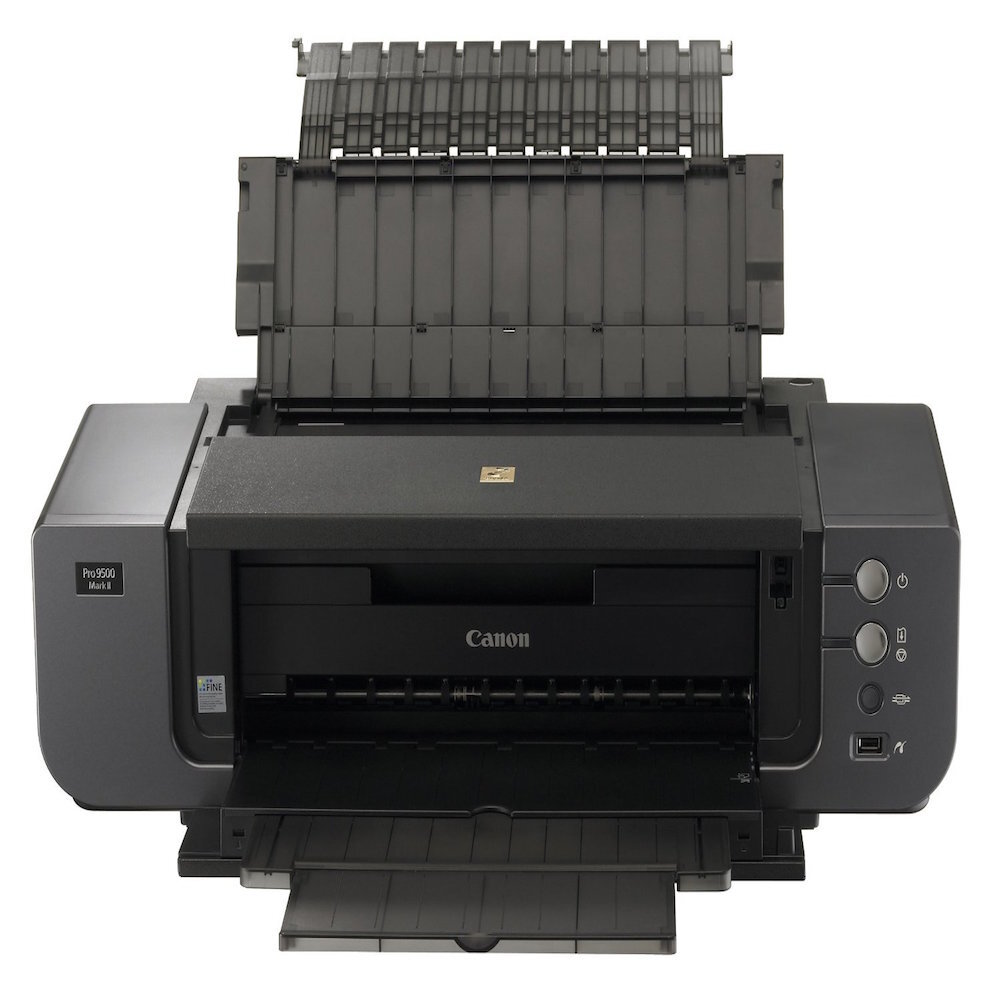
The Canon LaserClass 9500 took over where the LaserClass 9000 left off, succeeding it as Canon's high-volume plain-paper fax and carrying Super G3 transmission forward into the newer model. It was built for environments where fax remains a primary workflow rather than a legacy port on the back of something else, with network printing available as an option for offices that wanted it. Its supply is the family standard: the Canon FX-4, good for up to 4,000 pages.
Successor models live or die on continuity, and the 9500's smartest feature is one it inherited rather than invented: the supply shelf did not change. An office that standardized on the 9000 could move to the 9500 without relearning cartridges, reordering systems or orphaning its spare stock. In fax-primary workplaces — the ones where the machine still processes the day's binding documents — that kind of boring reliability is exactly the point of the product line.
Toner Cartridges for LaserClass 9500
| Cartridge | Color | Page Yield |
|---|---|---|
| Canon FX-4 Toner Cartridge | Black | Up to 4,000 pages |
| Canon FX-4 Premium Quality Toner Cartridges 5 Pack | Black | Up to 4,000 pages per cartridge |
| Canon FX-4 Toner Cartridges 5 Pack | Black | Up to 4,000 pages per cartridge |
Which cartridge should you buy?
High-volume fax duty makes the 5-pack the default purchase: the machine's whole purpose is throughput, and a cartridge change should be a thirty-second shelf trip. Keep a single FX-4 as the sealed emergency spare if you prefer to run multipacks down to the last cartridge, and consider the Premium Quality 5-pack as the alternative line at the same count. If your office still runs a 9000 alongside the 9500, one shared reserve covers both machines, since the cartridge never changed between generations.
Chip, toner and everyday use
Day to day the 9500 asks for the same simple routine as the machine it replaced. The FX-4 seats without tools and needs no chip registration on this generation: seal out in one pull, a gentle rock to level the toner, in until it clicks. Spares interchange freely with any 9000-series stock you already hold. When received pages start to gray at the end of a cartridge, remove and rock it to redistribute the remainder — on a high-volume desk that trick regularly carries the machine to the end of the day's incoming run.
Frequently Asked Questions
Did the cartridge change when the 9500 replaced the 9000?
No, and deliberately so. Both generations run the FX-4 at the same rating, so spares, multipacks and ordering habits carried straight across the model change.
Is fax really the main job on a machine of this size?
Yes — the 9500 was designed for environments where fax is a primary workflow, with Super G3 transmission as the core feature. Network printing exists as an option, but it is the supporting role, not the headline.
What does the up-to-4,000-page rating depend on?
Page coverage. The figure assumes the standard 5% coverage basis; ordinary letter and form traffic sits near it, while dark, dense originals consume more toner per page and shorten the run.
Can one spare cartridge serve both our 9000 and our 9500?
It can — that is the practical payoff of the shared FX-4. A single sealed spare on the shelf rescues either machine, and multipacks bought for one serve the other.
More printers that use the same cartridges
Rotated for this page, the FX-4 family runs LaserClass 9500MS, LaserClass 9500S, LaserClass 9800, LaserClass L1000, LaserClass L900, L800, L900, LaserClass 8500, LaserClass 9000, LaserClass 9000L, LaserClass 9000MFP, LaserClass 9000MS, LaserClass 9000S, LaserClass 9500MFP.