




Phaser EX7800
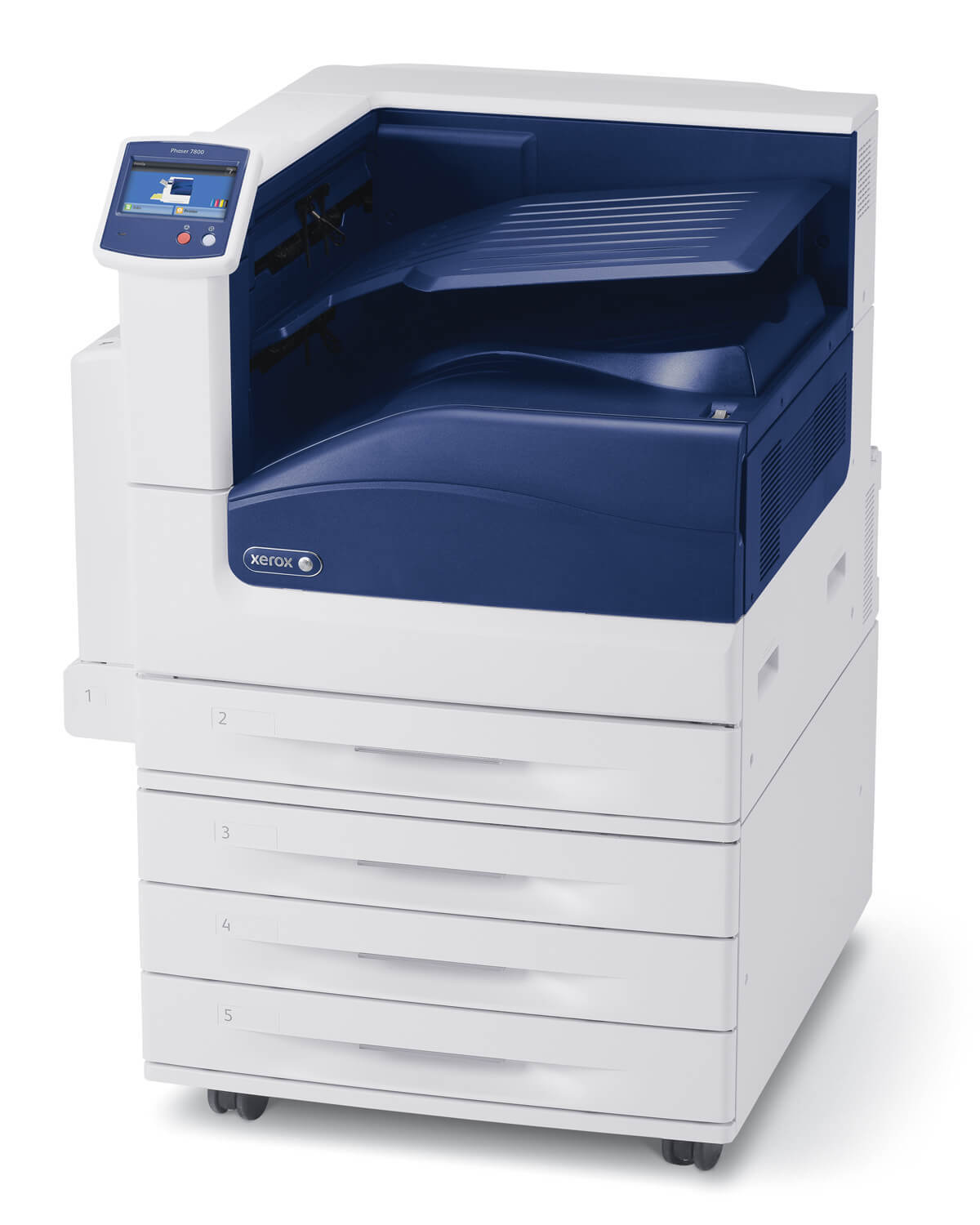
The Xerox Phaser EX7800 keeps up with steady print volumes while remaining easy to maintain, and its supply shelf reflects that balance: cyan 106R00653, black 106R00652, yellow 106R00655 and magenta 106R00654 toner cartridges, each living in its own slot, along with the 108R00581 drum unit that sits at the heart of the imaging system. Four cartridges to watch, one drum that mostly looks after itself — that is the whole consumables story of this machine.
Steady volume changes how supplies should be managed. A printer that runs every day consumes in a rhythm you can set a calendar by, and surprises — the mid-job empty cartridge, the rushed order — are usually just planning that did not happen. This is the class of machine where a monthly glance at the supply screen replaces emergencies: levels move predictably, colors drain in a known order, and reordering becomes a routine errand instead of an interruption.
Toner Cartridges for Xerox Phaser EX7800
| Cartridge | Color | Page Yield |
|---|---|---|
| 106R00652 | Black | See product page |
| 106R00653 | Cyan | See product page |
| 106R00654 | Magenta | See product page |
| 106R00655 | Yellow | See product page |
| 4 Color Set | Black, cyan, magenta and yellow | See product page |
| Phaser EX7800 4 Color Set | Black, cyan, magenta and yellow | See product page |
| Phaser EX7800 Premium 4 Color Set | Black, cyan, magenta and yellow | See product page |
Buying for the Phaser EX7800 involves two different kinds of supply: the toner cartridges above, and a drum unit sold on its own. The drum for this model is the 108R00581 drum unit cartridge in black. As an imaging part it carries a service life of its own, so an EX7800 drum is replaced when its schedule calls for it, independent of how often the 106R00652, 106R00653, 106R00654 and 106R00655 toners cycle through the machine.
Which cartridge should you buy?
Let the rhythm decide. Keep singles of the fast-moving colors — 106R00652 first, then whichever of 106R00653, 106R00654 and 106R00655 your work leans on — and let the model 4 Color Set serve as the full-row reset when a heavy stretch is scheduled or several levels dip together. The identical four cartridges are also listed as the 4 Color Set and the Premium 4 Color Set. What not to do at volume: swap a set in early because one color died. At steady throughput that habit discards real toner every cycle; the machine tracks each color separately precisely so you do not have to. Compare the listings by the rating on each product page.
Chip, toner and everyday use
At daily volumes, small handling habits compound. Break the seal on a new cartridge only when it is going straight into the machine, keep hands off the chip contacts and the roller surfaces, and let the printer finish its calibration cycle after a swap before judging the output — the first page or two after a change are not evidence. If the machine questions a cartridge, reseating it in its slot settles most cases. Keep empties boxed until collection day; a tidy stack of used cartridges is also your usage record for the quarter.
Frequently Asked Questions
What is the difference between the set listings on this page?
Nothing inside the box: each set contains the same black, cyan, magenta and yellow cartridges. The page carries three listings for that bundle — a 4 Color Set, a model 4 Color Set and a Premium 4 Color Set — so choose whichever listing fits your ordering routine.
Does the Xerox Phaser EX7800 use a separate drum unit?
Yes. The 108R00581 drum unit forms the image for every page and is a separate, long-life part. It is replaced on its own schedule, and its warning signs are quality problems — repeating marks, streaks — rather than a supply level.
How do I know which color to reorder?
The supply screen names the low color, and every color answers to one code: 106R00652 black, 106R00653 cyan, 106R00654 magenta, 106R00655 yellow. On a steady-volume machine, checking those levels on a fixed day each month keeps reordering ahead of need.
Are these cartridges covered by any warranty?
Every compatible cartridge here is sold with a one-year warranty, and returns run for one year too. At the volumes this printer works at, that coverage matters: a cartridge that fails early in its life is replaced under it, not written off.
More printers that use the same cartridges
- Document Centre 250
- Document Centre 250CF
- Document Centre 250FS
- Phaser EX 7750GX
- Phaser EX 7760
- Phaser EX 7800
- Phaser EX7894
- PhaserEX 7750
- PhaserEX 7750DXF
Steady-volume shops often run several of these side by side; the whole family below shares this exact supply list: Phaser 7750, Phaser 7750B, Phaser 7750DN, Phaser 7750DXF, Phaser 7750GX, Phaser EX7750, Phaser EX7750B, Phaser EX7750DFX, Phaser EX7750DN, Phaser EX7750DXF, Phaser EX7750GX, Phaser EX7760, Phaser EX7890.