




Phaser EX 7800
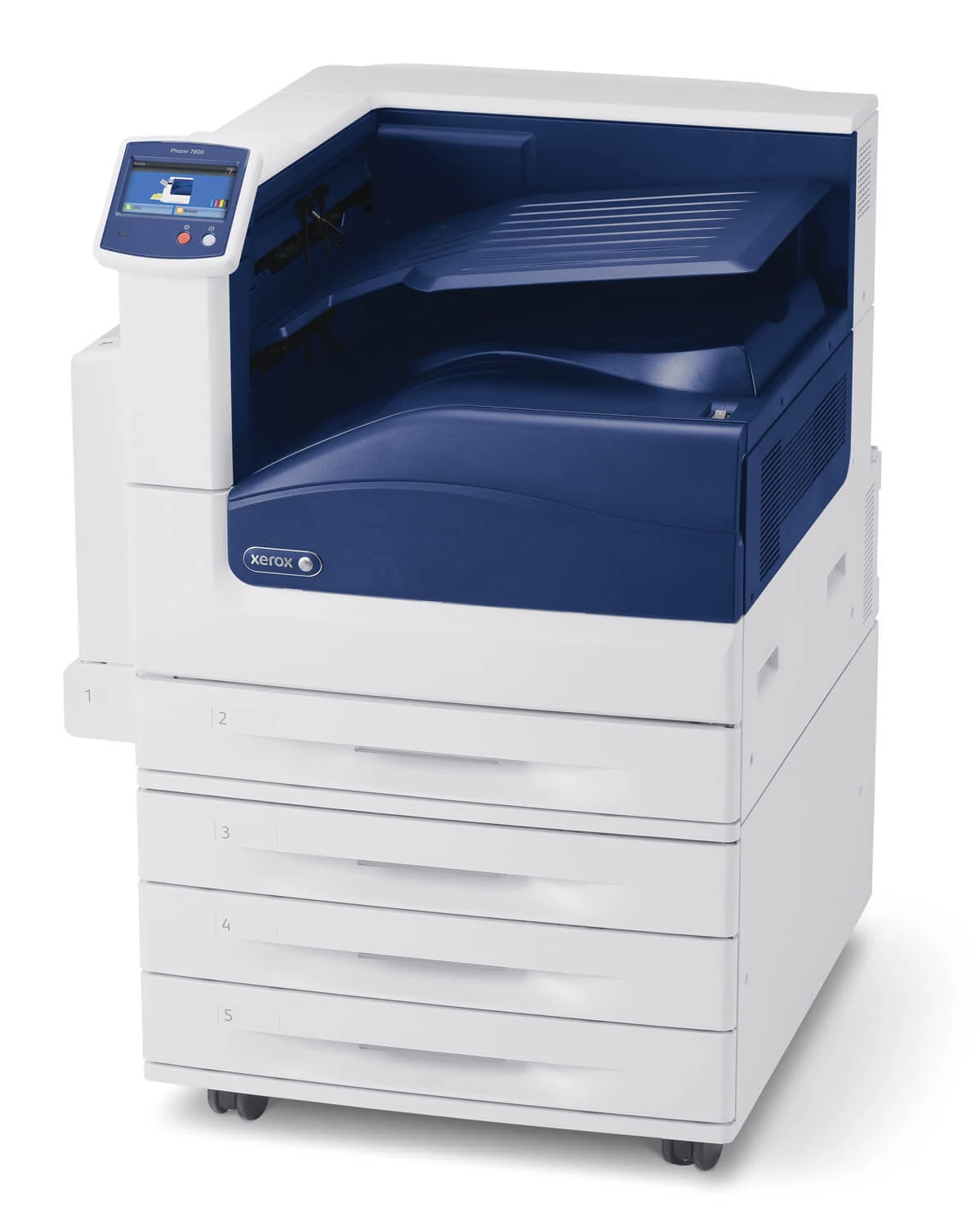
Part of the Phaser laser printer line, the Xerox Phaser EX 7800 is a laser printer made for regular office use, offering the kind of no-drama reliability offices expect from Xerox. Its long-interval supply is the 108R00581 drum unit, available here as a 2 Pack and a 4 Pack. The drum is the imaging component behind print quality, and it is changed only after many toner cartridges have come and gone — which is exactly why it catches people out when its turn finally comes.
In a regular office, nobody thinks about the drum for months at a time. Toner is the visible supply, ordered and changed in a steady rhythm, while the drum quietly does its work in the background. Then one day prints start showing the same faint mark again and again, and the fix turns out to be a part nobody reordered. Knowing the part number ahead of that day — and having a unit on hand — is the whole difference between a small job and a stopped office, and it is what the listings below are for.
Toner Cartridges for Phaser EX 7800
No toner cartridges are listed for the EX 7800 on this page; the stocked supply is the drum unit below:
Which cartridge should you buy?
For a drum, the sensible question is how much downtime the office can tolerate. With the 2 Pack, you fit one unit and keep the second as the spare — that covers a single printer comfortably, since drum changes are rare. Choose the 4 Pack if the EX 7800 is the office's workhorse and supplies are bought in batches: the cost of an empty shelf, measured in a printer standing idle, is higher than the cost of stock. Both packs hold the same 108R00581 unit, so you are deciding how deep your spare stock runs, not which part to buy.
Chip, toner and everyday use
The most useful everyday skill with a drum is recognizing its signature fault: a mark that repeats down the page at even spacing, page after page, usually traces back to the drum surface rather than to toner. A fresh cartridge will not cure it, and changing the drum will. Fit the new unit by its frame, without touching the drum surface, and keep it in its packaging until the swap — the surface is sensitive to light and scratches. A few test pages afterward confirm the repeating mark has cleared and the printer is back to clean output.
Frequently Asked Questions
Which drum does the Phaser EX 7800 use?
It uses the 108R00581 drum unit — a separate imaging part, distinct from its toner cartridges. On this page it comes in a 2 Pack and a 4 Pack.
My prints show the same mark again and again — is it the drum?
Quite possibly. A defect that repeats at regular intervals down the page usually comes from the drum surface. If the mark survives a cartridge change, the drum is the part to replace.
How many drum units should an office keep on hand?
At least one spare. A 2 Pack gives you exactly that — one to fit and one waiting — and drum changes are infrequent enough that this covers most offices for a long stretch.
What if prints still look marked after I fit the new drum?
First, check the unit is fully seated, then run several pages — output often settles within a few prints. If the mark persists unchanged, note where it repeats and contact support with the drum's part number, 108R00581, so the fault can be pinned down.
More printers that use the same cartridges
- Document Centre 250
- Document Centre 250CF
- Document Centre 250FS
- Phaser 7750
- Phaser 7750B
- Phaser 7750DN
- Phaser 7750DXF
- Phaser 7750GX
- Phaser EX 7750GX
- Phaser EX 7760
- Phaser EX7750
- Phaser EX7750B
- Phaser EX7750DFX
- Phaser EX7750DN
- Phaser EX7750DXF
- Phaser EX7750GX
- Phaser EX7760
- Phaser EX7800
- Phaser EX7890
- Phaser EX7894
- PhaserEX 7750
- PhaserEX 7750DXF