




CLX-6260FW
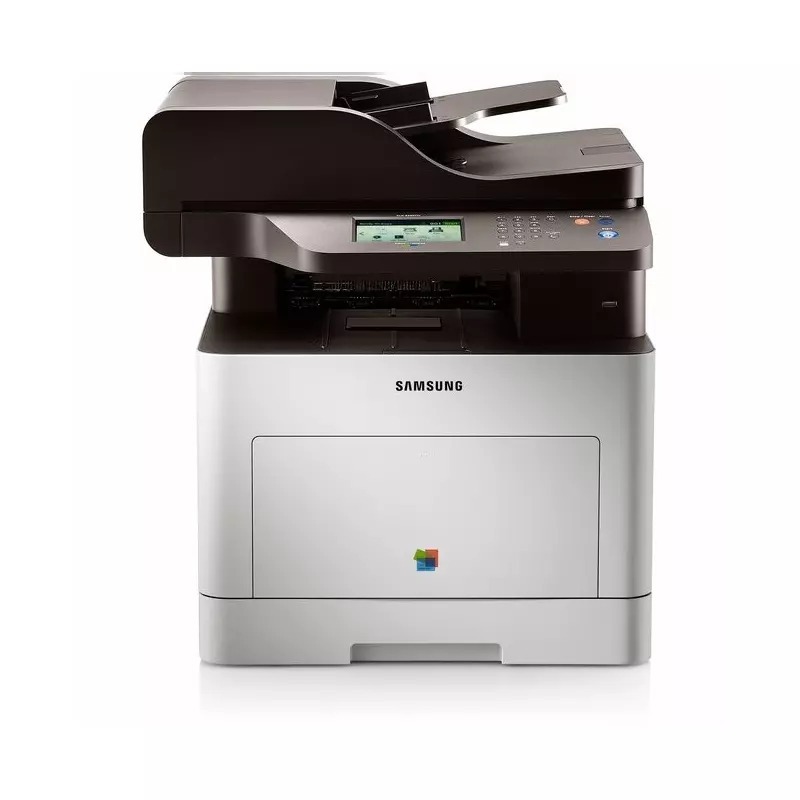
Samsung positioned the CLX-6260FW — a color laser multifunction printer — for the early 2010s CLP/CLX generation. That letters mean this version adds fax and wireless networking compared with the standard CLX-6260. It earned its keep in workgroups and departments with serious color volume.
Its cartridge family is CLT-K506 — think CLT-K506S for black and CLT-C506S for magenta. We stock compatible CLT-K506 toner as well as genuine Samsung OEM cartridges, and every order ships fast from Clever Supplies.
Toner Cartridges for CLX-6260FW
This printer works with the following toner cartridges:
- Samsung CLT-K506S
- Samsung CLT-C506S
- Samsung CLT-M506S
- Samsung CLT-Y506S
- Samsung CLT-K506L
- Samsung CLT-C506L
- Samsung CLT-M506L
- Samsung CLT-Y506L
More Samsung Printers
Frequently Asked Questions
Are the cartridges for the CLX-6260FW the same as for other Samsung models?
Four cartridges serve the CLX-6260FW - CLT-K506S, CLT-C506S, CLT-M506S, and CLT-Y506S - and the printer tracks each one separately. Replace them individually as they empty rather than as a set. Because black does most of the work, it is the one worth keeping a spare of.
Does higher resolution use more toner on the CLX-6260FW?
Grainy output from the CLX-6260FW often comes from a low-quality or draft setting selected for speed. Switch the driver to normal or high quality and make sure the paper type matches what is loaded. If graininess persists at high quality, check the CLT-K506S toner level next.
How can I stretch a low CLT-K506S in the CLX-6260FW to last longer?
The CLX-6260FW toner gauge is approximate, not a fuel gauge - it estimates from page counts and coverage rather than measuring directly. Light text users get far more pages after the warning than heavy graphics users. Treat the warning as a reminder to have a spare CLT-K506S ready, not as an empty signal.