




CLX-6260
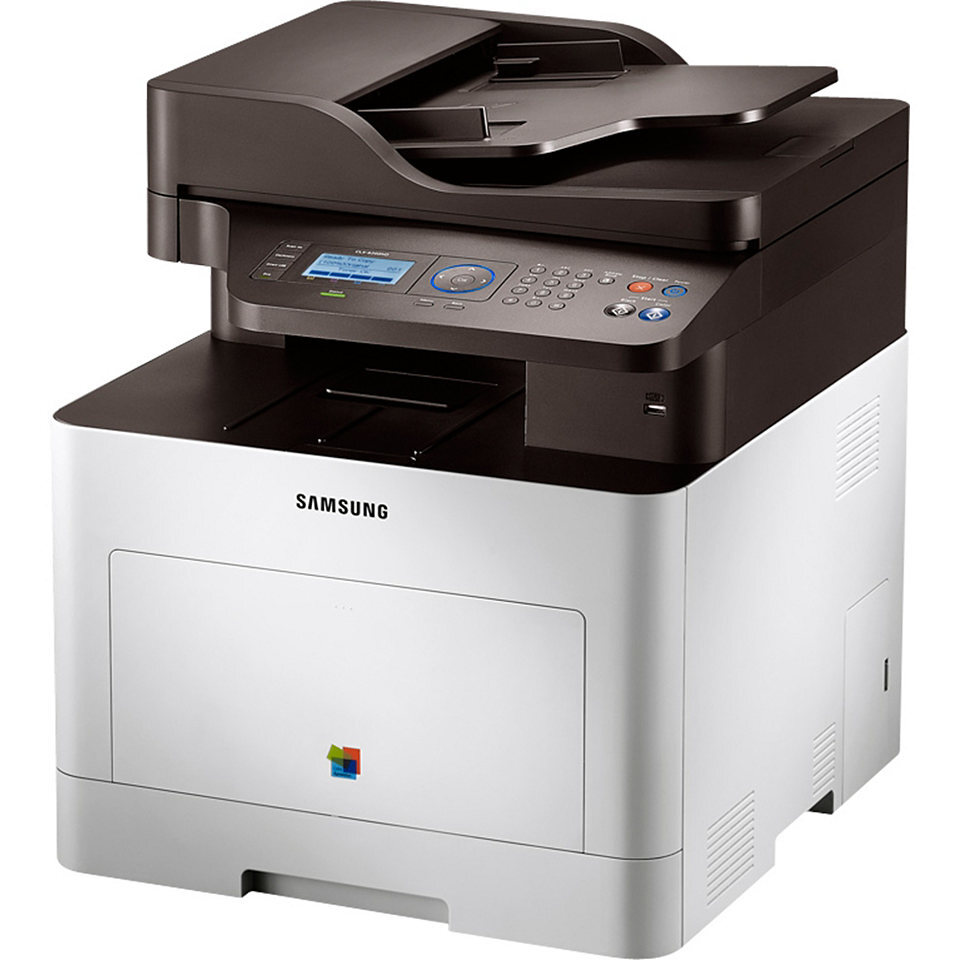
Samsung's early 2010s CLP/CLX generation included the CLX-6260, a color laser multifunction printer built for everyday color work. It shares its engine and toner system with the rest of the CLX-6260 family. It was pitched squarely at workgroups and departments with serious color volume.
The specified toner is Samsung's CLT-K506 range: CLT-K506S black alongside CLT-C506S cyan. We stock compatible CLT-K506 toner as well as genuine Samsung OEM cartridges, and every order ships fast from Clever Supplies.
Toner Cartridges for CLX-6260
This printer works with the following toner cartridges:
- Samsung CLT-K506S
- Samsung CLT-C506S
- Samsung CLT-M506S
- Samsung CLT-Y506S
- Samsung CLT-K506L
- Samsung CLT-C506L
- Samsung CLT-M506L
- Samsung CLT-Y506L
More Samsung Printers
Frequently Asked Questions
Should I update the firmware on the CLX-6260?
Skipping firmware updates on the CLX-6260 is generally safe if everything works - updates are optional maintenance, not requirements. The main reason to update is a specific bug fix or security patch you need. Just know that each update is a good moment to confirm your CLT-K506S cartridges are still recognized afterward.
Why does the CLX-6260 say toner is low right after I installed the cartridge?
The low-toner warning on the CLX-6260 is an estimate - you can often print many more pages, especially text documents. Gently remove the CLT-K506S, rock it side to side to redistribute toner, and reinstall it. Order the replacement CLT-K506S now so it arrives before output actually fades.
What can I do to keep the CLX-6260 from jamming so often?
If the CLX-6260 only jams on certain paper, the machine is likely objecting to that weight or finish — thin sheets and glossy stock are frequent offenders. Load standard office paper and set the tray's paper type to match. The CLT-K506S cartridge itself has no bearing on which paper feeds reliably.