




CLX-6260FR
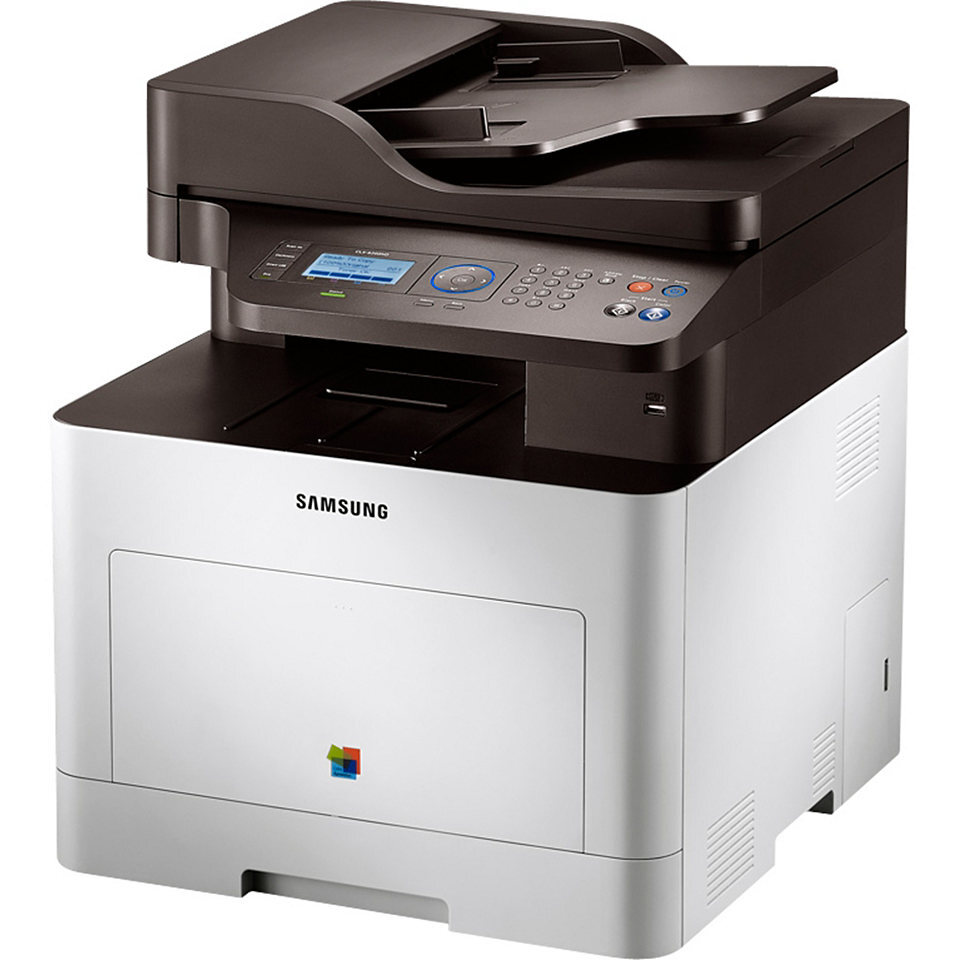
Samsung positioned the CLX-6260FR — a color laser multifunction printer — for the early 2010s CLP/CLX generation. Under the hood it is the same machine as the CLX-6260, tuned for a particular sales channel. It earned its keep in workgroups and departments with serious color volume.
It runs on Samsung's CLT-K506 toner set, with CLT-K506S handling black and CLT-C506S among the color cartridges. Compatible CLT-K506 toner and genuine Samsung OEM cartridges are both in stock, with fast Clever Supplies shipping.
Toner Cartridges for CLX-6260FR
This printer works with the following toner cartridges:
- Samsung CLT-K506S
- Samsung CLT-C506S
- Samsung CLT-M506S
- Samsung CLT-Y506S
- Samsung CLT-K506L
- Samsung CLT-C506L
- Samsung CLT-M506L
- Samsung CLT-Y506L
More Samsung Printers
Frequently Asked Questions
If I print a lot, which CLX-6260FR cartridge should I keep as a spare?
Two cartridges fit the CLX-6260FR because Samsung offers the standard CLT-K506S and the longer-lasting CLT-K506L for the same printer. You can even switch between them from one replacement to the next. Pick the one that matches your print volume and both will work the same mechanically.
My CLX-6260FR jams only with certain paper - why would that be?
Power the CLX-6260FR off and pull the jammed paper out slowly in the direction it normally travels, never backward through the rollers. Remove the CLT-K506S cartridge first so you can see the path clearly and keep toner off your hands. Close everything firmly and print a test page before reloading a full tray.
Can I set the CLX-6260FR to always print in draft by default?
If your CLX-6260FR prints look light and you never enabled eco mode, check the driver quality tab - toner-save can be on by default in some installations. Turn it off and print a test page at normal quality. Only suspect the CLT-K506S cartridge if output stays light at full density.