




CLX-6260ND
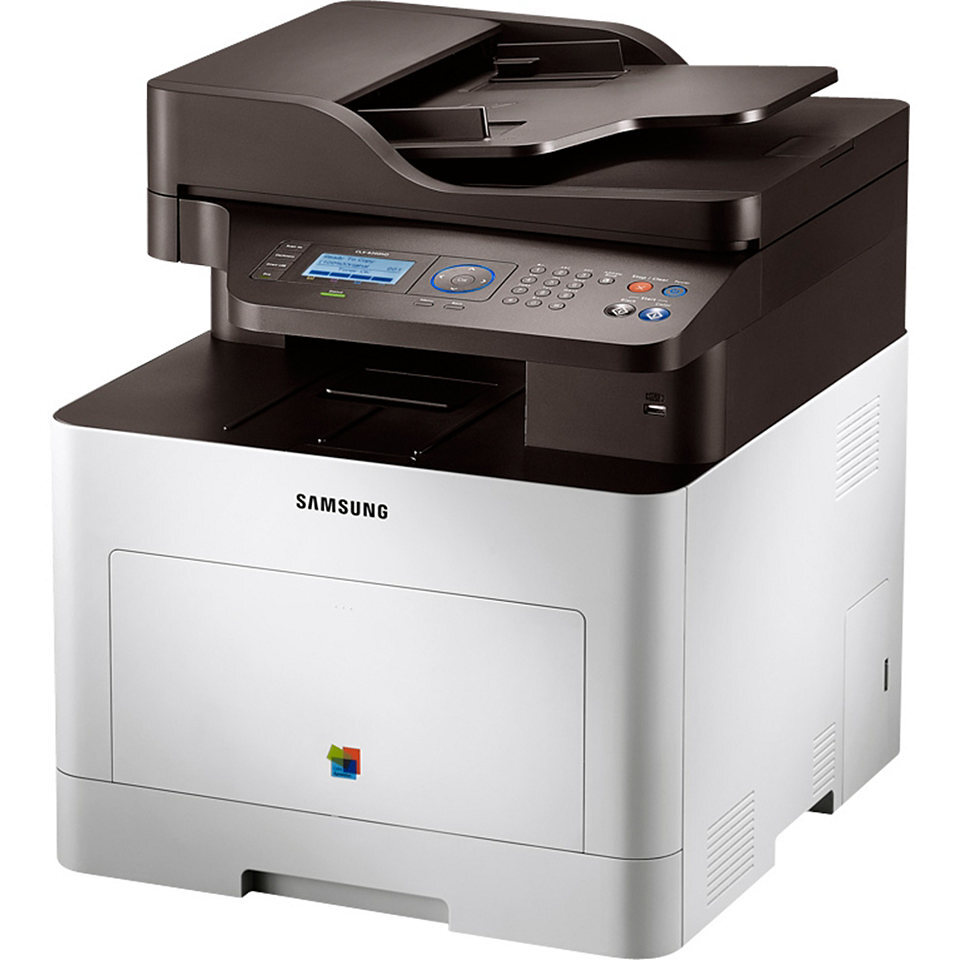
As a color laser multifunction printer, the Samsung CLX-6260ND represented the CLP/CLX line in the early 2010s. Unlike the plain CLX-6260, this one adds wired Ethernet networking and automatic duplex printing — which is what the letters mean. It was pitched squarely at workgroups and departments with serious color volume.
Its cartridge family is CLT-K506 — think CLT-K506S for black and CLT-C506S for magenta. Clever Supplies carries both compatible and genuine OEM CLT-K506 cartridges for it, with fast shipping on every order.
Toner Cartridges for CLX-6260ND
This printer works with the following toner cartridges:
- Samsung CLT-K506S
- Samsung CLT-C506S
- Samsung CLT-M506S
- Samsung CLT-Y506S
- Samsung CLT-K506L
- Samsung CLT-C506L
- Samsung CLT-M506L
- Samsung CLT-Y506L
More Samsung Printers
Frequently Asked Questions
The CLX-6260ND feeder misfeeds during copying - is that a copy problem?
Copies from the CLX-6260ND go through both the scanner and the printer, so dirt on the glass or low CLT-K506S toner shows up in the result. Clean the scanner glass and check toner levels first. If computer prints look fine but copies do not, the scanner side is the culprit.
How do I know I am buying the right cartridges for the CLX-6260ND?
You never need to replace all four CLX-6260ND cartridges at once; replace only the color the printer reports as empty. Keeping a spare CLT-K506S on hand makes sense since black empties fastest in most offices. Store spares sealed in a cool, dry place until needed.
Does firmware affect print quality on the CLX-6260ND?
Firmware updates for the CLX-6260ND come from the official Samsung or HP support page for your exact model - never from pop-ups or third-party download sites. Download the file, follow the included instructions, and keep the printer powered on throughout. An interrupted update can leave the printer unusable, so do not start one during a storm or on a flaky outlet.