




CLP-680ND
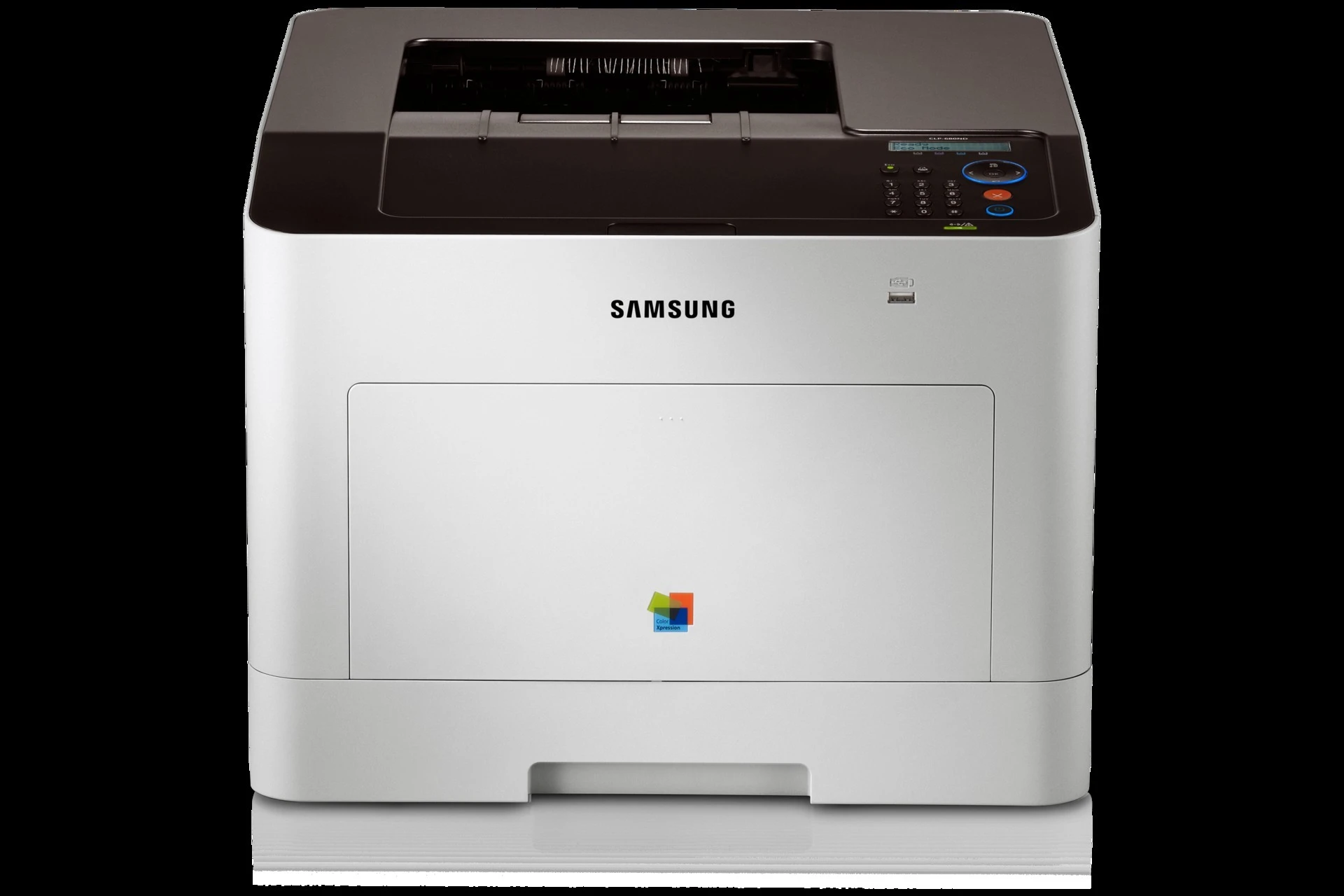
As a color laser printer, the Samsung CLP-680ND represented the CLP/CLX line in the early 2010s, and its name encodes its kit: Ethernet networking and automatic duplex printing over the base CLP-680, aimed at workgroups and departments with serious color volume. Consumables come from the CLT-506 family, again in standard and high-yield grades. The standard CLT-506S set pairs CLT-K506S black with CLT-C506S cyan, CLT-M506S magenta and CLT-Y506S yellow, and the high-yield CLT-506L set repeats the pattern around CLT-K506L, CLT-C506L, CLT-M506L and CLT-Y506L. Singles, black multi-packs and full color sets from both grades are listed below.
Departmental machines like this one were bought to end arguments about color: marketing wanted brochures, finance wanted the cost contained, and the printer in the middle had to do both. In practice its output splits into long black document runs punctuated by shorter, denser color jobs — exactly the pattern that wears black down two or three times faster than any color. Departments that keep this model productive usually assign one person to supplies, stock high-yield black two deep, and let colors ride until the printer itself calls for them.
Toner Cartridges for CLP-680ND
Which cartridge should you buy?
Let your monthly page count decide the grade. The high-yield CLT-506L cartridges are the natural fit for a department printer in daily use — more pages between interventions and a lower cost per page. The standard CLT-506S grade earns its place only where volume has dropped off. When the whole machine needs attention at once, a four-color set is the one-order fix; when black alone keeps emptying, the two, three and five black packs cut both the per-cartridge price and the ordering frequency. Mixing a high-yield black with standard colors is perfectly acceptable and matches how these machines actually consume toner.
Chip, toner and everyday use
Handle a new cartridge by its ends or handle and keep fingers off the green drum shutter and the metal chip contacts — oils from skin print through as repeating defects that no setting will remove. Keep the cartridge shaded while it is out of the machine; the drum surface is light-sensitive. If the printer does not recognize a new unit, power it off, remove the cartridge, check for leftover tape or seal material, and reinstall it — recognition normally follows on the next start-up. Published yields rest on an assumed light coverage per page, so departments printing dense color should expect shorter real-world runs.
Frequently Asked Questions
What is the orange tab on a new cartridge for?
It is part of the protective packaging that guards the drum and seals the toner during shipping. Remove tabs and seals fully before installing — a leftover tab is a common cause of a new cartridge being rejected or printing blank.
My computer cannot find the printer on the network — what do I check first?
If the link light is on but jobs never arrive, the driver port on the computer probably points at a stale IP address. Print a network report from the CLP-680ND, compare the address with the port setting, and update the port or reinstall the driver with the current address.
The printer does not recognize the new cartridge — how do I fix it?
A toner error right after a change is usually a seating issue: the cartridge may not be fully clicked in, or protective material was left on. Power down, remove the unit, clear any tape or seals, and reinstall it. The printer should read it on the next power-up.
Does duplex printing change which cartridge I should buy?
No — duplexing changes paper use, not toner fit. Both grades fit the same slots; choose between the standard CLT-506S and high-yield CLT-506L lines by volume, and the two-sided setting simply stretches each cartridge across more finished documents.
More printers that use the same cartridges
The CLT-506 family also feeds these related Samsung color machines: CLP-680, CLP-680DW, CLP-680GOV, CLX-6260, CLX-6260FD, CLX-6260FR, CLX-6260FW, CLX-6260ND, Samsung-CLT506.