




CLP-680DW
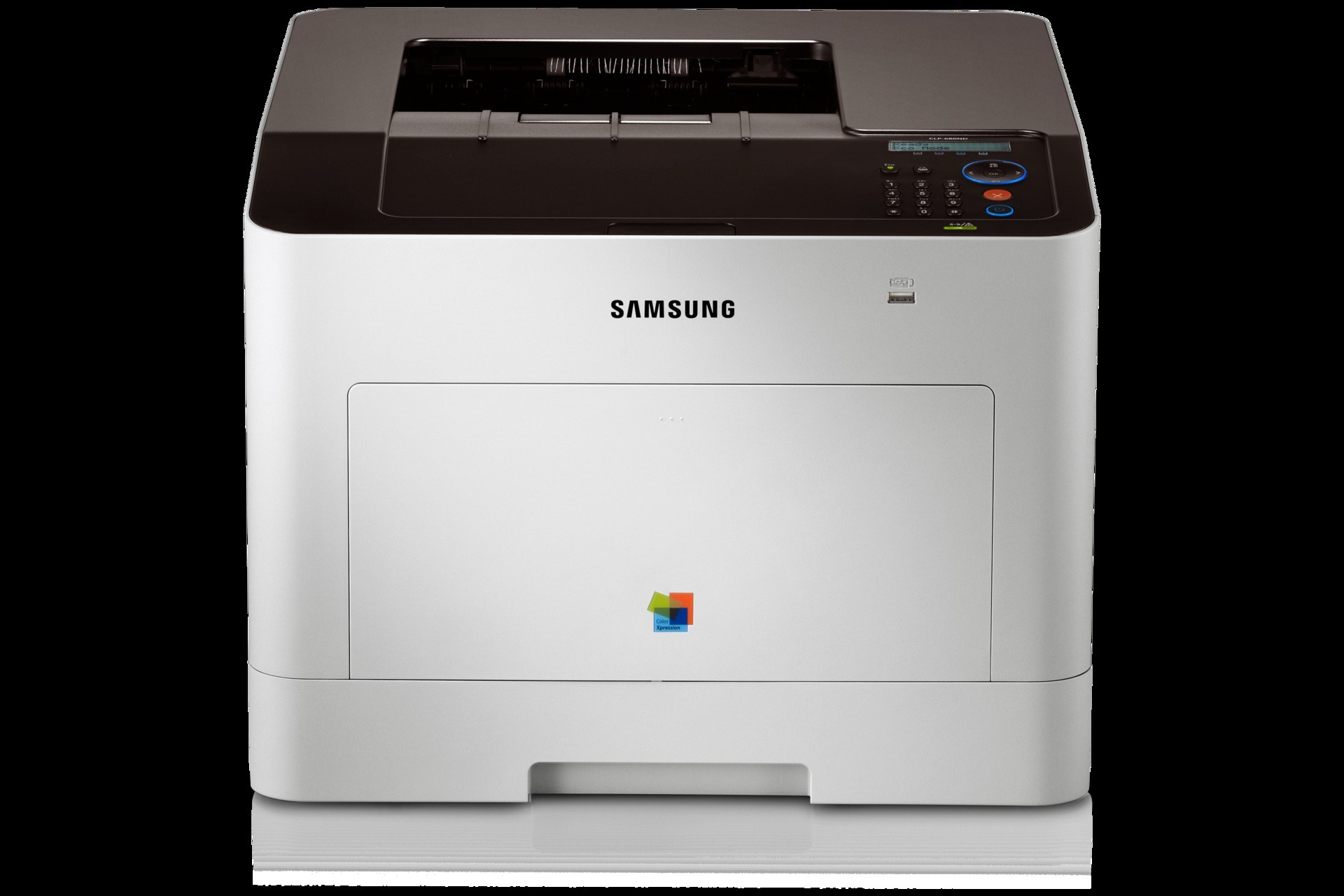
The Samsung CLP-680DW is a color laser printer from the early 2010s CLP/CLX line, and its suffix tells you exactly what it adds over the plain CLP-680: automatic duplex printing and wireless networking. Samsung aimed it at workgroups and departments with serious color volume. The cartridge system has two tiers in every color — the standard CLT-K506S black and CLT-C506S cyan, for example, each have a high-yield L counterpart — so the full lineup runs to eight cartridges, all listed below.
A department machine earns its floor space by staying available: duplex as the default for long reports, a wireless connection that frees it from the one desk beside the network drop, and color output that several people share. Volume is the defining fact of this model's life — at department pace, how long a cartridge lasts matters as much as whether it fits, which is why this is one of the Samsung lines where the yield decision genuinely changes the running cost.
Toner Cartridges for CLP-680DW
| Cartridge | Color | Page Yield |
|---|---|---|
| CLT-K506S | Black | See product page |
| CLT-C506S | Cyan | See product page |
| CLT-M506S | Magenta | See product page |
| CLT-Y506S | Yellow | See product page |
| CLT-K506L — high yield | Black | See product page |
| CLT-C506L — high yield | Cyan | See product page |
| CLT-M506L — high yield | Magenta | See product page |
| CLT-Y506L — high yield | Yellow | See product page |
| CLT-506S 4 Color Set | Black, cyan, magenta and yellow | See product page |
| CLP-680DW 4 Color Set | Black, cyan, magenta and yellow | See product page |
| CLP-680DW Premium Quality 4 Color Set | Black, cyan, magenta and yellow | See product page |
Which cartridge should you buy?
Both tiers fit the same slots; the letter at the end of the code is the difference. The S cartridges are the standard fill, and the L cartridges — CLT-K506L and its color counterparts — carry the high-yield fill for printers that work hard. A department that prints color every day standardizes on L cartridges to stretch the time between changeovers and keep cost per page down; a lighter workgroup may find S cartridges perfectly adequate and cheaper to keep on the shelf. Tiers can differ by slot: nothing stops you running a high-yield black beside standard colors if that is where your volume sits. Every compatible cartridge here is backed by a 1-year warranty and 1-year returns.
Chip, toner and everyday use
An "unrecognized cartridge" message on this model sometimes follows a firmware update that tightens chip checks — a cartridge the printer accepted last month can draw questions after the update. Before blaming the cartridge, reseat it and wipe the chip contacts gently with a dry cloth; contact, not toner, is the usual failure point. Install each cartridge along its guide until it stops, and let the printer calibrate before the first job. Keep spares sealed and flat; at department volumes the next change is never far away.
Frequently Asked Questions
What is the difference between the CLT-506S and CLT-506L cartridges?
The letter marks the yield tier. S cartridges are the standard fill; L cartridges are the high-yield fill in the same housing, so a CLT-K506L drops into the exact slot a CLT-K506S came out of. The fit never changes — only how many pages you print between swaps.
My CLP-680DW stopped recognizing a cartridge after a firmware update. What should I try?
Reseat the cartridge first, then wipe its chip contacts gently with a dry cloth and reinstall. Firmware updates can tighten the printer's chip checks, and a marginal contact that passed before may fail after. If the message survives a careful reseat, contact the cartridge supplier about a compatible replacement rather than fighting the machine.
Why is the CLP-680DW printing completely blank pages?
The classic cause is the protective seal: if the tab was never pulled, toner cannot leave the cartridge at all. Power off, remove the cartridge and draw the seal out fully, then reinstall until it clicks. If the seal is already out, check that the cartridge is seated completely before looking deeper.
Does duplex printing save toner as well as paper?
Duplex halves paper use; the toner laid on each printed side stays the same. The saving shows up in the paper budget and in how a long report feels in the hand, not in cartridge life. For toner economy, the yield tier you choose matters far more than the duplex setting.
More printers that use the same cartridges
The CLT-506 cartridge system is shared across the CLP-680 and CLX-6260 families. Every model below takes the same eight cartridges: CLX-6260, CLX-6260FD, CLX-6260FR, CLX-6260FW, CLX-6260ND, Samsung-CLT506, CLP-680, CLP-680GOV, CLP-680ND.