




CLX-6260FD
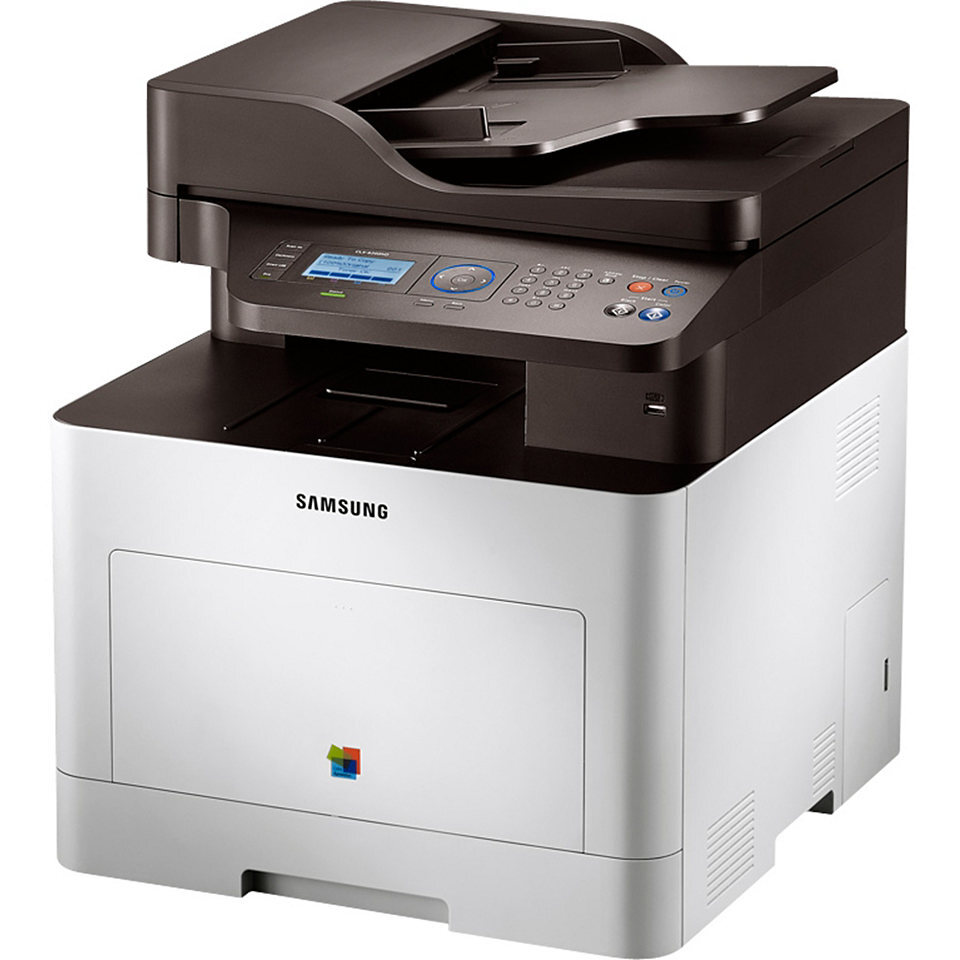
The Samsung CLX-6260FD is a color laser multifunction printer with fax and automatic two-sided (duplex) printing, built for departments and larger workgroups. Six cartridges feed it across two lines: standard-yield CLT-K506S black, CLT-C506S cyan, CLT-M506S magenta and CLT-Y506S yellow, and the high-yield L line — CLT-K506L, CLT-C506L, CLT-M506L and CLT-Y506L. The listings below also group them under the CLT-506S and CLT-506L labels. Compatible and genuine Samsung cartridges are stocked side by side on this page.
Duplex printing changes the arithmetic of a department printer: every two-sided job halves its paper use, and reports that once needed manual flipping come out finished. What duplex does not change is toner appetite — double-sided text uses a cartridge just as fast as single-sided printing does. In a shared department the practical effect is steady, predictable consumption, with black again the heavyweight and the colors riding along at a fraction of the pace.
Toner Cartridges for CLX-6260FD
Which cartridge should you buy?
The S and L lines are the real decision on this page. Standard-yield S cartridges fit a department machine that prints in bursts; high-yield L cartridges fit one that hums all day, stretching the gap between swaps and orders. Replace cartridge by cartridge as the panel flags each color — sets exist for full refreshes and first installations, and black multi-packs keep the hardest-working slot covered. Compatible cartridges from this shelf carry a 1-year warranty with 1-year returns; genuine Samsung stock covers OEM-only policies. Whatever you order, the last letter of the code decides the capacity, so read it off the old cartridge first.
Chip, toner and everyday use
If the printer rejects a correct-code cartridge after a firmware update, reinstall the cartridge and restart the machine before anything else — the chip handshake usually recovers on a clean boot. Lid and roller wear announce themselves differently, with repeating marks or feed trouble that no cartridge swap cures; marks repeating at a fixed spacing point to a roller or drum, not to toner. Keep spares sealed in a cool place, and when you install one, rock it gently and pull every seal clear before closing the machine up.
Frequently Asked Questions
The printer says my new cartridge is not recognized. What should I try first?
Remove the cartridge, check that every seal and piece of tape is gone, reseat it firmly and restart the printer. If the message persists with a cartridge carrying the correct code, note the exact error and contact the seller — a faulty chip is rare, and it is covered under the warranty here.
Does duplex printing save toner?
No — duplexing saves paper, not toner. A two-sided page carries the same coverage as the same text spread over two single pages. To stretch a cartridge, draft mode and eco settings are the levers that actually work.
Which line should a department choose, S or L?
The L high-yield line, in most cases. Department volume turns standard cartridges into frequent interruptions, while L cartridges lengthen the interval between orders. A lightly used satellite office is the exception where standard S singles are the smarter spend.
A line runs down every page. Which cartridge is at fault?
A line repeating in the same position usually traces to a scratched drum or a worn roller rather than to toner level. If the line is in one solid color, suspect that color's cartridge; if it shows in every color, look at the shared paper path and the rollers.
More printers that use the same cartridges
This cartridge family is shared across Samsung's CLP-680 printers and the rest of the CLX-6260 range: CLP-680, CLP-680DW, CLP-680GOV, CLP-680ND, CLX-6260, CLX-6260FR, CLX-6260FW, CLX-6260ND, Samsung-CLT506.