




CLP-680GOV
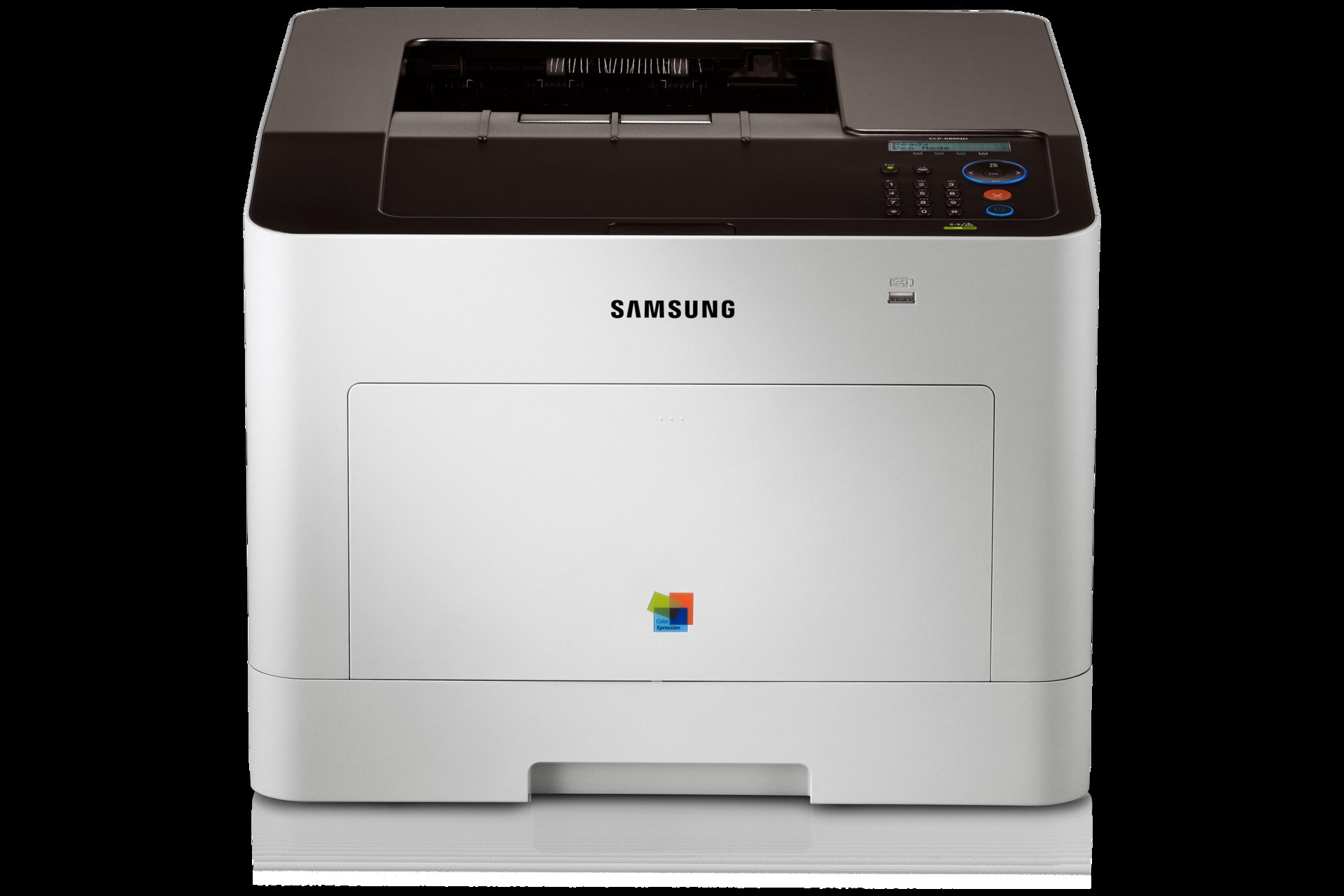
As a color laser printer, the Samsung CLP-680GOV represented the CLP/CLX line in the early 2010s. Samsung sold it as a configuration variant of the CLP-680 line for specific channel needs. The machine suited workgroups and departments with serious color volume well.
The CLT-K506 cartridge set powers it: CLT-K506S lays down the black, while CLT-C506S covers magenta. Our shelves hold compatible and genuine OEM CLT-K506 toner alike, all shipping fast from Clever Supplies.
Toner Cartridges for CLP-680GOV
This printer works with the following toner cartridges:
- Samsung CLT-K506S
- Samsung CLT-C506S
- Samsung CLT-M506S
- Samsung CLT-Y506S
- Samsung CLT-K506L
- Samsung CLT-C506L
- Samsung CLT-M506L
- Samsung CLT-Y506L
More Samsung Printers
Frequently Asked Questions
My CLP-680GOV prints look grainy - which driver setting helps?
Higher resolution settings on the CLP-680GOV lay down more toner per page, so they use the CLT-K506S cartridge faster - reserve high quality for final documents. Normal mode gives clean text for everyday use with noticeably better toner economy. The speed difference is usually small on modern models.
How many spare cartridges should I keep for the CLP-680GOV?
One spare CLT-K506S is plenty for most CLP-680GOV owners, since the printer warns well before toner runs out. Offices that print heavily may keep two. Stocking more than you will use in a year risks the toner aging on the shelf.
How do I figure out which part of the CLP-680GOV is causing print defects?
Vertical streaks from the CLP-680GOV usually point to a scratched or dirty imaging drum rather than the toner itself. Run the cleaning function in the driver and inspect the drum surface for marks. If the streak sits in the same spot on every page, the drum or imaging unit is the likely replacement, not the CLT-K506S cartridge.