




CLP-680
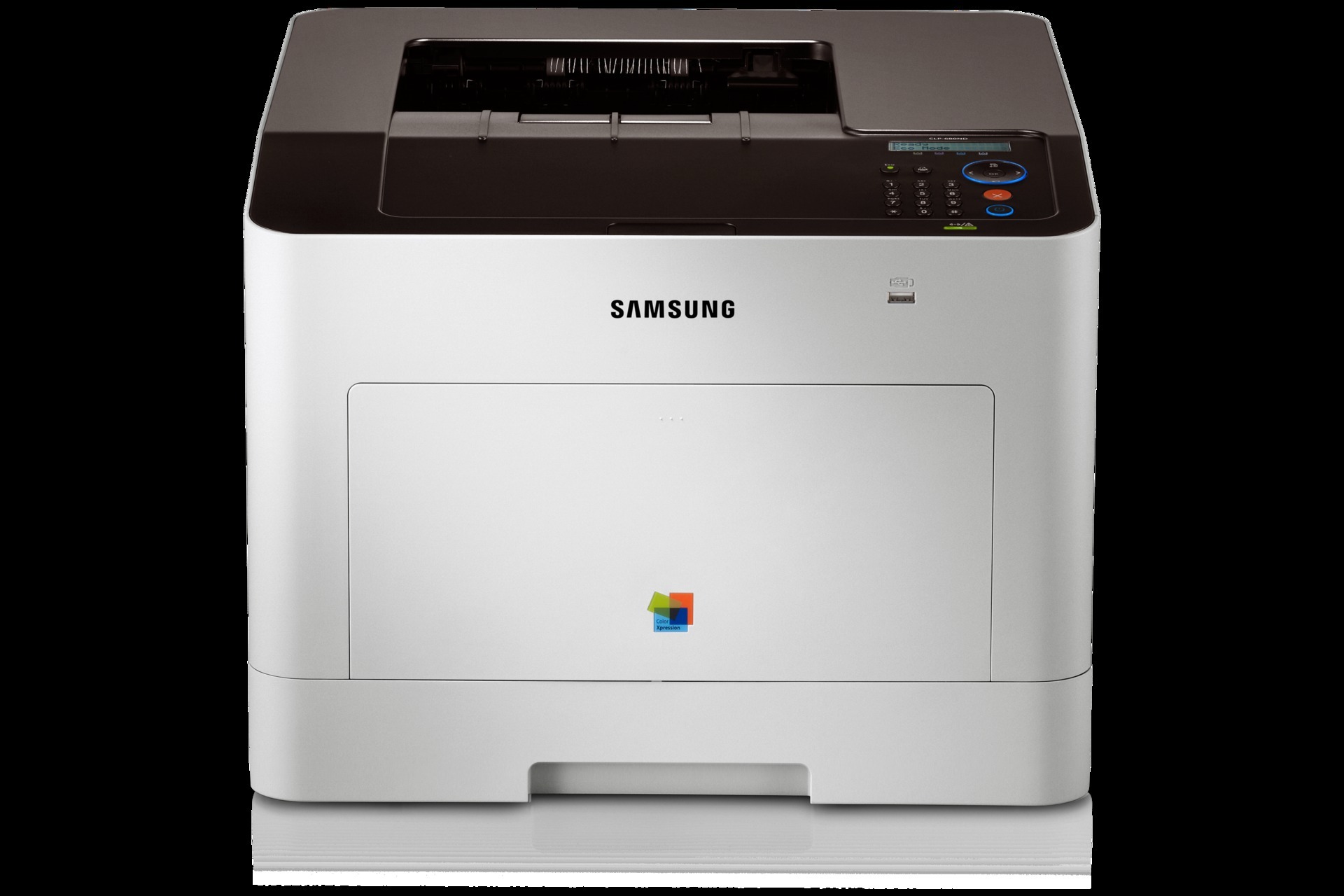
The Samsung CLP-680 arrived in the early 2010s as a color laser printer with running costs kept firmly in check, aimed at workgroups and departments with serious color volume. It prints from the CLT-506S standard-yield range — CLT-K506S in black, CLT-C506S in cyan, CLT-M506S in magenta and CLT-Y506S in yellow — with each color in its own slot, ready to be replaced the moment it runs dry.
Departmental color printing has a pattern: long runs of reports, charts and marked-up drafts, punctuated by the polished pieces that go outside the building. The CLP-680 was specified for exactly that workload, and its running costs hinge less on the printer than on the cartridge plan behind it. Offices that print color every day feel every cartridge change as lost minutes, which is why the yield question below matters more on this model than on a lightly used desk machine.
Toner Cartridges for CLP-680
Which cartridge should you buy?
This family offers two tiers, and choosing between them is the main cost decision. The standard CLT-K506S tier suits lighter, intermittent color work and keeps the price of each cartridge down. The high-yield L tier — CLT-K506L black with CLT-C506L, CLT-M506L and CLT-Y506L colors — holds more toner per cartridge, so a busy department changes cartridges less often and generally pays less per page. Tiers can be mixed slot by slot: run high-yield black for the document flood and standard colors if your color use is occasional. A set makes sense when a full refresh is due; singles handle the staggered reality of one color ending at a time. All compatible listings include a 1-year warranty and 1-year returns.
Chip, toner and everyday use
The CLP-680 reads each new cartridge through its chip, so push the unit home until it clicks and let the machine register it before the next job goes down the queue. Page ratings assume light, standard coverage — chart-heavy departmental documents draw toner faster, so treat the gauge, not the calendar, as your reorder signal. Keep one full set of spares sealed in a cool, dry room; a department that prints daily should never be waiting on a delivery to finish a run.
Frequently Asked Questions
Should spare CLT-K506S cartridges stay sealed until I need them for the CLP-680?
Yes. Store a spare in its sealed bag, upright, in a cool dry room — a closet beats a garage for printer supplies. Heat and humidity degrade toner and can warp the cartridge shell, and direct sunlight does damage even through the box. Unseal the cartridge only when the old one comes out.
How can I reduce how often the CLP-680 jams?
Start with the paper. Jamming on only some stock usually means the printer dislikes that weight or finish — very thin sheets and glossy paper are common culprits. Switch to standard office paper, set the tray's paper type to match what is loaded, and most feed problems disappear. The toner cartridge itself has no influence on which paper feeds well.
How much toner does draft mode actually save on the CLP-680?
Enough to matter on text. Eco and draft settings lighten everything the printer lays down, which suits monochrome documents and internal copies well. For anything where appearance counts, switch back to normal quality for that job — the setting never harms the printer or the cartridge.
More printers that use the same cartridges
These Samsung models run the same CLT-506 toner family as the CLP-680: CLP-680DW, CLP-680GOV, CLP-680ND, CLX-6260, CLX-6260FD, CLX-6260FR, CLX-6260FW, CLX-6260ND, Samsung-CLT506.