




CLP-775ND
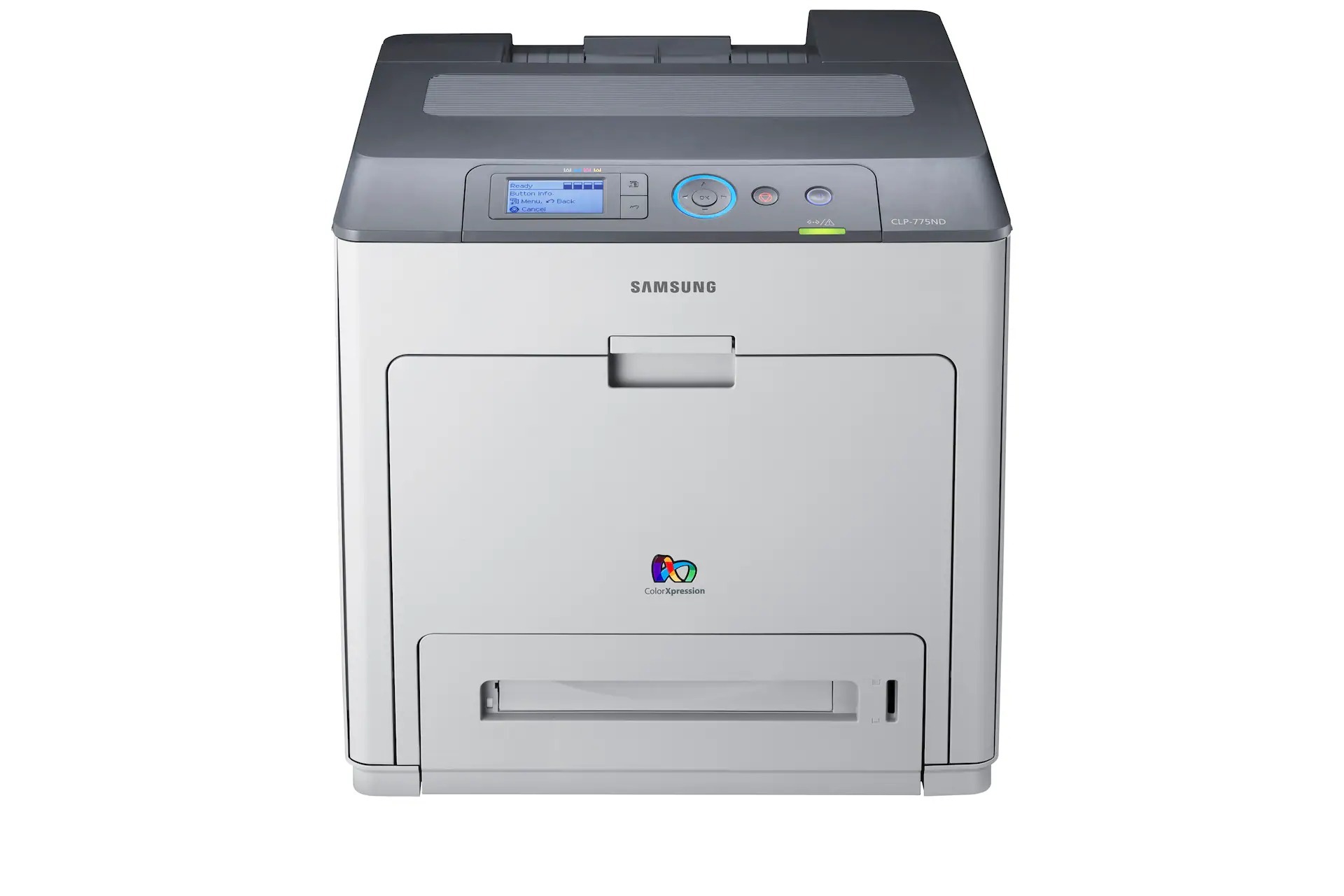
Samsung's CLP-775ND took the CLP-770 platform and refined it for networked office color printing, carrying the same ND recipe of built-in networking plus two-sided printing for workgroups sharing one color machine. It uses the full CLT-609S family — CLT-K609S black, CLT-C609S cyan, CLT-M609S magenta and CLT-Y609S yellow — available here in compatible and genuine Samsung versions. Four separate cartridges keep the colors independent, so the machine asks only for what it has actually used.
As the refined second take on the same platform, the CLP-775ND typically landed in offices that already knew their color volume and wanted a shared machine that would simply keep up. Its workload skews toward finished documents — the reports and decks that leave the building — where a washed-out page is not an option. That raises the stakes on supply timing: a color running dry mid-run costs a reprint of the whole set. Owners of this model tend to replace colors slightly early and keep the part-used cartridge as an emergency spare rather than squeezing the last page out of it.
Toner Cartridges for CLP-775ND
Which cartridge should you buy?
Ordering for this machine is refreshingly narrow: one family, one yield grade, four slots. The real question is timing and bundle size. A single cartridge answers a single low warning. A four-color set pays off when the machine is due a general refresh or when several colors are trending down together — common after a big presentation season. The two, three and five black packs exist because black rarely waits for the colors; on a document machine it can cycle twice while a color barely moves. Stock to that rhythm and the CLP-775ND never holds up a deadline for want of a cartridge.
Chip, toner and everyday use
Ordering the correct cartridge starts at the label: the code is printed on the cartridge and inside the supply door, and each unit is keyed to its color slot, so a cyan cartridge physically cannot take the magenta position. Codes from other Samsung color families will not seat in this machine at all — close is not close enough. For print darkness complaints, work the settings before the supplies: washed-out text is more often a toner-save or draft setting than an empty cartridge, and a test page at normal quality tells you whether settings or hardware need attention. Keep spare cartridges bagged and flat; toner keeps well, and a spare that has sat for months is still ready when the warning light comes on.
Frequently Asked Questions
How do I make sure I am ordering the correct cartridges?
Order by the CLT-609S family codes — CLT-K609S, CLT-C609S, CLT-M609S and CLT-Y609S — and match the letter to the color you need. The code is printed on the installed cartridge's label, and each cartridge is keyed to its own slot, so a correct code always seats and a wrong family never will.
How do I print darker output on the CLP-775ND?
Choose the normal or high quality setting in the driver and confirm toner-save is off. Washed-out text is more often a settings issue than an empty CLT-K609S cartridge. A test page at normal quality separates a settings problem from a supply problem.
How accurate is the toner gauge?
Treat the gauge as an estimate. When the machine claims low toner right after a fresh install, the cartridge is probably not seated all the way, or the printer needs a restart to read the new chip. Reseat and power-cycle first; if a new cartridge keeps showing a false low, the chip may be faulty and worth reporting to the supplier.
Can I keep using the printer if one color is empty?
Black-only work generally continues, but color documents will stall or print incorrectly. Since each color swaps independently, replacing just the empty CLT-609S cartridge restores full output — the others can stay where they are.
More printers that use the same cartridges
The same CLT-609S family also serves these Samsung models: Samsung-CLT609S, CLP-775, CLP-770ND/XAA, CLP-770ND, CLP-770.