




CLP-775
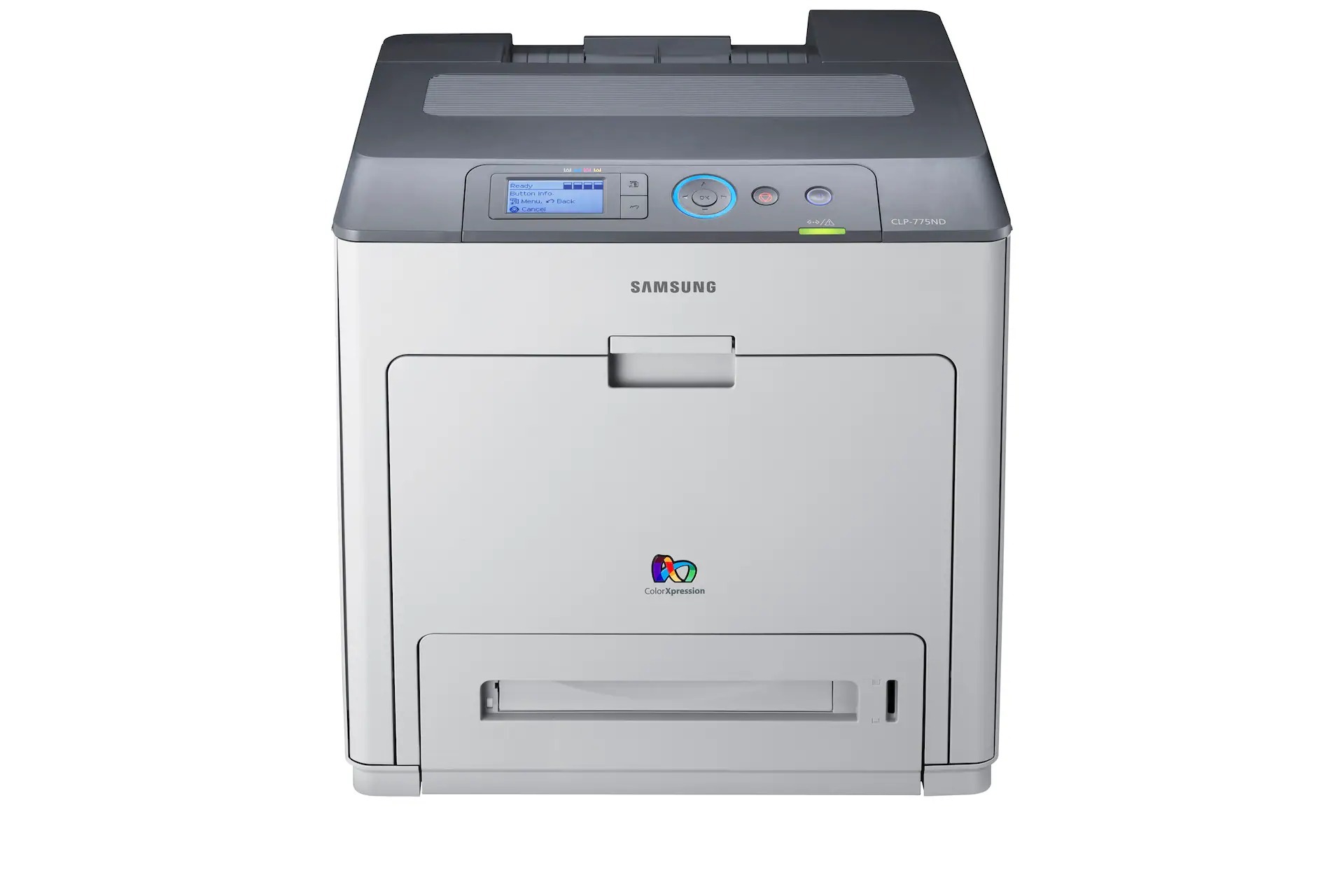
As the base configuration of the 775 pair, the Samsung CLP-775 offered color laser printing in its simplest form — a direct-connected A4 printer for individual desks or very small offices.
The CLP-775 prints with the CLT-609S series, including black CLT-K609S and the three color cartridges. Both compatible and genuine OEM toner options are available.
Toner Cartridges for CLP-775
This printer works with the following toner cartridges:
- Samsung CLT-K609S
- Samsung CLT-C609S
- Samsung CLT-M609S
- Samsung CLT-Y609S
More Samsung Printers
Frequently Asked Questions
Why does the CLP-775 keep prompting me to update?
Firmware updates for the CLP-775 fix bugs and security issues, but they can occasionally tighten cartridge chip checks - so update deliberately, not automatically. Get updates only from the official Samsung or HP support site for your exact model. Note your CLT-K609S cartridge code before updating in case you need to reference it later.
How can I stretch a low CLT-K609S in the CLP-775 to last longer?
If the CLP-775 reports low toner right after a fresh CLT-K609S install, the cartridge is likely not seated fully or the printer needs a restart to read the new chip. Reseat the cartridge and power-cycle the printer. A persistent false low reading on a new cartridge points to a chip issue worth reporting to the supplier.
What is my CLP-775 trying to tell me when the toner indicator starts flashing?
The blinking toner light on the CLP-775 signals low toner, an improperly installed CLT-K609S, or a cartridge the printer cannot read. Reseat the cartridge and check for packaging leftovers like seals or tabs. If the light stays on with a known-good CLT-K609S, try a different cartridge to isolate whether the issue is the cartridge or the printer.