




CLP-775ND
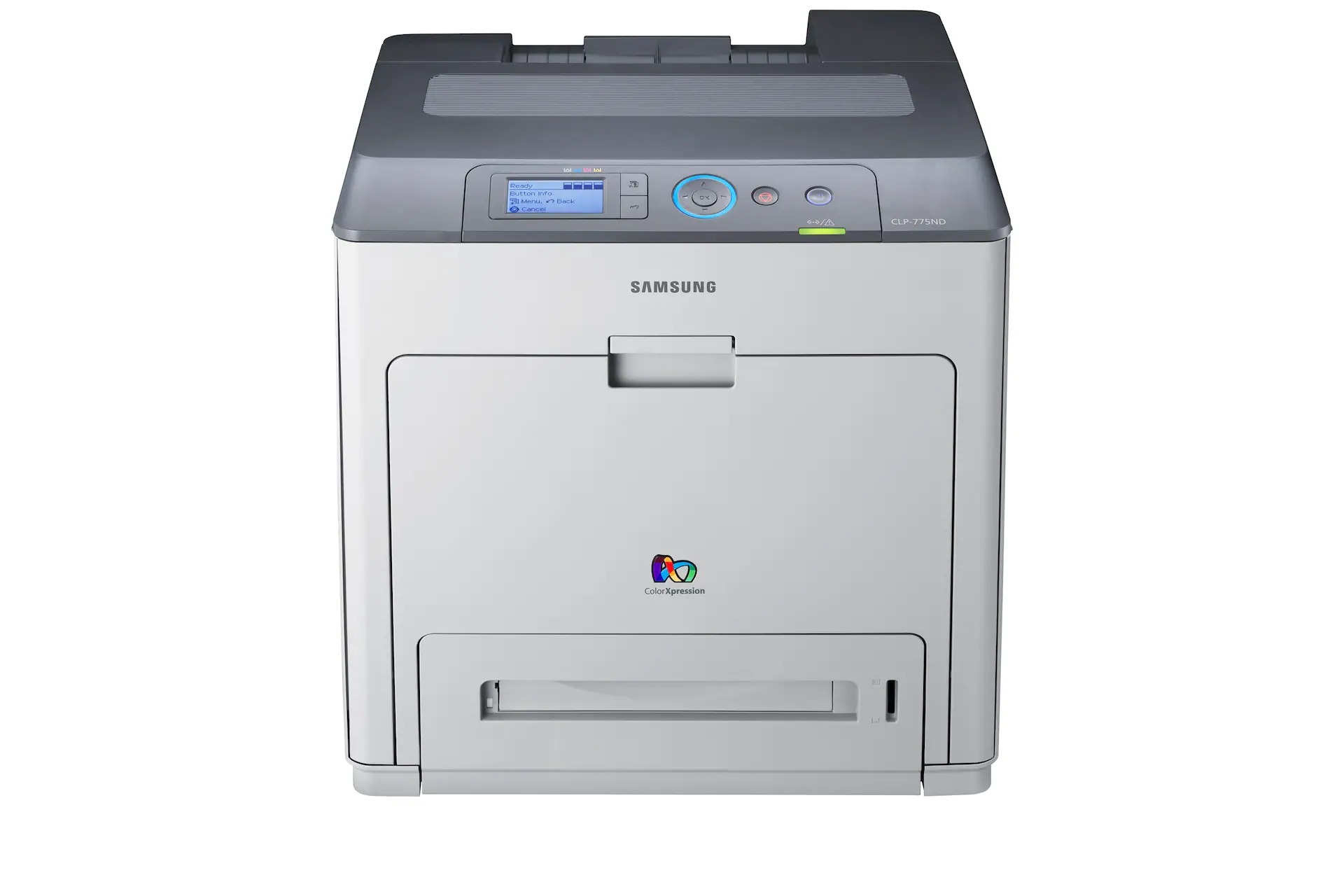
Samsung's CLP-775ND took the CLP-770 platform and refined it for networked office color printing. Like its stablemate, the ND badge means built-in networking plus two-sided printing, aimed at workgroups sharing one color machine.
It uses the full CLT-609S family — CLT-K609S black, CLT-C609S cyan, CLT-M609S magenta, and CLT-Y609S yellow — available here in compatible and genuine OEM versions.
Toner Cartridges for CLP-775ND
This printer works with the following toner cartridges:
- Samsung CLT-K609S
- Samsung CLT-C609S
- Samsung CLT-M609S
- Samsung CLT-Y609S
More Samsung Printers
Frequently Asked Questions
How can I make sure I am ordering the correct cartridges for the CLP-775ND?
The CLP-775ND uses the CLT-K609S family of cartridges, and codes from other Samsung color families will not fit or seat correctly. Each cartridge is keyed to its color slot, so a cyan cartridge cannot go in the magenta position. The code is printed on the cartridge label and inside the supply door.
How do I print darker output on the CLP-775ND?
For crisp text on the CLP-775ND, choose the normal or high quality setting in the driver and confirm toner-save is off. Washed-out text is more often a settings issue than an empty CLT-K609S cartridge. A test page at normal quality tells you whether the settings or the hardware need attention.
How accurate is the toner gauge on the CLP-775ND?
When the CLP-775ND claims low toner right after a fresh CLT-K609S install, the cartridge is probably not seated all the way or the printer needs a restart to read the new chip. Reseat the cartridge and power-cycle the printer. If a new cartridge keeps showing a false low reading, the chip may be faulty — worth reporting to the supplier.