




C746DTN
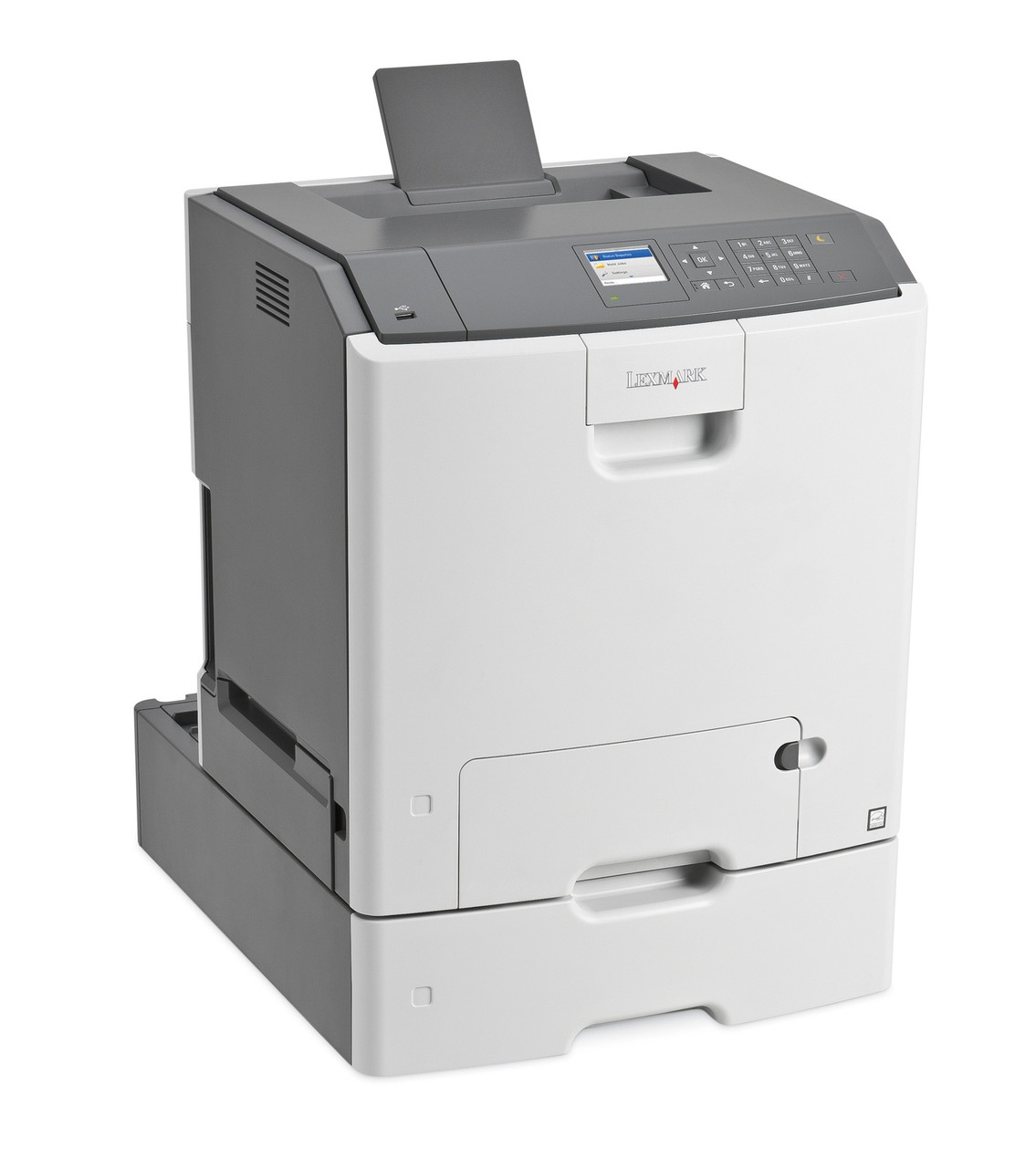
The Lexmark C746dtn takes the duplex-plus-network formula of the C746 family and adds a second paper tray, so high-volume color teams spend their time printing instead of reloading paper. Its toner set is the family's high-yield C746H range: black under part C746H (C746H2KG), good for about 12,000 pages, with cyan, magenta and yellow cartridges rated around 10,000 pages apiece. The listings here stock that black cartridge in compatible singles, 2 packs and 4 packs.
Every tray on a printer like this exists because the output never slows down — long color runs, mixed paper stocks, a queue that refills itself all day. The C746dtn answers with capacity, and its supply strategy matches: a high-yield black that stretches each swap to roughly 12,000 pages, and compatible pricing that keeps a busy color workload from quietly inflating the department's supply budget.
Toner Cartridges for C746DTN
Listed above are the black cartridge options shared by this family. The C746dtn's high-yield colors are C746H1CG (cyan), C746H1MG (magenta) and C746H1YG (yellow), each rated at approximately 10,000 pages; the C748 sub-series takes different color cartridges, though the black is common to both.
Which cartridge should you buy?
On a printer fed by two trays, the black cartridge is the consumable that sets the service rhythm — plan its stock first. One C746H2KG handles around 12,000 pages; the 2 pack is the practical default for a shared machine, since the replacement is already in the building when the first runs dry; the 4 pack suits sites that order supplies quarterly. Colors follow their own schedule: swap cyan, magenta or yellow individually as each empties, and expect the colors your documents use least to last through several black cartridges.
Chip, toner and everyday use
The chips in these compatible cartridges are read by the C746dtn the same way it reads the originals, so installation is a straight swap and toner levels keep reporting. Ratings assume roughly 5% coverage per page — a tray full of full-color brochures will use a cartridge far faster than the same tray printing contracts with a color logo. Keep unopened cartridges sealed, flat and out of direct sunlight, and keep one black in reserve: on a high-volume machine, the cost of an empty printer is measured in other people's waiting time.
Frequently Asked Questions
Which toner does the Lexmark C746dtn use?
The C746H high-yield set — black C746H2KG at roughly 12,000 pages and three color cartridges near 10,000 pages each. The black listings on this page are the cartridge to stock first on this model.
What does the extra tray change about toner buying?
Nothing about which cartridge fits — but a second tray usually means higher monthly volume, so the 2 pack or 4 pack of black is the sensible stock level rather than a single.
Can I mix a compatible black with original color cartridges?
Yes. The cartridges work independently, so a compatible C746H2KG can run alongside original color cartridges without any conflict.
How many pages will the color cartridges print?
Around 10,000 pages each at 5% coverage. Dense, full-page color work uses toner faster, so graphics-heavy departments will see lower real-world totals.
More printers that use the same cartridges
One black cartridge covers this whole platform — the same C746H2KG also feeds: C746DN, C746N, C748DE, C748DTE, C748E, X746DE, X748DE, X748DTE.