




LaserJet M1536DNF MFP
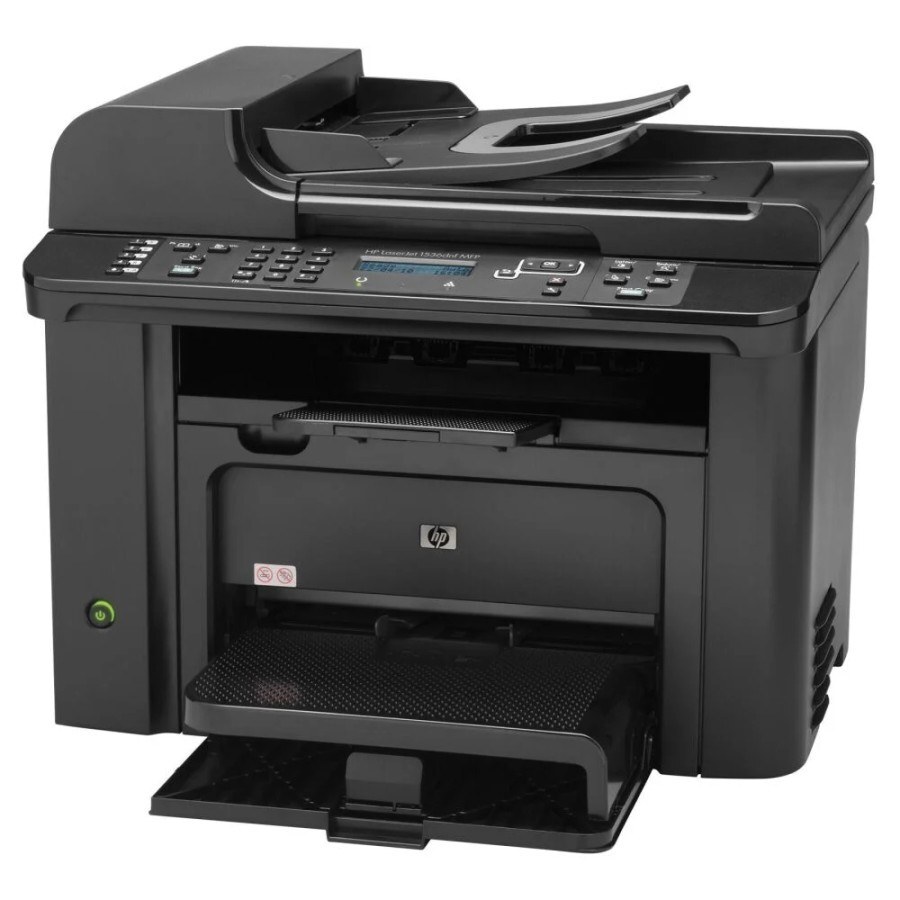
With fax, duplex, and networking all on board, the HP LaserJet M1536DNF MFP was the fullest small-office configuration of the M1536 family.
It takes the black HP 78A (CE278A) cartridge as its single consumable.
Toner Cartridges for LaserJet M1536DNF MFP
This printer works with the following toner cartridges:
- HP CE278A
More HP Printers
- LaserJet M1530
- LaserJet M1530MFP
- LaserJet M1536
- LaserJet M1536D
- LaserJet M1536DN
- LaserJet M1536DNF
- LaserJet M1536F
- LaserJet M1536N
- LaserJet M1536NF
- LaserJet P1560
- LaserJet P1566
- LaserJet P1606
- LaserJet P1606DN
- LaserJet Pro M1536
- LaserJet Pro M1536DNF
- LaserJet Pro P1566
- LaserJet Pro P1606
- LaserJet Pro P1606dn
Frequently Asked Questions
How do I make sure I order the correct toner for the LaserJet M1536DNF MFP?
Read the code on the cartridge already in the LaserJet M1536DNF MFP — it should say CE278A. Match that exact code on your order; look-alike HP cartridges for other families won't seat or be recognized in the LaserJet M1536DNF MFP.
How do I clear a paper jam in the LaserJet M1536DNF MFP?
Switch the LaserJet M1536DNF MFP off, open the paper-path covers, and pull the jammed sheet out slowly in the direction of the paper path so it does not tear. Reload with fresh, fanned paper before resuming.
Should I shake a new toner cartridge before putting it in the LaserJet M1536DNF MFP?
Give the new CE278A cartridge a gentle side-to-side rock before installing it in the LaserJet M1536DNF MFP so the toner is evenly distributed. Keep it level and avoid touching the roller.