




LaserJet M1120N MFP
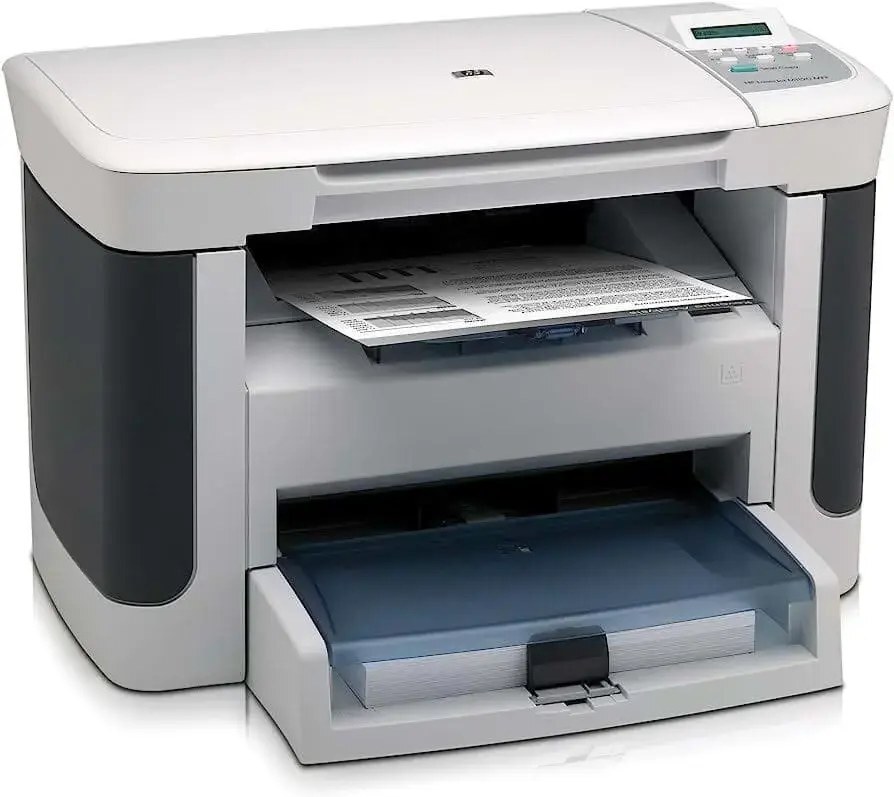
The LaserJet M1120N MFP is the late-2000s networked all-in-one — print, scan, and copy with built-in Ethernet for small offices sharing one machine.
One cartridge for all three functions: HP 36A, the CB436A, compatible or genuine OEM. The N's networking shares the printer; the CB436A keeps it fed.
Toner Cartridges for LaserJet M1120N MFP
This printer works with the following toner cartridges:
- HP CB436A
More HP Printers
- LaserJet M1120
- LaserJet M1120 MFP
- LaserJet M1120N
- LaserJet M1522
- LaserJet M1522 MFP
- LaserJet M1522N
- LaserJet M1522NF
- LaserJet M1522NFMFP
- LaserJet P1505
- LaserJet P1505N
Frequently Asked Questions
How do I know I'm buying the right toner for my LaserJet M1120N MFP?
Compare the code on the box with the LaserJet M1120N MFP's list: CB436A. HP makes look-alike cartridges for different printer families, so a code match is your guarantee.
Why won't my LaserJet M1120N MFP print after a cartridge change?
If the LaserJet M1120N MFP won't print after a cartridge change, confirm the new CB436A is fully seated and its sealing tape was removed. Read any message on the printer's display and follow its steps. Removing and reinserting the cartridge with the printer powered on usually clears recognition errors.
Where do I get drivers and firmware for the LaserJet M1120N MFP?
Download them from HP's official support site — search for the LaserJet M1120N MFP and choose your operating system. Current drivers fix printing, scanning, and connectivity problems, so keep them updated. Skip third-party driver sites, which often bundle unwanted software.