




LaserJet M1120 MFP
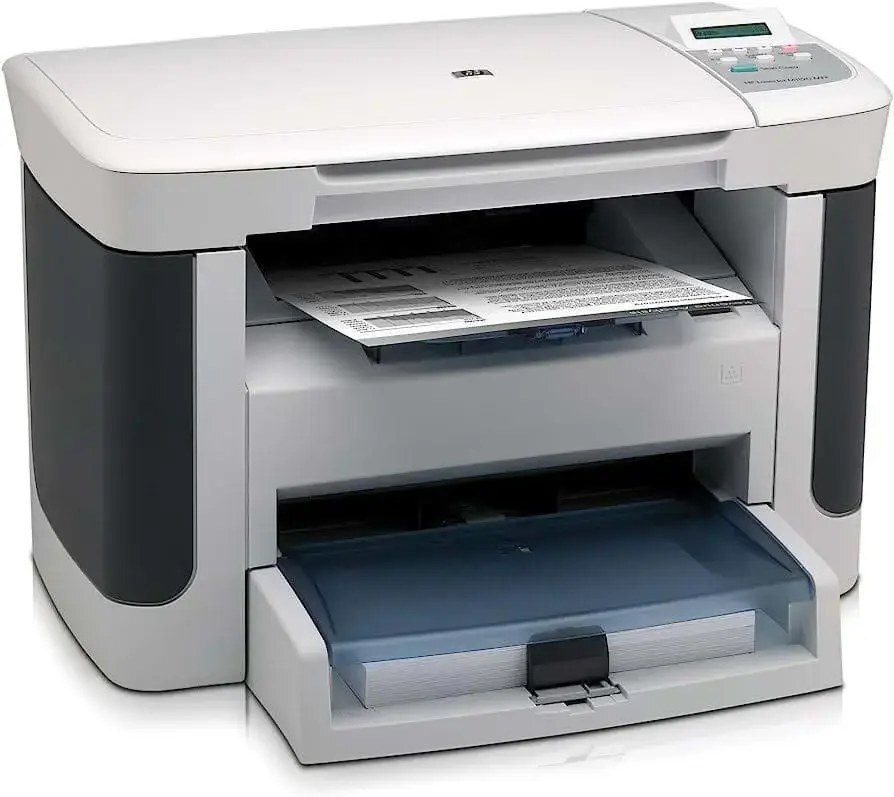
The LaserJet M1120 MFP is a late-2000s mono multifunction printer; offices chose it for everyday office document printing, and many never found a reason to replace it. The LaserJet M1120 MFP was never about flash; it was about everyday office document printing, and on that measure it still delivers. As an MFP, the LaserJet M1120 MFP folds scanning and copying into the same box — one machine doing the work of two.
Like 10 other models in its family, the LaserJet M1120 MFP takes the HP 36A cartridge line — look for the CB436A. Keep the LaserJet M1120 MFP printing with genuine HP CB436A cartridges or our compatible HP 36A versions; either way, the LaserJet M1120 MFP gets the toner it was designed for.
Toner Cartridges for LaserJet M1120 MFP
This printer works with the following toner cartridges:
- HP CB436A
More HP Printers
- LaserJet M1120
- LaserJet M1120N
- LaserJet M1120N MFP
- LaserJet M1522
- LaserJet M1522 MFP
- LaserJet M1522N
- LaserJet M1522NF
- LaserJet M1522NFMFP
- LaserJet P1505
- LaserJet P1505N
Frequently Asked Questions
What toner cartridges does the LaserJet M1120 MFP use?
The LaserJet M1120 MFP uses CB436A. Order by these exact codes — cartridges made for other HP families won't fit or won't be recognized.
When should I replace the toner in my LaserJet M1120 MFP?
Judge by output, not by warnings: the LaserJet M1120 MFP's ‘toner low’ message is conservative, so keep a spare CB436A ready but only swap it in when prints fade or the printer reports the cartridge empty. Rocking the CB436A gently side to side can coax out extra pages once quality starts to dip.
Where do I get drivers and firmware for the LaserJet M1120 MFP?
Download them from HP's official support site — search for the LaserJet M1120 MFP and choose your operating system. Current drivers fix printing, scanning, and connectivity problems, so keep them updated. Skip third-party driver sites, which often bundle unwanted software.