




Multifunction B1260DN
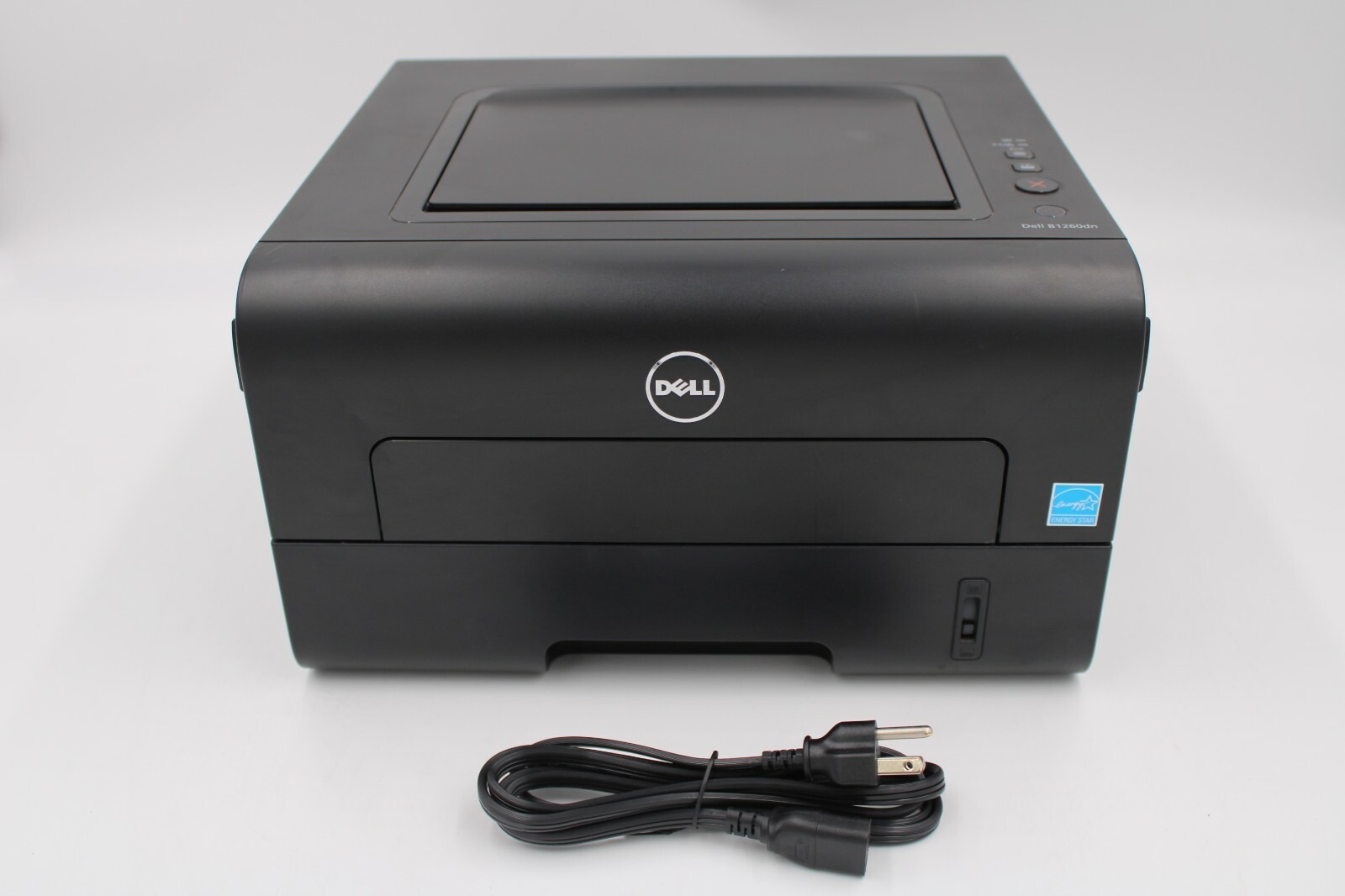
The Dell B1260DN proves a single-function printer can still be the smart choice: 28 pages per minute (A4), automatic duplexing, and Ethernet networking in a compact chassis with a 20,000-page monthly duty cycle. No scanner to maintain, no fax line to pay for — just fast, sharp monochrome printing for the whole office.
With mobile printing support (AirPrint, Google Cloud Print) and a one-touch Eco button that trims toner and paper use, it is designed to be cheap to run. The 2,500-page high-yield 331-7328 cartridge — especially in compatible form — completes that picture.
Toner Cartridges for Dell B1260DN
This printer works with the following toner cartridges:
- Dell 331-7328
- Dell 331-7327
- Dell 331-9803
- Dell DRYXV
- Dell RWXNT
- Dell 7MC5J
Frequently Asked Questions
Which cartridges does the Dell B1260DN use?
The B1260DN uses 331-7328, 331-7327, 331-9803, DRYXV, RWXNT, and 7MC5J supplies. Confirm the code on your current cartridge before ordering.
Does the B1260DN print double-sided?
Yes - the DN means duplex plus networking. Automatic two-sided printing pairs well with the B1260DN's copy function for double-sided document sets, using the same 331-7328/331-7327-series cartridges.
How do I share the B1260DN's scanner on a network?
Connect the B1260DN via Ethernet and configure network scanning (scan-to-email or scan-to-folder) so everyone can use it. Scanning uses no toner - only printed copies draw from the 331-7328-series cartridge.