




Color Laser Laser B1265DFW
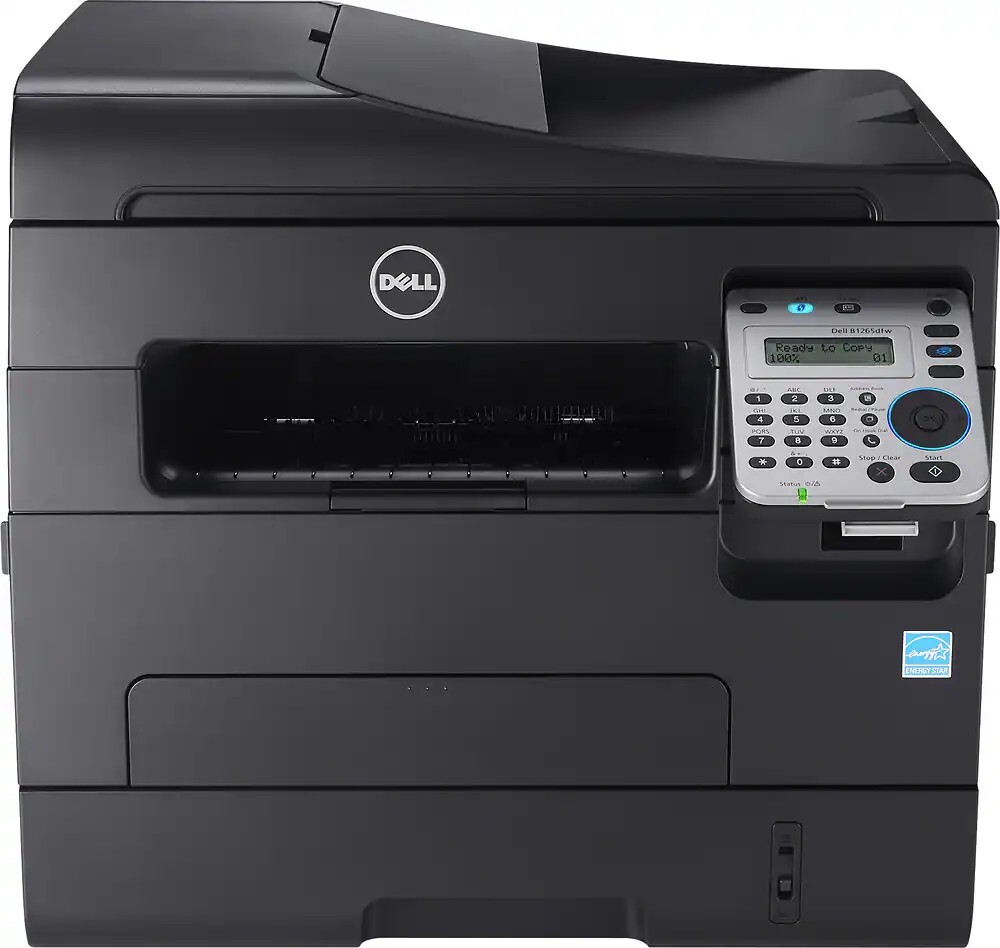
Placement freedom sets the Dell B1265DFW apart: with wireless networking built in, this 28-ppm print/scan/copy/fax multifunction printer can live wherever the office needs it — no Ethernet cable run required. Automatic duplexing, a document feeder, and fax round out a small office's complete document toolkit.
Wireless convenience pairs well with supply convenience: the high-yield 331-7328 black cartridge prints about 2,500 pages, so the printer needs attention far less often. Compatible cartridges keep that long interval affordable.
Toner Cartridges for Dell B1265DFW
This printer works with the following toner cartridges:
- Dell 331-7328
- Dell 331-7327
- Dell 331-9803
- Dell DRYXV
- Dell RWXNT
- Dell 7MC5J
Frequently Asked Questions
Which toner cartridges are compatible with the Dell B1265DFW?
The Dell B1265DFW uses Dell cartridges including RWXNT and 331-7327. The surest way to buy the right one is to match the number printed on the cartridge already inside your printer with the options listed above.
Can I scan a document on the Dell B1265DFW without printing it?
Yes — scanning to a computer, USB drive or email on the Dell B1265DFW uses no toner at all. Only printing, copying and received faxes consume the cartridge.
How do I clear a paper jam in the Dell B1265DFW?
Turn the Dell B1265DFW off, open the covers and pull the stuck sheet out slowly in the direction of the paper path — never yank backwards. Remove the toner cartridge for better access, then reseat everything before restarting.