




Color Laser Laser B1260DNF
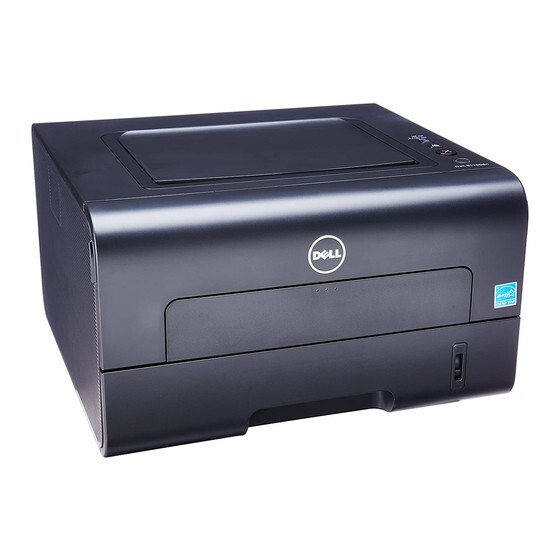
Four devices, one footprint, one power cable: the Dell B1260DNF's appeal is consolidation. Its 28-ppm print engine is joined by a color scanner, copier, and fax with automatic duplexing throughout, so a small office can retire the separate scanner and the standalone fax machine for good.
The economics favor the high-yield cartridge here — copies and faxes consume toner alongside prints, making the 1,500-page standard size run out faster than expected. The 2,500-page 331-7328, particularly as a compatible, keeps the consolidated machine consolidated in cost too.
Toner Cartridges for Dell B1260DNF
This printer works with the following toner cartridges:
- Dell 331-7328
- Dell 331-7327
- Dell 331-9803
- Dell DRYXV
- Dell RWXNT
- Dell 7MC5J
Frequently Asked Questions
What cartridges does the Dell B1260DNF use?
Cartridges such as DRYXV and 331-7328 are made for the Dell B1260DNF. If you are ever unsure, open the printer's front cover and copy the code off the old cartridge before ordering a replacement.
Why is my Dell B1260DNF using toner when I only scan?
Scanning alone can't use toner — if the Dell B1260DNF is consuming it, something is printing: check for stuck print jobs, copies being made instead of scans, or faxes arriving and printing automatically.
Can a damaged cartridge cause jams in the Dell B1260DNF?
It's uncommon, but a cracked or badly-seated cartridge can snag paper in the Dell B1260DNF. If jams started right after a cartridge change, remove it, inspect for damage or spilled toner, and reseat it firmly.