




Laser B1265DFW
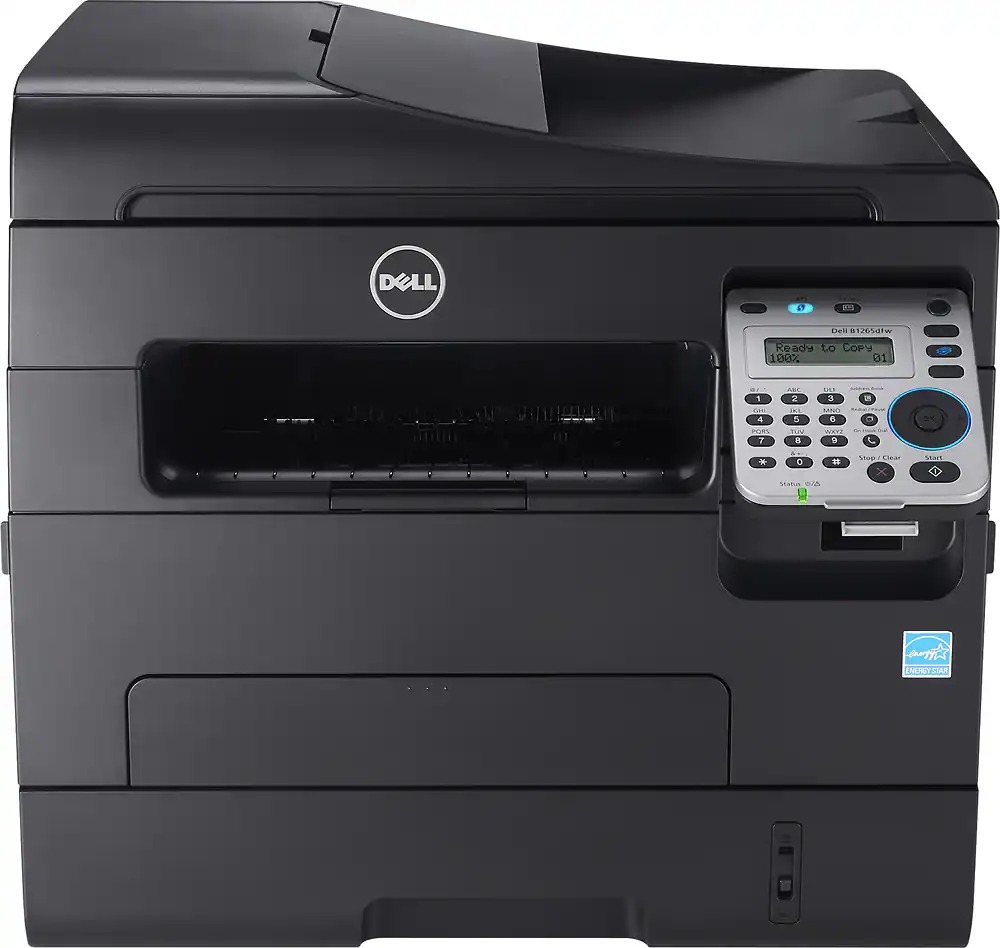
The Dell B1265DFW is the wireless member of Dell's compact mono MFP family: print, scan, copy, and fax at up to 28 pages per minute, with Wi-Fi plus Ethernet and USB for flexible placement anywhere in a small office. Automatic duplexing and a document feeder for multi-page jobs round out a genuinely complete package.
The cartridge story is simple — one black cartridge in a 1,500-page standard or 2,500-page high-yield size. For an MFP that also copies and faxes, the high-yield 331-7328 is the sensible default, and compatible versions make it the economical one too.
Toner Cartridges for Dell B1265DFW
This printer works with the following toner cartridges:
- Dell 331-7328
- Dell 331-7327
- Dell 331-9803
- Dell DRYXV
- Dell RWXNT
- Dell 7MC5J
Frequently Asked Questions
What do the letters in Dell B1265DFW stand for?
DFW means duplex, fax, and wireless: the B1265DFW prints two-sided automatically, sends faxes, and connects over Wi-Fi. Its cartridges are 331-7328, 331-7327, 331-9803, DRYXV, RWXNT, and 7MC5J.
Which cartridges fit the Dell B1265DFW?
The B1265DFW takes 331-7328, 331-7327, 331-9803, DRYXV, RWXNT, and 7MC5J. Note that this list differs slightly from the base B1265, so match your exact code before ordering.
How do I save toner when faxing on the B1265DFW?
Incoming faxes on the B1265DFW print automatically and consume toner, so enable fax forwarding to email or reduce the print density for faxes. When you do need toner, choose among the 331-7328, 331-7327, and other listed codes.