





 See Compatible Printers
 Read more about our ink!
Epson
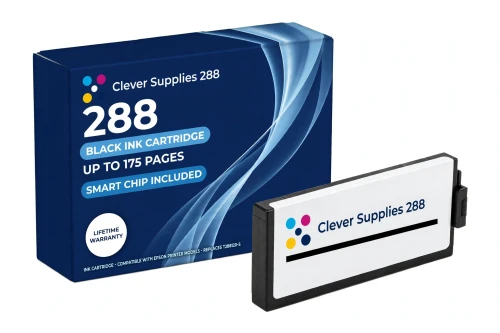
Compatible Epson 288 T288120 Black Ink Cartridge
- Page Yield:
- Up to 175 pages (ISO/IEC 24711)
- Shipping:
- Calculated at Checkout

Amazon Price:

- Page Yield:
- Up to 175 pages (ISO/IEC 24711)
- Shipping:
- Calculated at Checkout
- Compatible Printers
- Specifications
- SKU:
- CS-EP-288-BK
- Condition:
- New Compatible
- OEM Part #:
- T288120-S
- Color:
- Black
- Ink Type:
- Pigment
- Page Yield:
- Up to 175 pages (ISO/IEC 24711)
- Chip:
- New compatible chip
- Warranty:
- Lifetime Warranty
- Returns:
- 1-Year Free Returns
- Description
- Reviews
This is the standard-capacity black for Epson's small home Expression printers: a compatible T288120-S with DURABrite Ultra pigment black rated up to 175 pages (ISO/IEC 24711). It is the cartridge these printers were boxed with and the right size for the way they are actually used — homework, forms, letters, the occasional boarding pass — where a document printer can go a week between jobs.


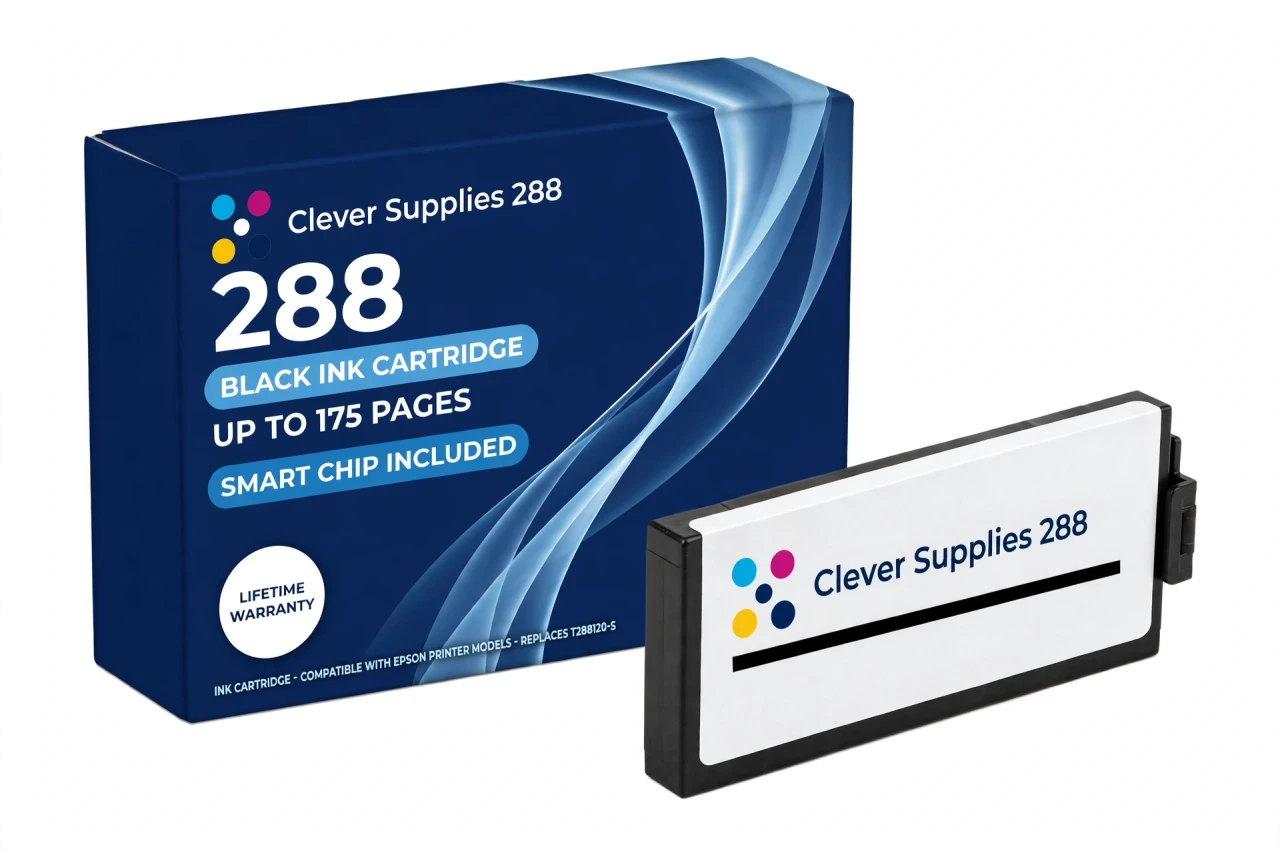
Black does the document work in this family, and pigment is why: DURABrite Ultra black sits on the paper surface rather than soaking in, so text stays sharp and resists water and highlighter smears in a way dye black does not. Beside it sit the standard T288220-S cyan, T288320-S magenta and T288420-S yellow at up to 165 pages each, and any slot can be stepped up on its own to the XL row — the T288XL120-S black is rated up to 500 pages — because the two tiers share the same slots. A new compatible chip reports ink levels to the printer; the firmware note in the questions below is worth a read before installing.
It fits the Expression Home XP-330, XP-340, XP-430, XP-434, XP-440 and XP-446 — and no other models. Covered by our lifetime warranty, with free returns for the first year.
Shop the Epson 288 family: T288220 Cyan Ink Cartridge · T288320 Magenta Ink Cartridge · T288420 Yellow Ink Cartridge · T288XL120 Black Ink Cartridge · Set of 4 BCMY Ink Cartridge · Set of 9 3 Black 2 Cyan 2 Magenta 2 Yellow Ink Cartridge
Browse by series:
Frequently Asked Questions
How many pages does the standard 288 black print?
Up to 175 pages, Epson's ISO/IEC 24711 rating for the T288120. That is document-pattern printing; dense pages with big graphics use more ink per sheet and finish sooner.
Standard or XL — how do I decide?
Count your real habit. A printer that produces a few documents a week is well served by this standard black; the XL black (T288XL120-S, up to 500 pages) suits a home office that prints daily. The slot takes either — nothing else changes.
Why pigment ink in a home printer?
Because these printers are document machines first. DURABrite Ultra pigment black gives crisp text that resists water, fading and highlighter smears; a dye black would bleed more readily on plain paper.
Which printers use this cartridge?
Six Expression Home models: XP-330, XP-340, XP-430, XP-434, XP-440 and XP-446. It does not fit the XP-420 or other Expression models outside that list — those use different families.
Can I change only the black?
Yes. All four cartridges are individually replaceable, and the printer asks only for the empty one. Keep the colours until their own warnings appear.
Does it carry a chip?
Yes — a new compatible chip that reports ink levels to the printer, so the on-screen and panel gauges track it as they do a genuine cartridge.
What is the honest note about firmware?
This: the cartridge carries a new compatible chip, and if your printer's firmware has been updated, recognition issues can occasionally occur, because Epson firmware is written for Epson cartridges. Reseating the cartridge firmly and restarting the printer clears most false warnings; anything further is covered by the lifetime warranty.
Will this black work beside XL colour cartridges?
Freely. Standard and XL cartridges mix in any combination across the four slots — a standard black with XL colours is a common set-up for document-heavy homes.
Text looks faded even with a new cartridge. What else?
Run a nozzle check from the printer's maintenance menu; a clogged black channel fades text exactly like an empty cartridge. Also confirm the paper type is set to plain paper — photo settings spread ink differently.
How many millilitres are inside?
We leave that blank: Epson's US documentation gives no millilitre volume for the 288 family, and we will not pass on a reseller's figure. Compare on the 175-page ISO yield.
Is it a genuine Epson cartridge?
No — a Clever Supplies compatible built to the T288120-S specification and labelled compatible on the box and this page. Epson does not manufacture it.
What does the lifetime warranty do for me?
If a cartridge fails to perform — not recognised after troubleshooting, leaking, or printing poorly from new — we replace it under the lifetime warranty. Free returns apply within the first year.
Related Items

Epson
Compatible Epson 288 T288420 Yellow Ink Cartridge
Yellow announces itself by absence: when it fades, greens go blue and warm documents look cold. This standard-capacity compatible T288420-S carries DURABrite Ultra pigment yellow rated up to 165...


Epson
Compatible Epson 288 T288220 Cyan Ink Cartridge
Cyan in a small home printer lives two lives: colour in documents — charts, headings, school projects — and half the sky in the occasional photo. This standard-capacity compatible T288220-S carries...

Epson
Compatible Epson 288 T288320 Magenta Ink Cartridge
Magenta is what makes a home printer's reds red and its faces human. This standard-capacity compatible T288320-S carries DURABrite Ultra pigment magenta rated up to 165 pages (ISO/IEC 24711) — the...

Epson
Compatible Epson 232 T232120 Black Ink Cartridge
The standard black is where this family's ladder starts — and unlike its closest relatives, the 232 ladder genuinely includes it. Our compatible T232120-S is rated up to 150 pages (ISO/IEC 24711),...