




CLP-620
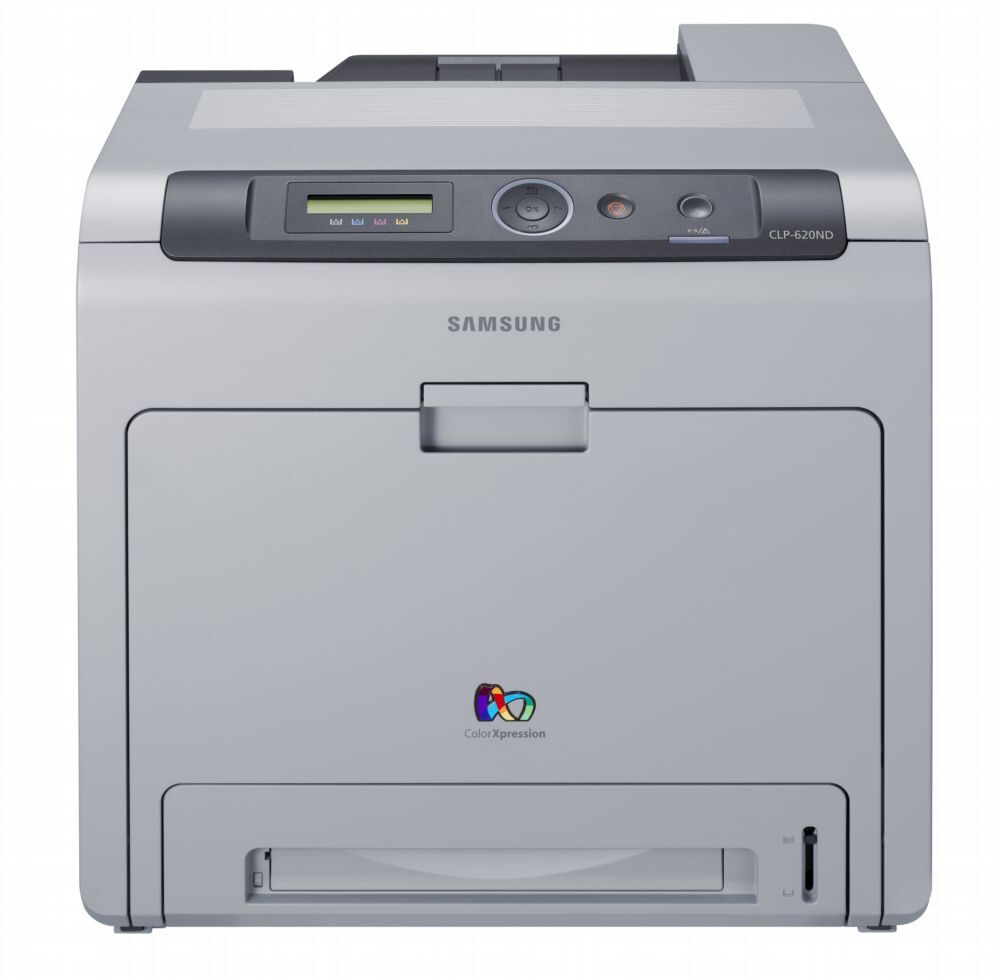
Samsung's late 2000s CLP/CLX generation included the CLP-620, a color laser printer built for everyday color work. Samsung sold it as a configuration variant of the CLP-620 line for specific channel needs. The machine suited workgroups that needed robust color laser performance well.
Samsung specified the CLT-K508 toner range for this model, led by the CLT-K508S black cartridge. Clever Supplies carries both compatible and genuine OEM CLT-K508 cartridges for it, with fast shipping on every order.
Toner Cartridges for CLP-620
This printer works with the following toner cartridges:
- Samsung CLT-K508S
- Samsung CLT-C508S
- Samsung CLT-M508S
- Samsung CLT-Y508S
- Samsung CLT-K508L
- Samsung CLT-C508L
- Samsung CLT-M508L
- Samsung CLT-Y508L
More Samsung Printers
Frequently Asked Questions
What should I do first when installing a new CLT-K508S in the CLP-620?
Pull the sealing tape completely out of the new CLT-K508S - a partially removed seal is the top reason a fresh cartridge prints blank in the CLP-620. The tape usually has a pull tab on one end. After removal, give the cartridge a gentle rock before installing.
Do I need a different driver for the CLP-620 on each computer I own?
Each computer needs its own copy of the driver, but the CLP-620 itself requires no changes when you add machines. Install the same driver package on every PC and point network installs at the printer's IP address. That keeps printing consistent across the workgroup.
The CLP-620 front cover will not close after I installed the cartridge - why?
Open the CLP-620's front cover and pull the spent CLT-K508S out by its handle. Before sliding the new cartridge along the rails until it clicks, remove all orange seals and tape from it. Close the cover and print a test page to check for even toner coverage.