




MB290MFP
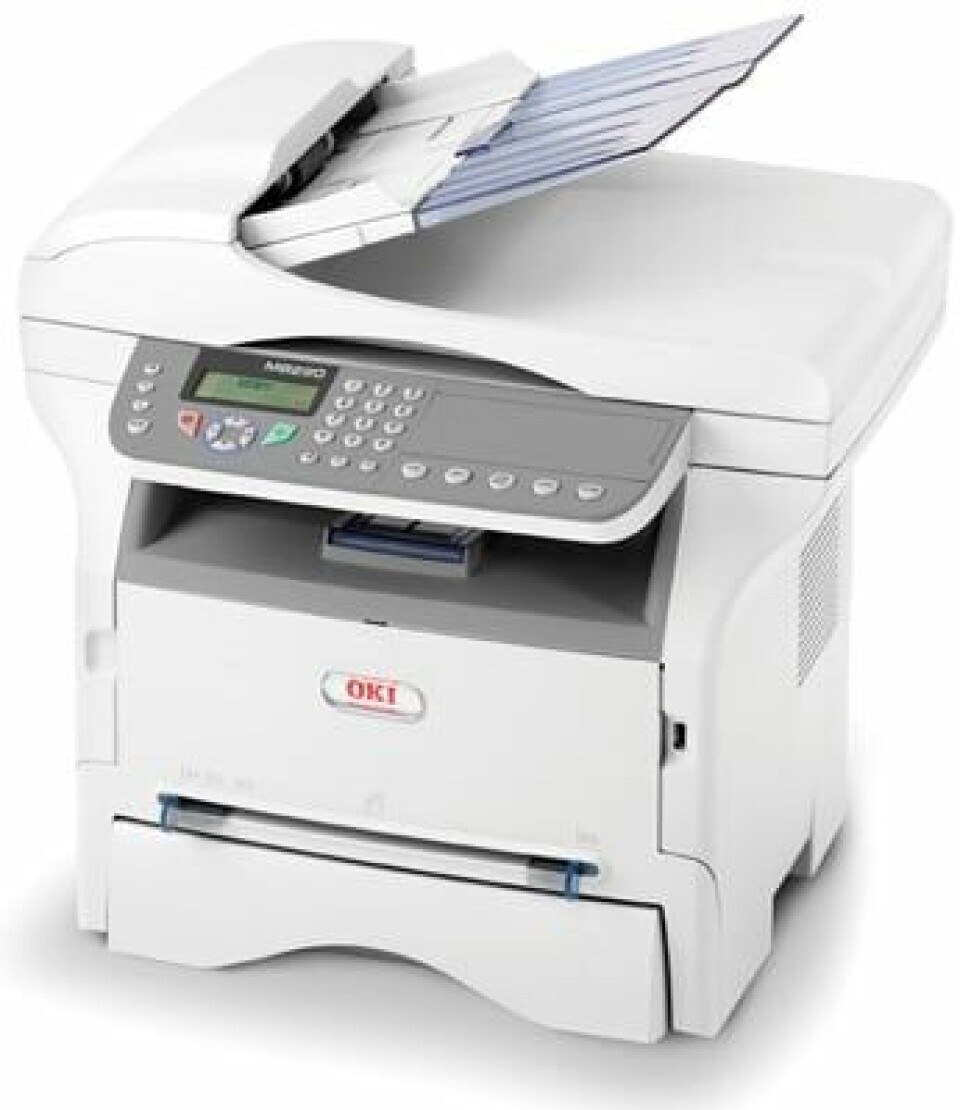
The Okidata MB290MFP is a monochrome multifunction printer for small offices that need printing, copying, scanning and faxing without dedicating space to four separate machines. Like the MB280, it takes the 56123401 standard black toner, rated for about 3,000 pages, and the 56123402 high-yield toner, rated for about 5,500 pages — the cartridge stocked on this page. Please verify the installed cartridge number before ordering, since the two look alike on the shelf.
Floor space is the quiet argument for this model: one compact unit on a credenza replaces a printer, a copier, a scanner and a fax machine, and its appetite is a single black cartridge. Offices choose it when the work is document-heavy but the room is small — reception desks, back offices, branch sites — and in those places a high-yield cartridge matters because nobody there has time to nurse a printer through frequent swaps.
Toner Cartridges for MB290MFP
| Cartridge | Color | Page Yield |
|---|---|---|
| 56123402 — High-yield toner cartridge, black | Black | About 5,500 pages |
| 56123402 — High-yield toner, 2-pack, black | Black | About 5,500 pages |
| 56123402 — High-yield toner, 3-pack, black | Black | About 5,500 pages |
| 56123402 — High-yield toner, 5-pack, black | Black | About 5,500 pages |
| 56123402 — High-yield toner, 10-pack, black | Black | About 5,500 pages |
Which cartridge should you buy?
Choose by rhythm. If the MB290MFP prints steadily all week, the high-yield 56123402 stocked here is the natural fit: roughly 5,500 pages against the standard cartridge's roughly 3,000, and a lower cost per page across its life. The standard 56123401 remains the family's lighter option, though it is not among this page's listings. Whichever you run, a multipack in the cupboard is the difference between a two-minute swap and a two-day wait when the machine runs dry at a bad moment.
Chip, toner and everyday use
For everyday savings, get to know the toner-save and draft modes: internal copies and draft documents come out perfectly readable while sipping toner instead of drinking it. Scanning a multi-page document to PDF rather than copying it for every recipient saves more again — the scan itself uses no toner at all. When a fresh cartridge goes in, its chip registers with the machine so the toner gauge keeps reporting; rock the cartridge gently first so the powder inside starts out evenly spread.
Frequently Asked Questions
Which toner cartridge does the Oki MB290MFP need?
It needs the 56123401 standard cartridge or the 56123402 high-yield cartridge sold on this page. Verify the number printed on your installed cartridge before ordering — the two cartridges serve the same machine at different capacities.
My MB290MFP prints come out with a gray background. What causes that?
A gray background usually signals a nearly empty cartridge or a worn drum, so check the toner level first. If a fresh cartridge does not clear it, the drum unit is the next suspect and is due for replacement.
How do I reduce toner use when copying multi-page documents?
Use the toner-save or draft copy mode for internal copies. Also consider scanning multi-page documents to PDF instead of copying them for each person — scanning uses no toner, and the file can be shared as often as needed.
Do these cartridges carry a warranty?
Yes — the compatible cartridges here carry a 1-year warranty and 1-year returns.
More printers that use the same cartridges
The rest of this compact family shares the same cartridge pair:
MB260 MFP, MB260, MB260MFP, MB280 MFP, MB280, MB280MFP, MB290 MFP, MB290