




LaserJet M806X
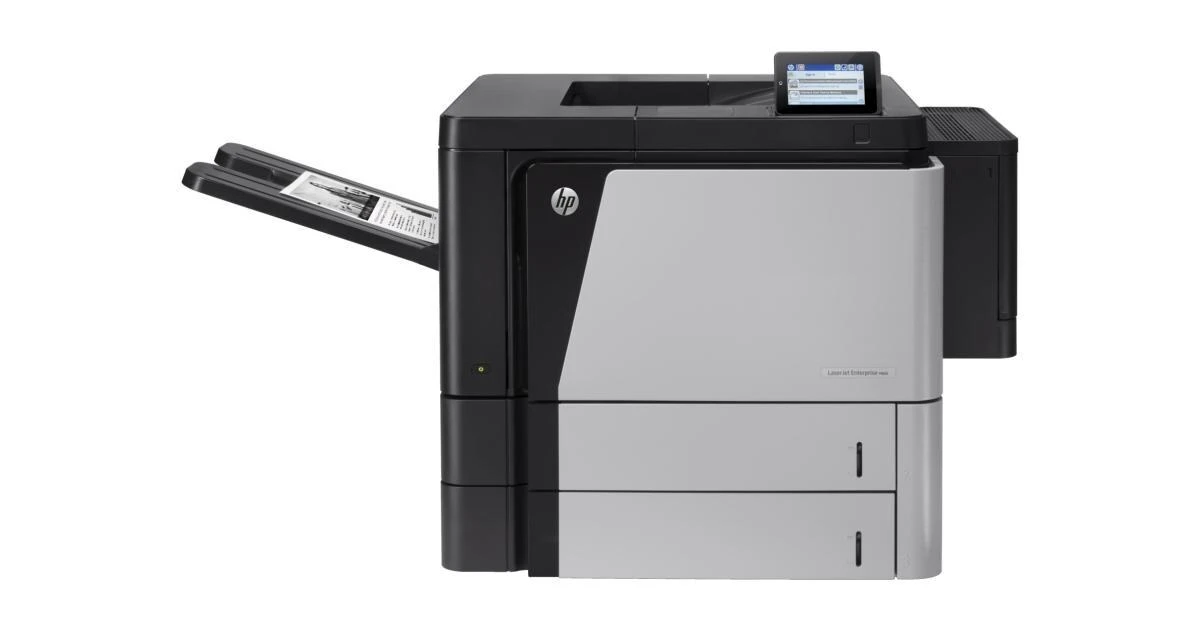
HP introduced the LaserJet M806X in the early-2010s as a mono single-function printer for high-volume departmental printing, and plenty of them are still on the job. For high-volume departmental printing, the LaserJet M806X remains a sensible pick — simple mechanics and consistently clean output.
Keeping the LaserJet M806X fed is simple thanks to the HP 25X family — the CF325X cartridge it shares with 18 other models. Our HP 25X lineup for the LaserJet M806X covers both bases — genuine OEM CF325X cartridges and dependable compatible alternatives.
Toner Cartridges for LaserJet M806X
This printer works with the following toner cartridges:
- HP CF325X
More HP Printers
- LaserJet Enterprise flow M830
- LaserJet Enterprise flow M830Z
- LaserJet Enterprise M806
- LaserJet Enterprise M806DN
- LaserJet Enterprise M806X
- LaserJet Enterprise M806X+
- LaserJet Enterprise M806X+ NFC
- LaserJet Enterprise M806Z
- LaserJet Enterprise M830Z
- LaserJet Enterprise MFP Flow M830
- LaserJet Enterprise MFP Flow M830Z
- LaserJet Enterprise MFP Flow M830Z NFC
- LaserJet M806
- LaserJet M806DN
- LaserJet M806X+
- LaserJet M806X+NFC
- LaserJet M806Z
- LaserJet MFP Flow M830
Frequently Asked Questions
What toner cartridges does the LaserJet M806X use?
The LaserJet M806X uses CF325X. Order by these exact codes — cartridges made for other HP families won't fit or won't be recognized.
How do I install a new toner cartridge in my LaserJet M806X?
Open the cartridge door on the LaserJet M806X and slide the old CF325X out by its handle — set it aside for recycling. Unpack the new CF325X, pull off its protective seal, and slide it straight in until it clicks. Close the door and print a test page from the LaserJet M806X to confirm.
What does the toner-low message on my LaserJet M806X mean?
The LaserJet M806X estimates toner from page counts rather than weighing the cartridge, so "low" means it's getting close — not that it's empty. Keep a spare CF325X on hand and swap it when print quality visibly fades. The warning usually clears on its own once the new cartridge is recognized.