




LaserJet Enterprise M806X+ NFC
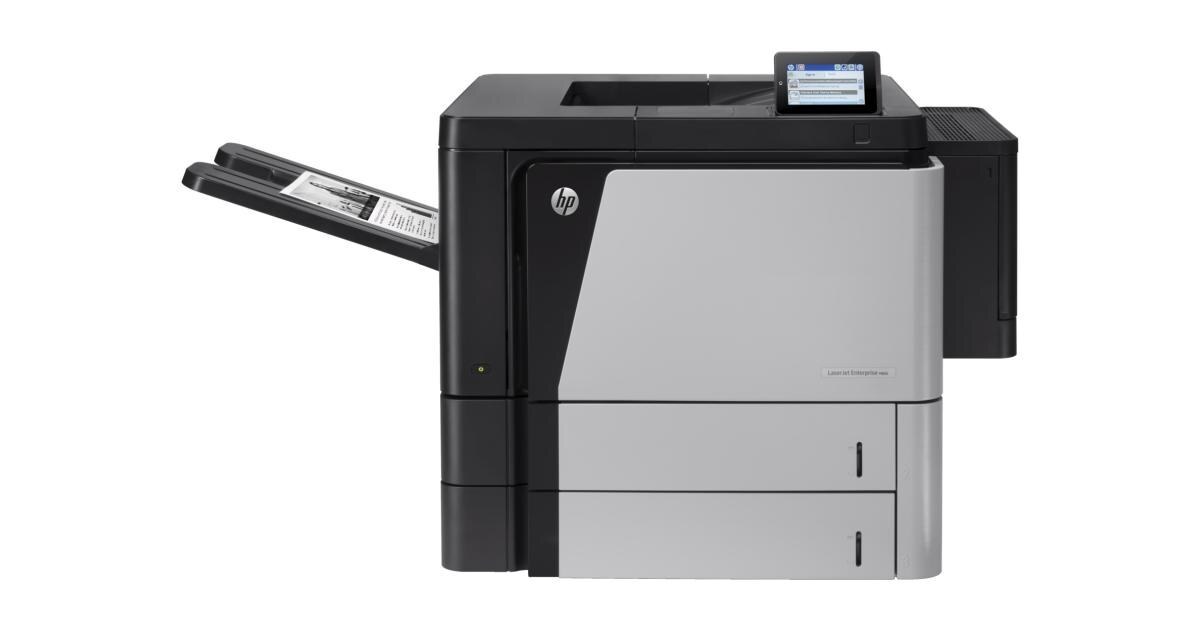
A early-2010s mono single-function printer, the LaserJet Enterprise M806X+ NFC reflects an era when printers were bought for durability first and features second. If your workload is high-volume departmental printing, the LaserJet Enterprise M806X+ NFC is the kind of printer that just keeps showing up.
The LaserJet Enterprise M806X+ NFC uses HP 25X cartridges, anchored by the CF325X — one of the most widely stocked HP cartridges of its generation. From the standard CF325X upward, our HP 25X selection keeps the LaserJet Enterprise M806X+ NFC supplied — in genuine OEM or quality-compatible form.
Toner Cartridges for LaserJet Enterprise M806X+ NFC
This printer works with the following toner cartridges:
- HP CF325X
More HP Printers
- LaserJet Enterprise flow M830
- LaserJet Enterprise flow M830Z
- LaserJet Enterprise M806
- LaserJet Enterprise M806DN
- LaserJet Enterprise M806X
- LaserJet Enterprise M806X+
- LaserJet Enterprise M806Z
- LaserJet Enterprise M830Z
- LaserJet Enterprise MFP Flow M830
- LaserJet Enterprise MFP Flow M830Z
- LaserJet Enterprise MFP Flow M830Z NFC
- LaserJet M806
- LaserJet M806DN
- LaserJet M806X
- LaserJet M806X+
- LaserJet M806X+NFC
- LaserJet M806Z
- LaserJet MFP Flow M830
Frequently Asked Questions
How do I know I'm buying the right toner for my LaserJet Enterprise M806X+ NFC?
Compare the code on the box with the LaserJet Enterprise M806X+ NFC's list: CF325X. HP makes look-alike cartridges for different printer families, so a code match is your guarantee.
How do I install a new toner cartridge in my LaserJet Enterprise M806X+ NFC?
Open the cartridge door on the LaserJet Enterprise M806X+ NFC and slide the old CF325X out by its handle — set it aside for recycling. Unpack the new CF325X, pull off its protective seal, and slide it straight in until it clicks. Close the door and print a test page from the LaserJet Enterprise M806X+ NFC to confirm.
Why is my LaserJet Enterprise M806X+ NFC printing blank or very light pages?
Blank or very light pages from the LaserJet Enterprise M806X+ NFC usually mean the sealing tape was left on the new cartridge or the CF325X is completely empty. Pull the cartridge, confirm the tape is removed, and reseat it. If the cartridge is new and seated properly, check the LaserJet Enterprise M806X+ NFC's toner gauge.