




LaserJet Enterprise M806X
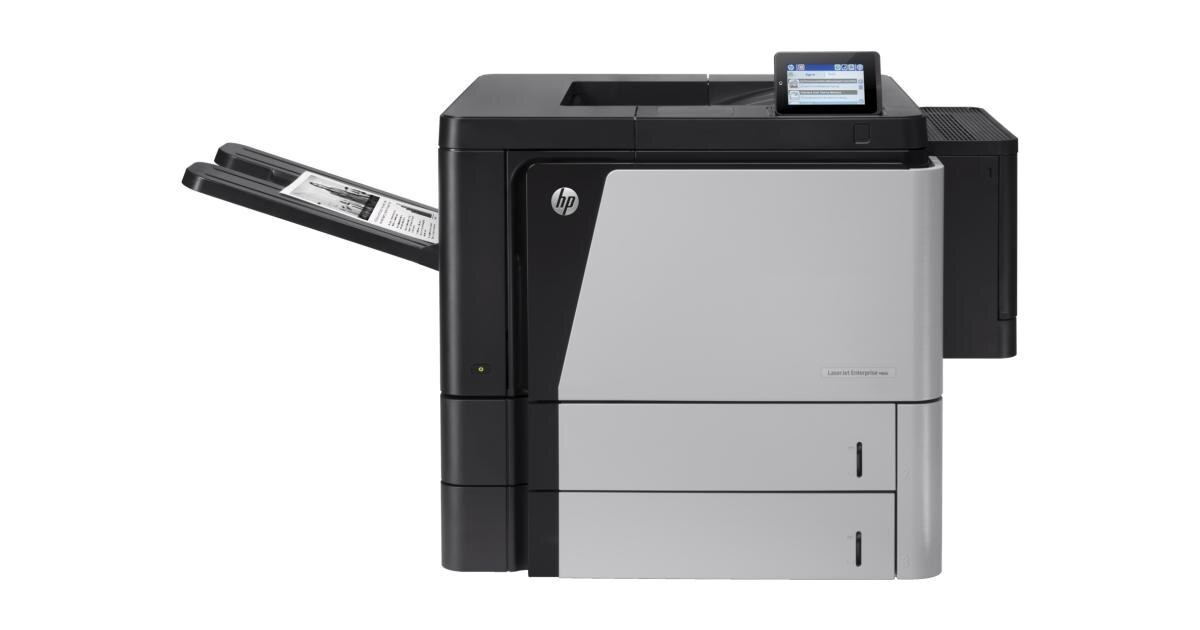
The HP LaserJet Enterprise M806X is exactly what its early-2010s badge suggests: a mono single-function printer made for high-volume departmental printing. So many LaserJet Enterprise M806X units are still in service because high-volume departmental printing is exactly what this printer was designed for.
For the LaserJet Enterprise M806X, toner means the HP 25X family: the CF325X cartridge, common to 18 models in the lineup. Pair the LaserJet Enterprise M806X with genuine OEM CF325X cartridges for maximum peace of mind, or stretch your budget with compatible HP 25X cartridges that print just as sharp.
Toner Cartridges for LaserJet Enterprise M806X
This printer works with the following toner cartridges:
- HP CF325X
More HP Printers
- LaserJet Enterprise flow M830
- LaserJet Enterprise flow M830Z
- LaserJet Enterprise M806
- LaserJet Enterprise M806DN
- LaserJet Enterprise M806X+
- LaserJet Enterprise M806X+ NFC
- LaserJet Enterprise M806Z
- LaserJet Enterprise M830Z
- LaserJet Enterprise MFP Flow M830
- LaserJet Enterprise MFP Flow M830Z
- LaserJet Enterprise MFP Flow M830Z NFC
- LaserJet M806
- LaserJet M806DN
- LaserJet M806X
- LaserJet M806X+
- LaserJet M806X+NFC
- LaserJet M806Z
- LaserJet MFP Flow M830
Frequently Asked Questions
Can I use any HP toner cartridge in the LaserJet Enterprise M806X?
No — the LaserJet Enterprise M806X only accepts CF325X. Toner cartridges are keyed to specific printer families, so one made for another HP model generally won't fit or be recognized. Stick to the codes listed for your LaserJet Enterprise M806X.
How should I store spare toner for the LaserJet Enterprise M806X?
Keep spare CF325X cartridges sealed in their original packaging until the LaserJet Enterprise M806X needs them — toner breaks down faster in heat and humidity. Store them flat in a cool, dry spot away from direct sunlight. Don't open a new cartridge until you're ready to install it.
Why is my LaserJet Enterprise M806X printing blank or very light pages?
Blank or very light pages from the LaserJet Enterprise M806X usually mean the sealing tape was left on the new cartridge or the CF325X is completely empty. Pull the cartridge, confirm the tape is removed, and reseat it. If the cartridge is new and seated properly, check the LaserJet Enterprise M806X's toner gauge.