




LaserJet Enterprise M806
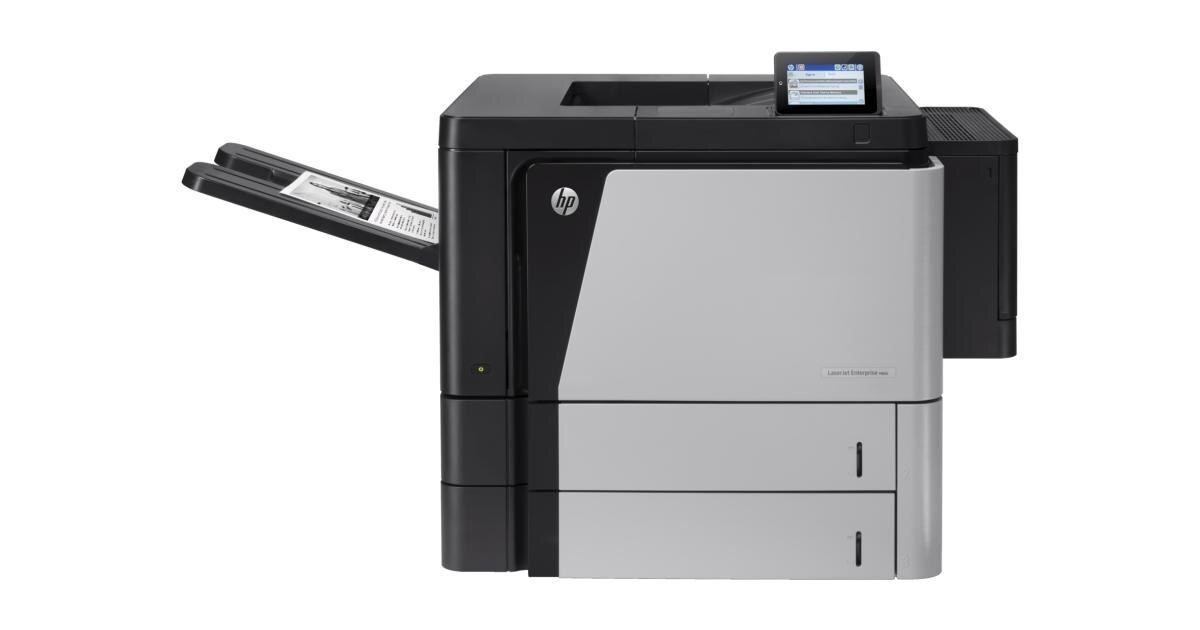
The HP LaserJet Enterprise M806 comes from the early-2010s, when a mono single-function printer was judged on uptime — and the LaserJet Enterprise M806 judged well. Day in and day out, the LaserJet Enterprise M806 proves itself at high-volume departmental printing — the kind of reliability that made LaserJet a fixture in offices.
HP built the LaserJet Enterprise M806 around the HP 25X cartridge family, so the CF325X you need is the same one 18 sibling models use. Whether you want the OEM CF325X or a compatible HP 25X cartridge for the LaserJet Enterprise M806, both are made to deliver the crisp output this printer is known for.
Toner Cartridges for LaserJet Enterprise M806
This printer works with the following toner cartridges:
- HP CF325X
More HP Printers
- LaserJet Enterprise flow M830
- LaserJet Enterprise flow M830Z
- LaserJet Enterprise M806DN
- LaserJet Enterprise M806X
- LaserJet Enterprise M806X+
- LaserJet Enterprise M806X+ NFC
- LaserJet Enterprise M806Z
- LaserJet Enterprise M830Z
- LaserJet Enterprise MFP Flow M830
- LaserJet Enterprise MFP Flow M830Z
- LaserJet Enterprise MFP Flow M830Z NFC
- LaserJet M806
- LaserJet M806DN
- LaserJet M806X
- LaserJet M806X+
- LaserJet M806X+NFC
- LaserJet M806Z
- LaserJet MFP Flow M830
Frequently Asked Questions
Can I use any HP toner cartridge in the LaserJet Enterprise M806?
No — the LaserJet Enterprise M806 only accepts CF325X. Toner cartridges are keyed to specific printer families, so one made for another HP model generally won't fit or be recognized. Stick to the codes listed for your LaserJet Enterprise M806.
Why won't my LaserJet Enterprise M806 print after a cartridge change?
If the LaserJet Enterprise M806 won't print after a cartridge change, confirm the new CF325X is fully seated and its sealing tape was removed. Read any message on the printer's display and follow its steps. Removing and reinserting the cartridge with the printer powered on usually clears recognition errors.
Why does my LaserJet Enterprise M806 show a non-HP cartridge message?
The LaserJet Enterprise M806 shows that message when it detects a cartridge not manufactured by HP. Compatible cartridges usually print normally once you acknowledge the notice. If the printer refuses to print, read the on-screen instructions and contact your cartridge supplier.