




LaserJet Enterprise M830Z
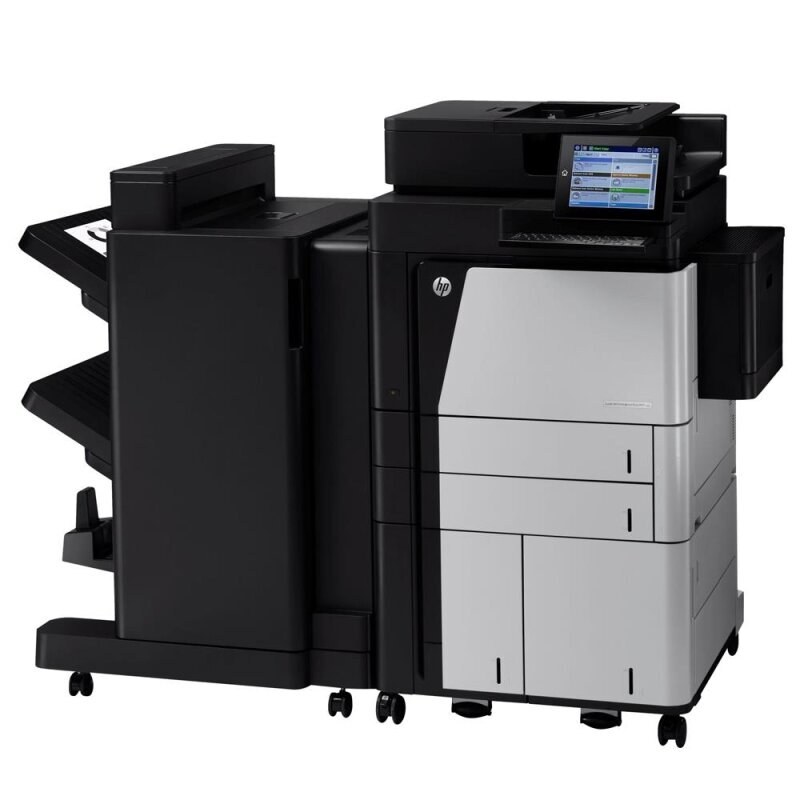
As a early-2010s mono single-function printer, the LaserJet Enterprise M830Z earned its reputation the slow way — page after page of clean, reliable output. So many LaserJet Enterprise M830Z units are still in service because high-volume departmental printing is exactly what this printer was designed for.
Supplies for the LaserJet Enterprise M830Z are straightforward: it takes the HP 25X family (CF325X), a cartridge line shared across 18 sibling models. From the standard CF325X upward, our HP 25X selection keeps the LaserJet Enterprise M830Z supplied — in genuine OEM or quality-compatible form.
Toner Cartridges for LaserJet Enterprise M830Z
This printer works with the following toner cartridges:
- HP CF325X
More HP Printers
- LaserJet Enterprise flow M830
- LaserJet Enterprise flow M830Z
- LaserJet Enterprise M806
- LaserJet Enterprise M806DN
- LaserJet Enterprise M806X
- LaserJet Enterprise M806X+
- LaserJet Enterprise M806X+ NFC
- LaserJet Enterprise M806Z
- LaserJet Enterprise MFP Flow M830
- LaserJet Enterprise MFP Flow M830Z
- LaserJet Enterprise MFP Flow M830Z NFC
- LaserJet M806
- LaserJet M806DN
- LaserJet M806X
- LaserJet M806X+
- LaserJet M806X+NFC
- LaserJet M806Z
- LaserJet MFP Flow M830
Frequently Asked Questions
Can I use any HP toner cartridge in the LaserJet Enterprise M830Z?
No — the LaserJet Enterprise M830Z only accepts CF325X. Toner cartridges are keyed to specific printer families, so one made for another HP model generally won't fit or be recognized. Stick to the codes listed for your LaserJet Enterprise M830Z.
Why won't my LaserJet Enterprise M830Z print after a cartridge change?
If the LaserJet Enterprise M830Z won't print after a cartridge change, confirm the new CF325X is fully seated and its sealing tape was removed. Read any message on the printer's display and follow its steps. Removing and reinserting the cartridge with the printer powered on usually clears recognition errors.
How do I fix faded or streaky prints on my LaserJet Enterprise M830Z?
Check the toner level first — the LaserJet Enterprise M830Z flags a low CF325X before quality drops. Try reseating the cartridge and running a cleaning cycle from the printer's maintenance menu. If streaks persist with a fresh CF325X, the issue is likely elsewhere in the paper path.